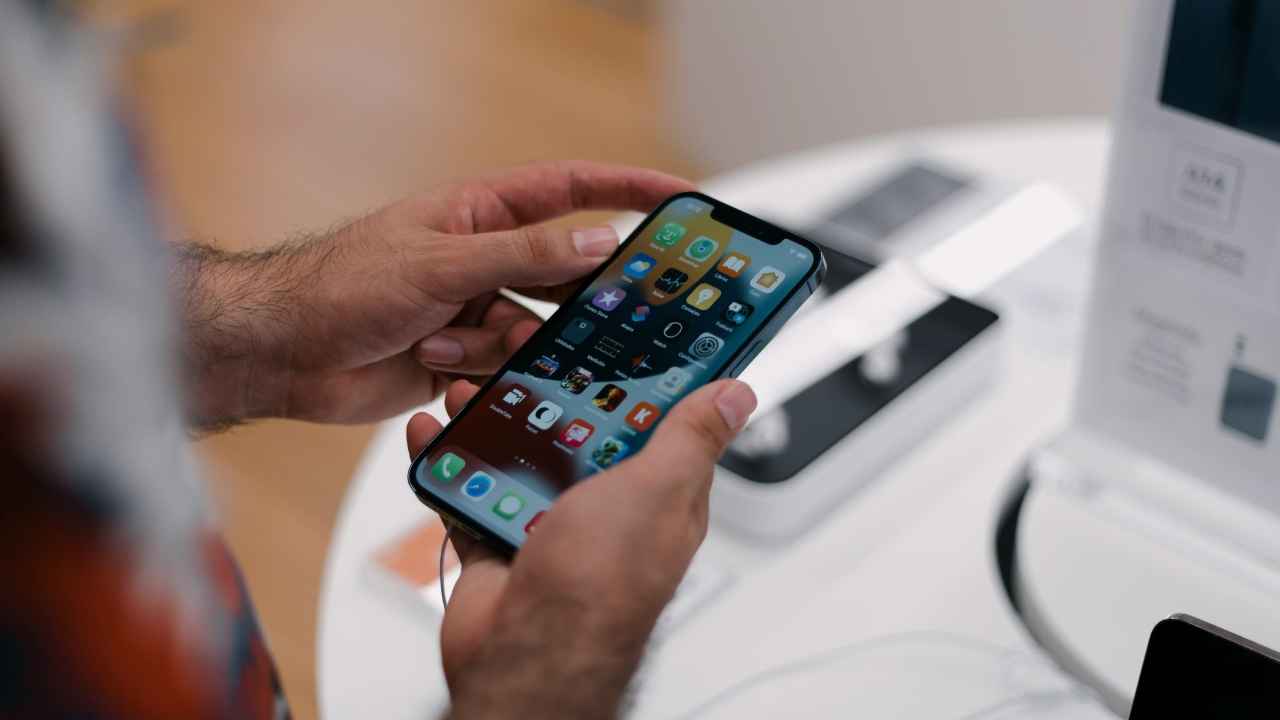
In the world of mobile devices, the IMEI (International Mobile Equipment Identity) of your phone is almost equivalent to the Aadhaar card that every person holds. It is a unique 15-digit code that distinguishes your specific phone from every other mobile that exists on the planet. This is a major reason why it is recommended that you know about the IMEI digits of your mobile device, as it can come in handy during a lot of situations. Let’s take a deep dive into how you can check the IMEI of your phone and why it matters.
Also Read: How to create a mandatory APAAR ID for students online for free
First up, let’s take a look at how you can check the IMEI digits of your mobile phone. The fastest method of checking the number, regardless of whether you use an iPhone or Android, is by using the dialer app on your mobile device. Follow the steps below:
In case you’re on a device that does not have a dialer, for example, an Android tablet or an iPad, then there’s another method you can use to check the IMEI number. Instead of going to the dialer app, you’d have to go to the settings menu to find the IMEI number. Follow the steps below:
On iPadOS
On an Android tablet
In case you’ve lost access to your mobile device or tablet, then there’s another way to check the IMEI number of your device. Every manufacturer prints the IMEI number on the box of their devices, usually in the form of a sticker printed on the box. So for emergencies, make sure you keep your mobile phone boxes.
Many might be wondering why the IMEI number actually matters. Well, in case you didn’t know, there are a lot of use cases for it. First and foremost, in case your phone gets stolen, and you go to the police to seek help, the first thing they will ask for is the IMEI number to file an official complaint.
Not only that, but if you can provide the IMEI number to your network carrier, they will also be able to blacklist the device. This is very helpful, as then the device would be turned off from network usage, rendering it unusable for the thief.
Not only that, but if you’re purchasing a second-hand phone, you should always run the IMEI through an IMEI check service. By doing this, you can get a detailed report of the old device. From the number, you will be able to find out if the phone might have been reported stolen, is still under finance, or has been cloud-locked by a previous owner.
Also Read: Karnataka plans social media ban for under-16s, internet reacts with mixed views