Google Chrome has always been more than a browser. Since its launch in 2008, it has shaped how billions of people interact with the internet, offering speed, simplicity, and security. But in 2025, Chrome is stepping into a new role altogether. With Gemini, Google’s most advanced AI model, baked directly into the browser, Chrome is transforming from a passive window to the web into an intelligent, proactive companion.
This is not just an incremental update. It’s a complete reimagining of what a browser can do. From summarizing the flood of online information to shielding users from scams and even acting as a personal assistant, Gemini promises to change the way we experience the internet.
Here’s a detailed look at what’s new, how these features work, and why they matter.
Also read: World programming championship: How ChatGPT, Gemini and AI bots performed
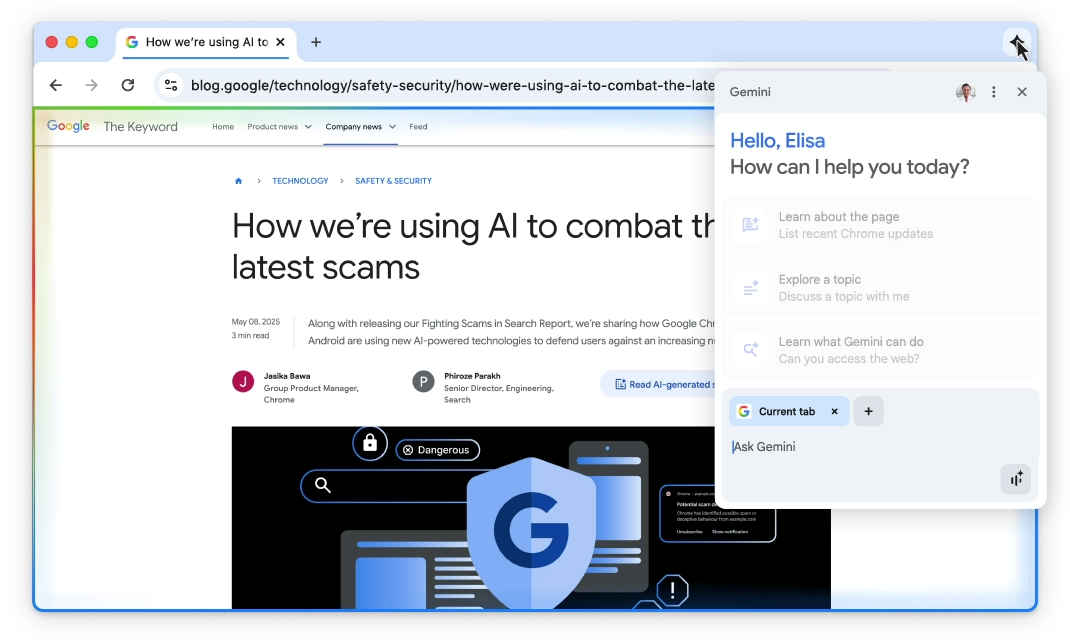
The headline feature is the direct integration of Gemini into Chrome. Unlike older versions of Chrome where AI felt like an add-on, Gemini is woven deeply into the browsing experience.
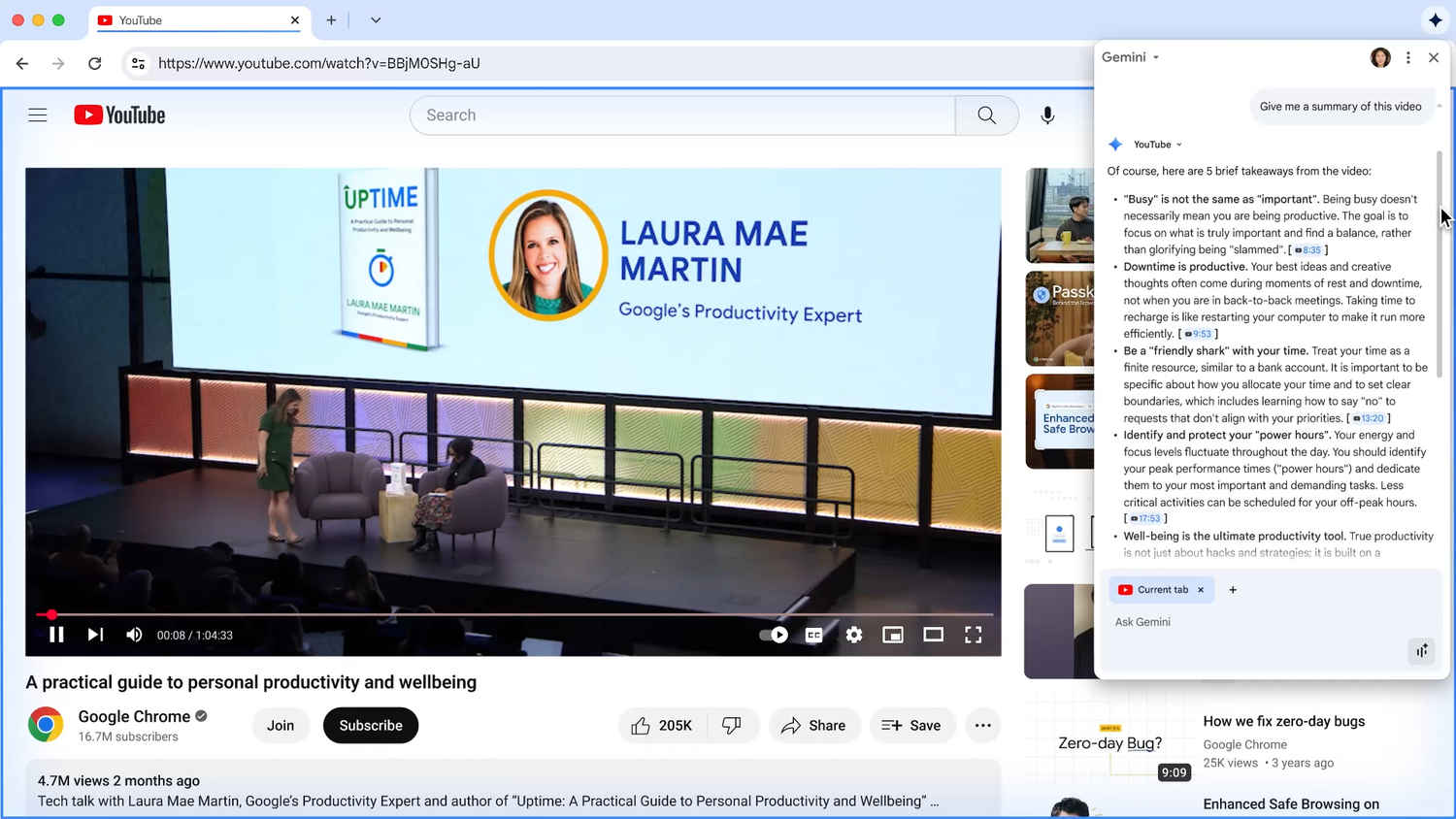
The most obvious benefit is smarter information handling. Take the classic example of planning a holiday. Normally, you’d open a dozen tabs – hotels, flights, attractions, local guides – and bounce between them. Gemini can scan across these tabs and present you with a single summary or even a suggested itinerary.
The idea is simple: instead of the user doing the heavy lifting, the browser now takes on the cognitive load.
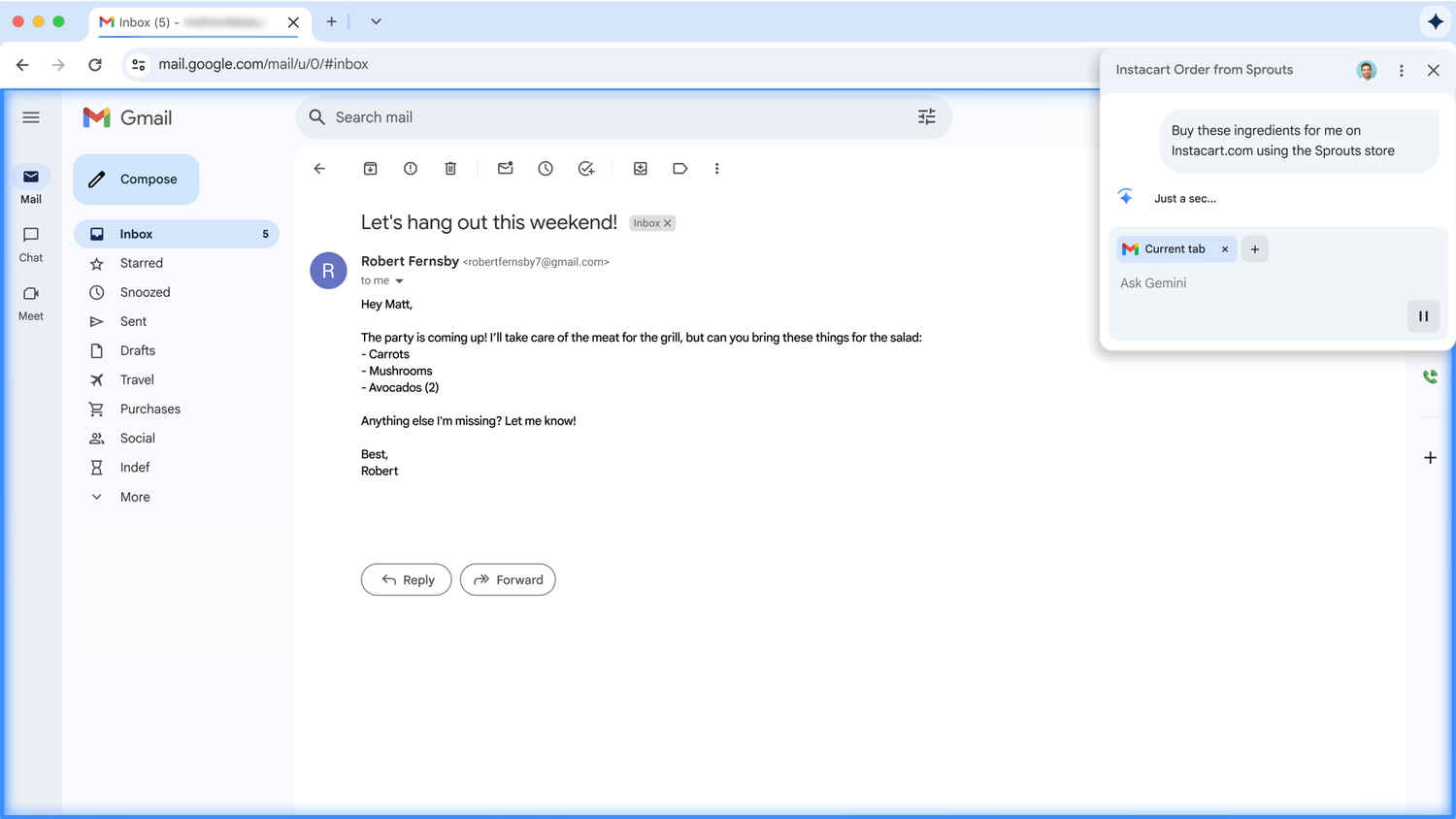
Google calls this next step “agentic browsing”and it’s exactly what it sounds like. Gemini is no longer just an assistant answering questions; it’s an agent that can act on your behalf.
Booking a doctor’s appointment? Ordering groceries for the week? Registering for a class online? Instead of you clicking through menus and filling out forms, Gemini can handle the task once you tell it what you want done.
For everyday users, this could mean shaving minutes off routine tasks. For businesses, it could mean employees spending less time on repetitive online actions and more time on meaningful work.
Chrome’s omnibox, the address bar at the top, has always been a defining feature. It blurred the line between search and navigation. Now, it’s evolving again.
With Gemini, the omnibox becomes conversational. Instead of typing “best laptops 2025 reviews” and sifting through links, you could type “Which 2025 laptops under ₹70,000 are best for video editing?” Gemini can return not just links, but contextual answers, summaries, and even follow-up suggestions.
Also read: Google search app for Windows PC coming soon: How will it work?
Even better, it adapts to the page you’re already on. Reading a research paper? The omnibox can suggest questions about methodology or summarize results. Shopping for a gadget? It can highlight pros, cons, and alternatives.
One of Chrome’s quirks and frustrations has always been tab overload. With dozens of open tabs, it’s easy to lose track of what’s where. Gemini turns this chaos into clarity by summarizing information across multiple tabs and distilling it into something actionable.
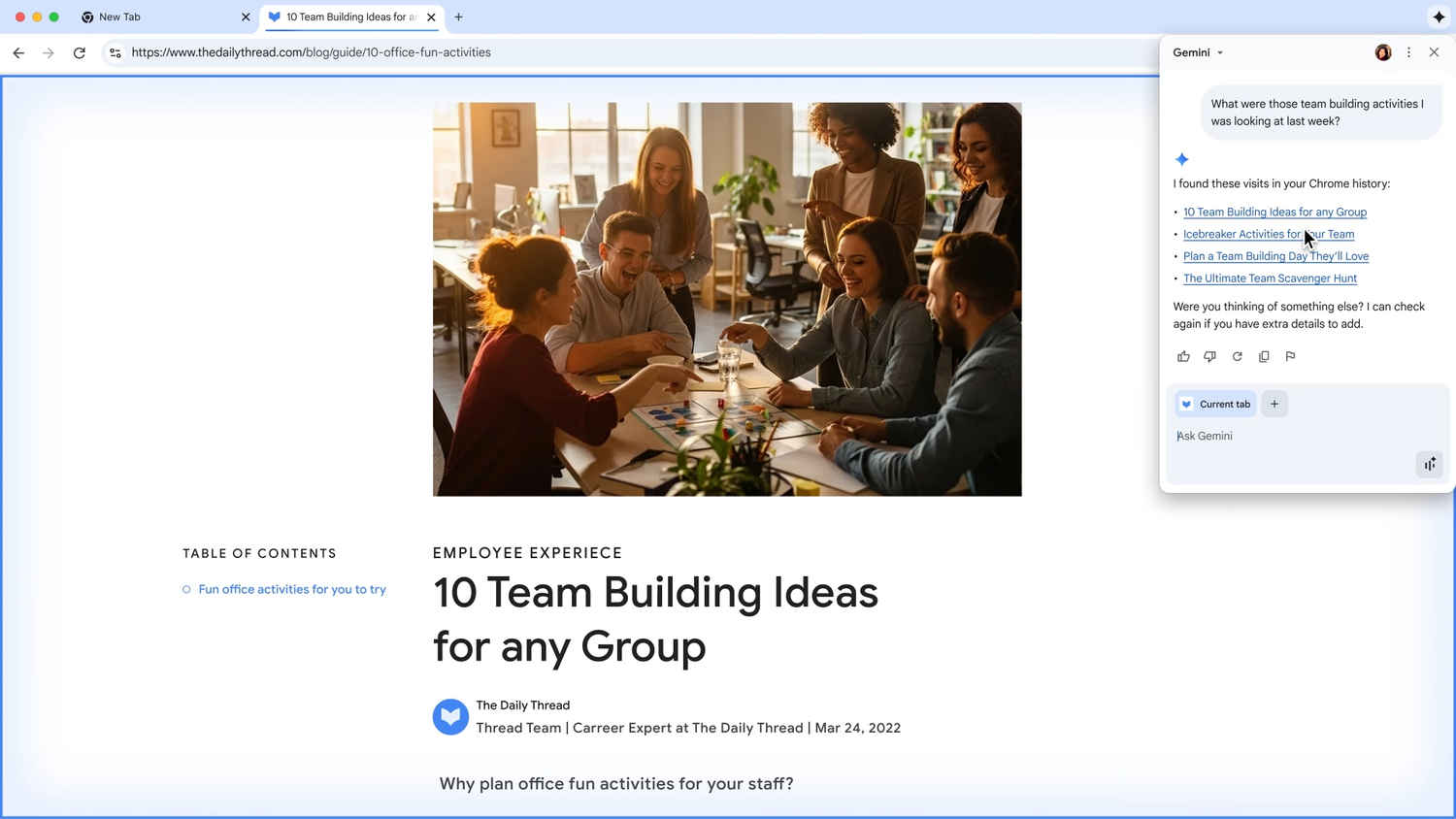
The AI also works with your browsing history. Can’t remember the name of the Thai restaurant you saw last week? Just ask Gemini. Instead of manually scrolling through your history, it can surface the exact site you’re thinking of.
This transforms Chrome from a browser into an extended memory for your online life.
Browsing isn’t just about convenience, it’s also about safety. Chrome has always had strong protections, but scams have grown more sophisticated. Fake virus alerts, fraudulent giveaways, and bogus tech-support warnings are now harder to spot.
Gemini strengthens Chrome’s defenses against online scams by using AI to recognize patterns and flag suspicious activity. It also improves how Chrome handles notifications and permissions. Instead of constantly interrupting you with pop-ups, Chrome can intelligently block spammy or risky requests, while still letting through the ones that matter.
In places where phishing scams and fake pop-ups are common, this is likely to become one of the most valuable features once it rolls out.
Passwords remain the internet’s weakest link. Chrome’s built-in password manager is already popular, but Gemini adds a new layer: AI-assisted password changes.
If Chrome detects a compromised password, it won’t just alert you. On supported sites such as Coursera, Spotify, H&M, and Duolingo, it can now help you reset your password with one click. That means stronger security without the headache of navigating settings or forms.
Another advantage of Gemini inside Chrome is how seamlessly it integrates with Google’s wider suite of apps.
This tighter ecosystem makes Chrome a central hub, not just for browsing the web but for coordinating your digital life.
The arrival of Gemini in Chrome isn’t just about convenience. It signals a broader shift in how we interact with technology. Browsers used to be static tools, they waited for input and delivered results. Now, they’re becoming dynamic assistants capable of taking initiative.
For students, this could mean faster research and simpler note-taking. For professionals, it could mean cutting down on repetitive online tasks. For everyday users, it’s about safety, summaries, and smarter navigation.
Right now, the new Gemini-powered features are rolling out in the U.S. first, in English, for Mac and Windows. Mobile users on Android and iOS will follow, with international availability expected later.
Google hasn’t given a fixed timeline for international rollout, but considering Chrome’s massive footprint, the rollout is likely to happen in phases over the coming months.
What we’re seeing with Gemini in Chrome is just the beginning. As AI becomes more capable, browsers may soon handle even more complex tasks – like negotiating prices, drafting professional documents based on your research, or even building custom dashboards for projects automatically. Chrome is no longer just a browser. With Gemini, it’s becoming your personal AI-powered window to the internet.
Also read: Gemini Nano Banana viral trends: Fun AI edits, serious privacy questions