Google has been releasing detailed design documentation and development tools related to its forthcoming Android XR glasses platform. 9to5Google has found updated instructions that tell how users will be able to control and navigate these glasses. Read on to know what to expect in terms of their hardware controls, software navigation, display behaviour and thermal dissipation. This should give you an idea of what the overall Android XR experience will look like.
Google has officially named the two hardware categories:
Importantly, users can turn off the display at any time. This means you can have visuals when needed or enjoy voice-only when preferred. It also indicates that Google sees voice and AI interaction, likely powered by Gemini, as central to the platform rather than just an add-on.
Also Read: Best smart glasses with AI, AR and VR you can buy in India
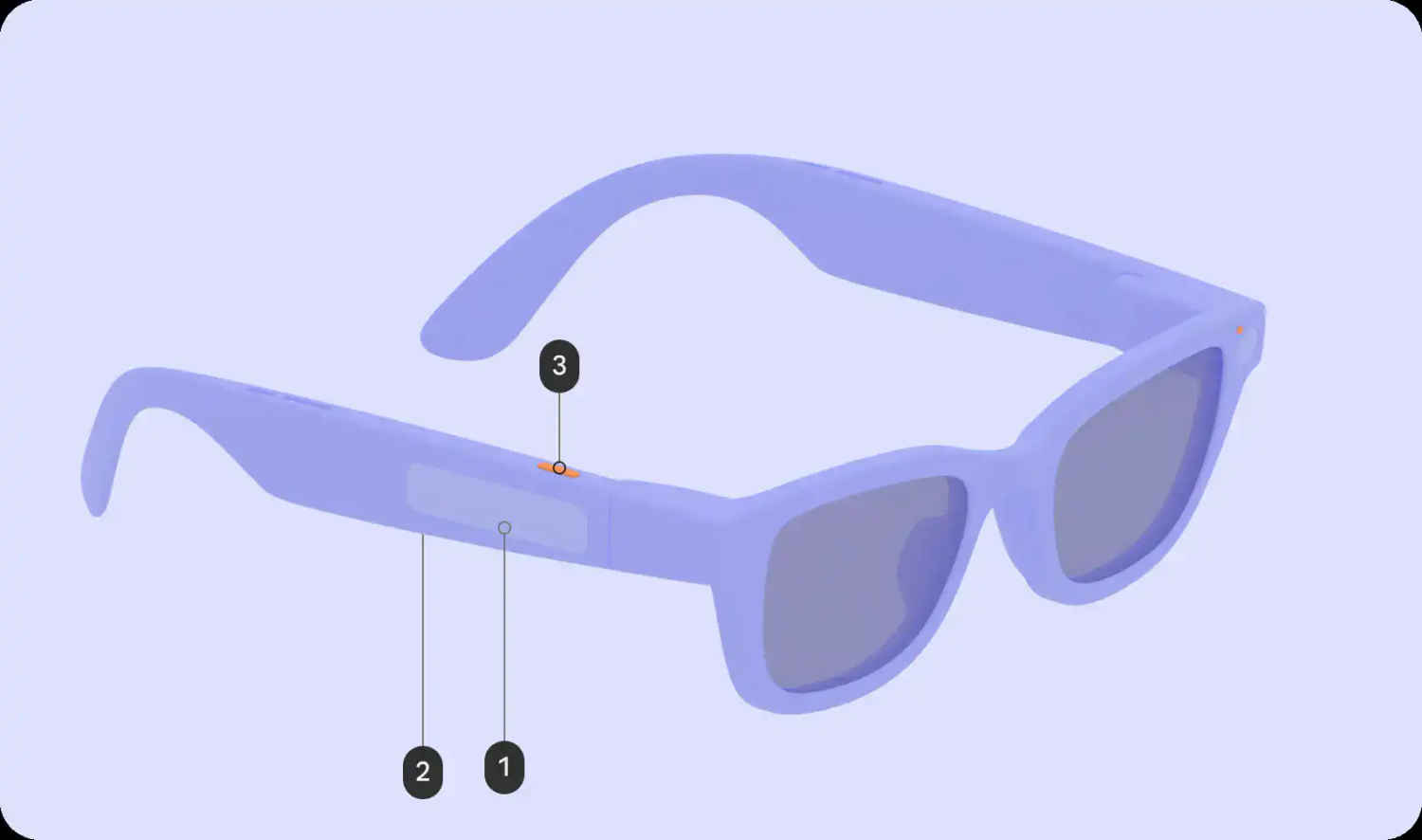
Google is standardising key physical controls across all Android XR glasses. Every device must include:
Models with displays will also feature a separate display button, typically placed on the underside of the stem. It allows users to wake or sleep the screen, effectively switching between visual and audio-only modes.
The camera button supports multiple actions. A single tap captures a photo, while a long press records video. Pressing again stops recording, and a double press launches the Camera app.
You can use the touchpad through these gestures:
On display models, swipes also handle scrolling, focus movement and button selection inside apps.
Each device will include two LEDs, one visible to the wearer and one to bystanders. These act as system indicators for whether the device is on, off, whether it is recording, etc. Developers cannot modify these LEDs. So, you see, Google is standardising privacy cues across the ecosystem.
On Display AI Glasses, users will see a home screen that Google compares to a smartphone lockscreen. At the bottom sits a persistent system bar showing time, weather, notifications, alerts and Gemini feedback.
Above it, users can view contextual, glanceable information, suggested shortcuts to likely next actions, and ongoing activities when multitasking.
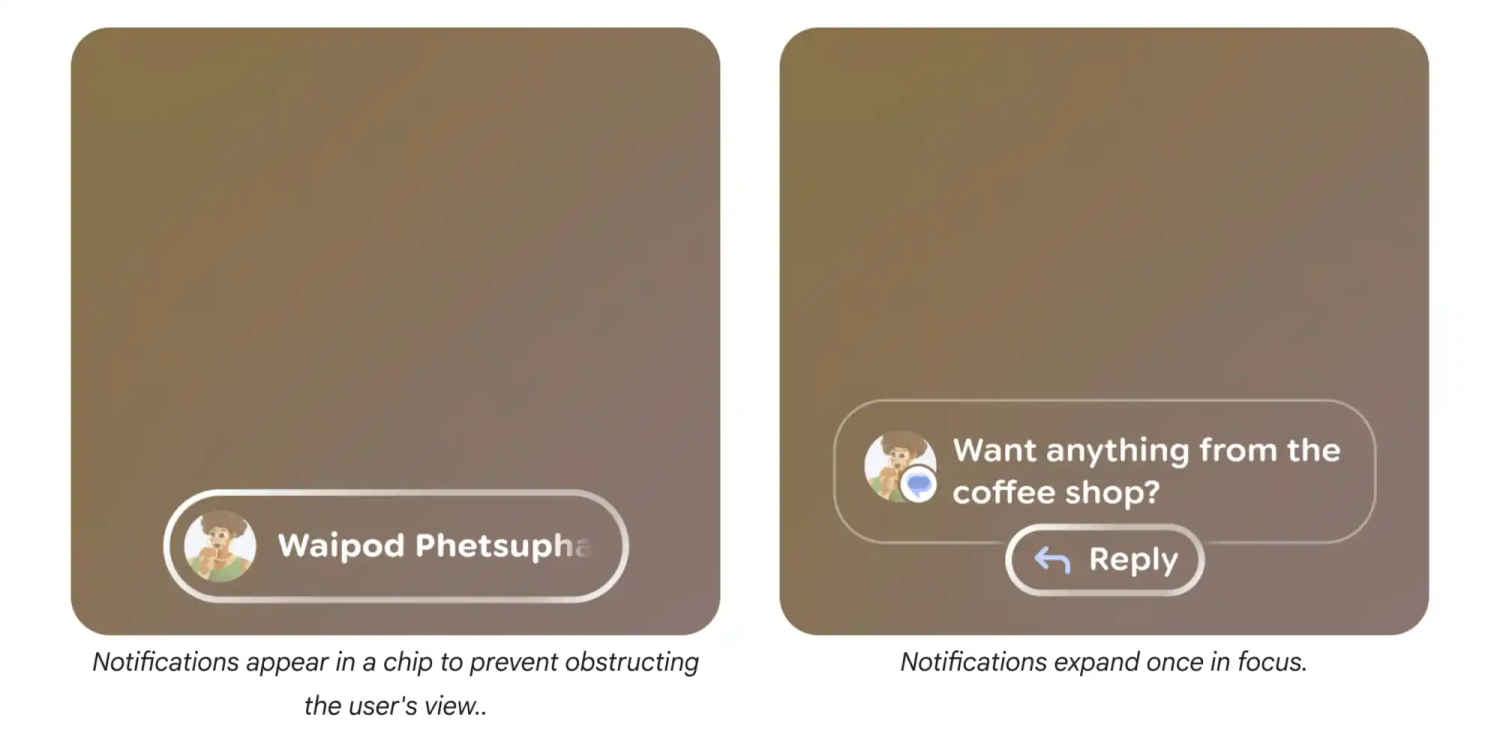
Notifications appear as pill-shaped chips, and you can select to expand them.
Google has chosen ‘Glimmer’ design language for Android XR glasses with guidelines for soft corners, what colours to choose based on power and heat efficiency, Material Symbols Rounded as the standard icon, and the use of a stack layout that shows one piece of content at a time.
So, you can expect consistency across brands employing the Android XR platform. Google’s approach includes a combination of physical buttons, touch gestures and voice control in a lightweight glasses format. By requiring apps to function without a display, Google is prioritising AI-driven, voice-first interaction as a core experience.
Let’s see how the end products pan out. Keep reading Digit.in for similar updates.
Also Read: Meta smart glasses may get facial recognition feature: Report