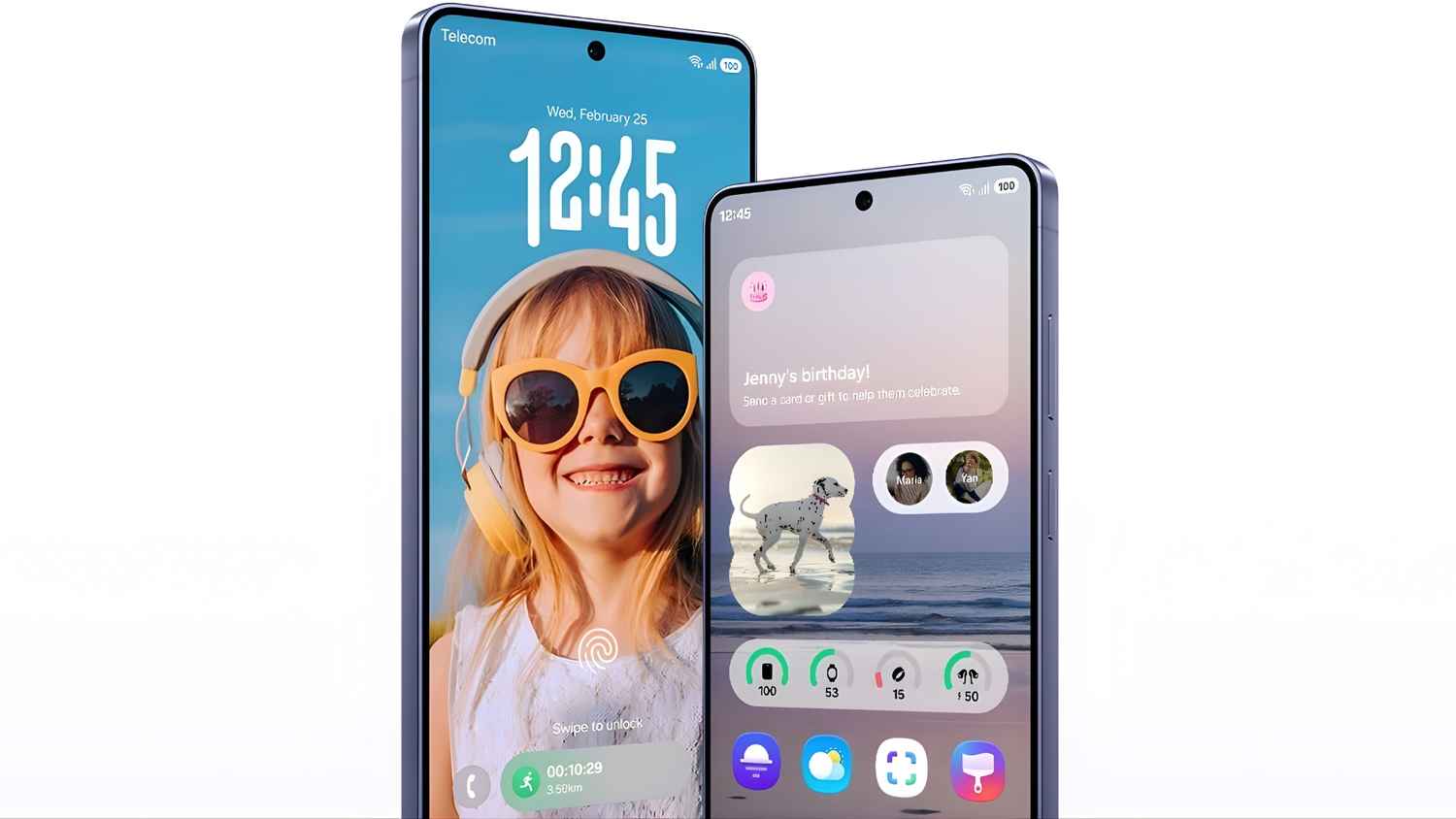
Samsung One UI 8.5 beta now available for new Galaxy phones: Check features and more details here
One UI 8.5 beta is now available for Galaxy S25 series.
New update includes Android 16 features and enhanced Galaxy AI.
Support added for Galaxy Z Fold 6 and S24 series.
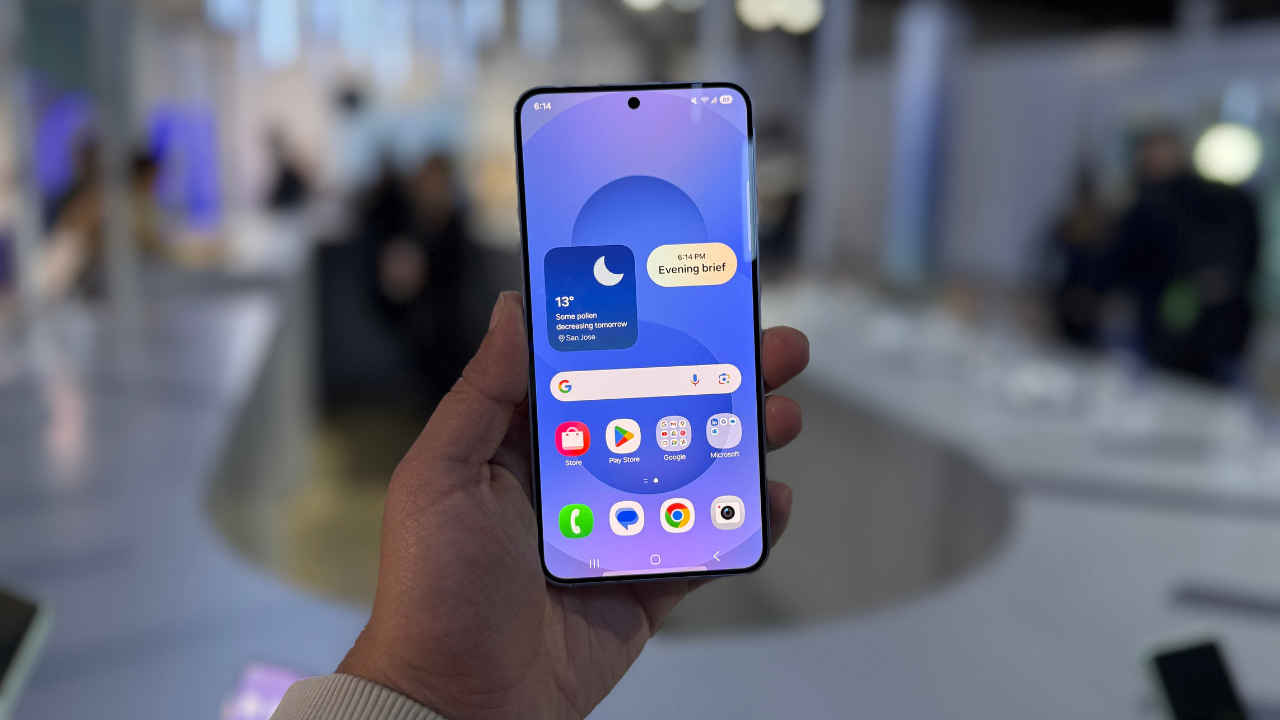
With the release of the Samsung Galaxy S26 series, the company has also rolled out the latest One UI update, which is version 8.5. Since the release of the latest software, many new features have also been spotted, as everyone on the latest S26 series devices has been digging through the software. Though not every Samsung phone has received the update so far. But recently, there has been a new development, as reports suggest a few more devices from Samsung’s flagship lineup have started to receive the update. Let’s take a look at the list of devices, the new features, and how you can update your device.
Also Read: Google Pixel 11 launch timeline, specifications, price and everything else we know
One UI 8.5 beta: New devices added
While the Galaxy S26 series came with the update out of the box, Samsung has finally started rolling out the update for some of its older devices. The S25 series has already started receiving the One UI 8.5 beta update. Most recently, though, the devices mentioned below have started receiving the update:
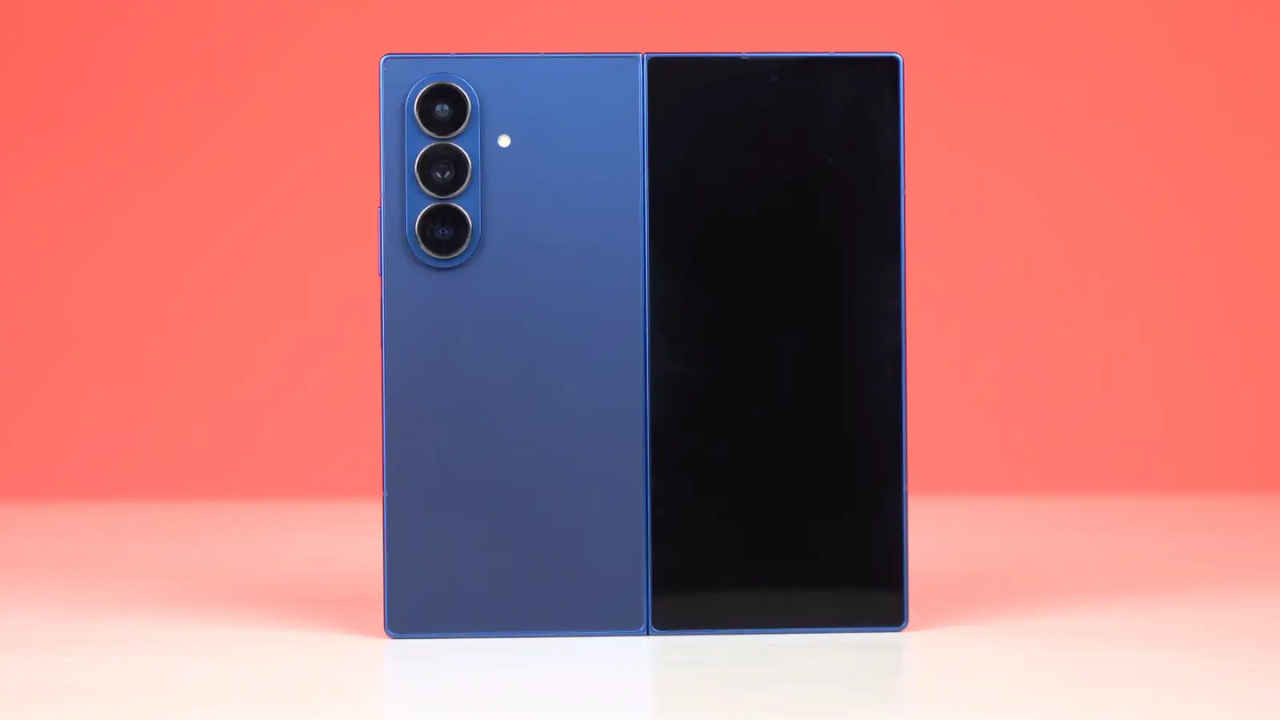
- Galaxy Z Fold 6
- Galaxy Z Flip 6
- Galaxy S24 Series
- Galaxy S24 FE
- Galaxy S25 FE
- Galaxy Tab S11 Series
One UI 8.5 beta: Features
Like One UI 8, the latest version, One UI 8.5, is also based on the latest Android 16. But even then, it has a variety of new features. It features new and enhanced AI features and even more customisation options than before, along with new and improved security features.
There’s a completely new and redesigned Quick Settings menu panel and a new “Now Bar” navigation. Along with that, it now comes with an improved Photo Assist feature. There’s also support for partial screen recording and enhanced Galaxy AI integration. Speaking of the security tools, improvements have also been made to theft protection.
One UI 8.5 beta: How to update your phone?
In case you’re wondering how to update your Samsung phone to the latest One UI 8.5 beta, don’t worry, as the process is very simple. You can easily do it in a few minutes since the beta programme is open to everyone. You just need to make sure that your device is on the list of eligible devices for the update. Follow the steps below:
- First up, download the Samsung Members app from either the Galaxy Store or the Google Play Store.
- Open the app and log in to your Samsung account. If you don’t have one, you’ll need to create one to install the beta update.
- In the app, enter and participate in the “Beta Program” space via the home banner.
- Once that’s done, you can now just go to the software update page in the settings app.
- In the download and install update option, you will see the option to update your phone to the latest beta version available for your phone.
- Click on update, and wait for the update to download. After which, you can just click on ‘install’ to restart and update the phone to the latest version.
Note: Before installing any beta software, Samsung generally recommends backing up your personal data. That’s because beta updates sometimes have a chance to cause data loss. Backing up the phone is pretty simple and can be done with a computer using the Samsung Smart Switch application.
Also Read: Samsung Galaxy Z Fold 8 leaks: Price in India, launch timeline, battery, camera and more