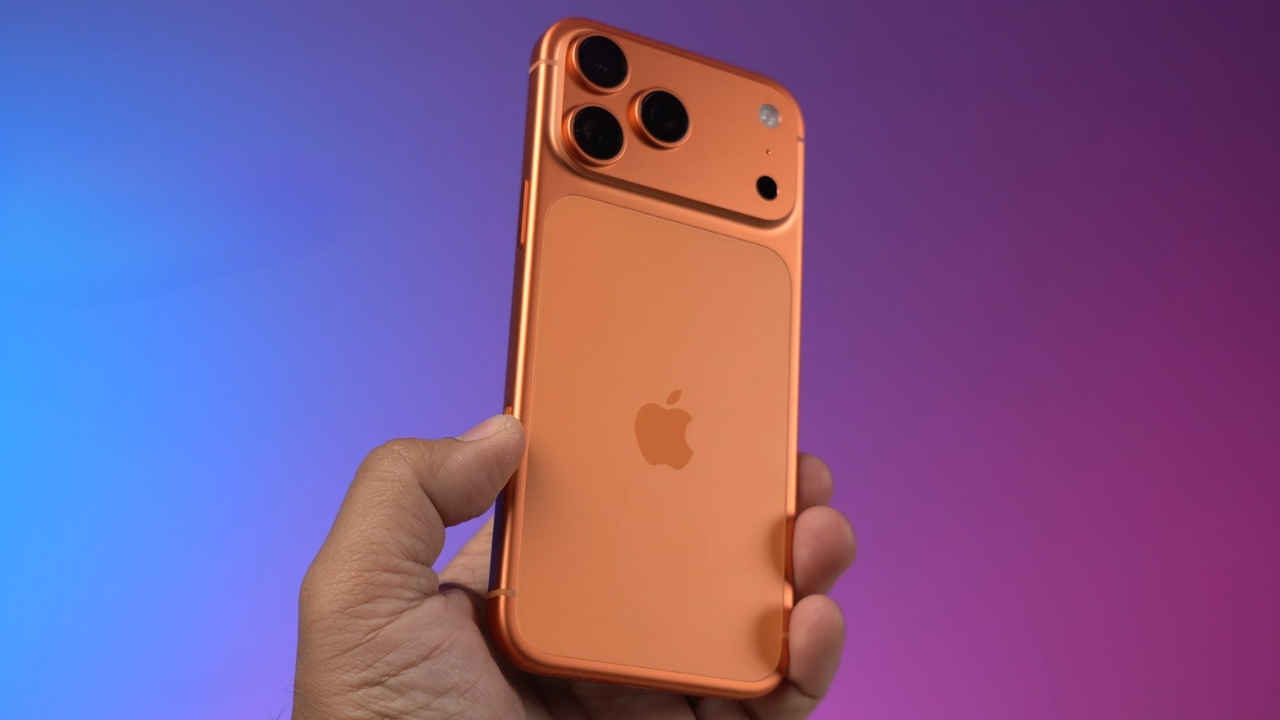
Apple has started rolling out the iOS 26.1 update for iPhone users.
With iOS 26.1, Apple has added a new Liquid Glass setting that lets users choose between two visual styles
While the Clear option keeps the clear, translucent look from iOS 26, the Tinted option adds a frosted layer that increases opacity.
Apple has started rolling out the iOS 26.1 update for iPhone users. This update brings several improvements, with a major focus on making the interface easier to read and use. The highlight of this release is the new option for Apple’s Liquid Glass design. For those unaware, Liquid Glass was introduced with iOS 26 but received mixed feedback from users because of its transparency. iOS 26.1 aims to fix that with a simple new setting that gives users more control over how the interface looks.
Keep reading to know what’s new in the iOS 26.1 update, how to download it and other details.
Apple iOS 26.1 key new features
With iOS 26.1, Apple has added a new Liquid Glass setting that lets users choose between two visual styles. While the Clear option keeps the clear, translucent look from iOS 26, the Tinted option adds a frosted layer that increases opacity which makes text and icons stand out more clearly, improving visibility.
The update also includes improvements across Apple’s apps and features. Apple Music now has a MiniPlayer swipe gesture to quickly move to the next or previous track. AirPods’ Live Translation now also supports Chinese (Simplified and Traditional), Japanese, Korean, and Italian. Fitness enthusiasts can manually log workouts right from the Fitness app. FaceTime calls will also sound better in poor network conditions.
Also read: OpenAI and Amazon sign $38 bn deal for ChatGPT-maker to use AWS: Here’s how the partnership works
Additionally, Apple has strengthened parental controls. Communication Safety and Web content filters that block adult content are now turned on by default for child accounts aged 13 to 17, depending on the region.
Also read: Samsung Galaxy Z Flip 6 available with over Rs 43,500 on Amazon: How to grab this deal
Apple iOS 26.1 how to download
To install iOS 26.1, open the Settings app on your iPhone, go to General, and select Software Update. Follow the on-screen instructions to download and install the latest version.
Apple iOS 26.1 supported devices
iOS 26.1 is available for all devices that can run iOS 26, which includes the iPhone 11 and newer models, as well as the iPhone SE (2nd generation).