Happy Holi 2025 WhatsApp status video: Download short videos to share on WhatsApp, Facebook and Instagram
Easily download and share Holi WhatsApp Status Videos with festive greetings.
Customize your status with cheerful Happy Holi messages and colorful emojis.
Use creative Holi videos to connect with friends and family on social media platforms.
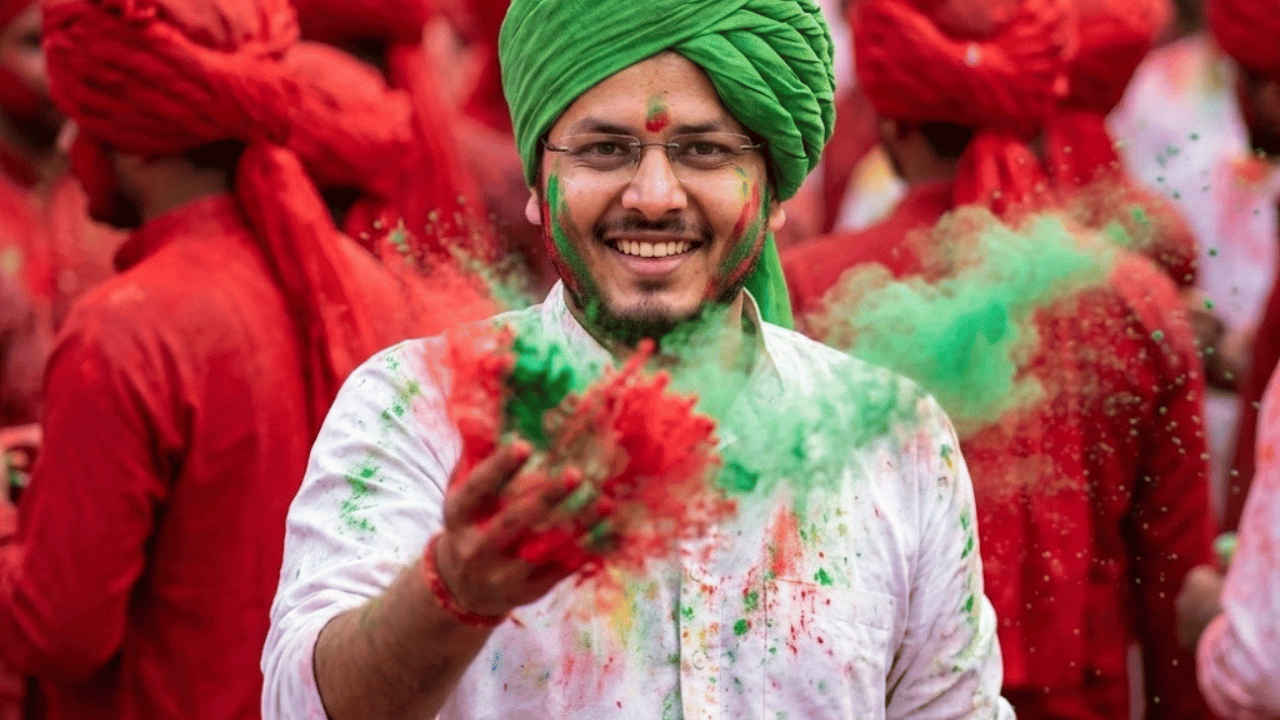
Holi WhatsApp Status Video Download: Holi is known as the festival of colours and why not, it is one of the most vibrant and joyful celebrations in India. Celebrated on the full moon day of the Hindu month of Phalguna, Holi signifies the triumph of good over evil and marks the arrival of spring season. The festival is celebrated with a lot of enthusiasm as people come together to smear colours, share sweets, eat good food and enjoy festive music. This festival is also known for strengthening the bonds letting go of past grievances and spreading love and happiness all over the surroundings.
In order to enhance the festive spirit, you can use digital WhatsApp Status videos, Instagram Reels, Stories, Facebook Stories, or posts to the people with whom you are not in touch. Additionally, it is an easy way to share Happy Holi wishes 2025 rather than messaging everyone personally on WhatsApp chats or calls.
So, all in all, sharing creative Holi WhatsApp status videos has become a popular way to connect with friends and family. Whether you prefer traditional greetings, colorful visuals, or trending Holi songs, you can download lively status videos to brighten your loved ones’ day this Holi. But before we head to Holi WhatsApp Status Videos, here are important details including the Holi 2025 date, muhurat timings, when is Holi and Chhoti Holi.
Holi 2025 date in India
Choti Holi or Holika Dahen will be celebrated on March 13 while Holi 2025 will be celebrated on March 14.
Holika Dahan 2025 date and muhurat timings
If you are looking for Holika Dahan 2025 muhurat, the auspicious timings is between 11:26 PM on March 13 to 12:30 AM, on March 14. Now check out the videos that can be your Happy Holi wish to your loved ones.
Happy Holi WhatsApp Status Video Download
Here are a few Holi wishes in the form of WhatsApp Status videos that you can share with your loved ones.
Video Credits- Pexels
Video Credits- Pexels
Video Credits- Pexels
Video Credits- Pexels
Video Credits- Pexels
Happy Holi WhatsApp Status Video: How to use
Open WhatsApp and go to the Status tab.
Tap on My Status and select Pictures & Videos.
Choose your festive Holi video from your device’s gallery.
Tap Add a caption to include a cheerful Holi greeting or message.
Click the emoji icon to add colorful emojis to enhance your caption.
Select Status (Contacts) to customize who can view your Holi status.
Finally, tap Share to spread Holi vibes with your contacts!