Have you ever felt like you’re missing out on the coding world because you don’t own a shiny MacBook? Perhaps you’ve been told that serious programmers use Macs, or maybe you’ve assumed that expensive Apple hardware is essential for software development. We’re here to challenge that notion entirely.
The truth is, coding doesn’t discriminate based on your operating system or hardware brand. Whether you’re building web applications, developing games, creating mobile apps, or diving into data science, there are excellent alternatives to MacBooks that won’t break the bank and will serve you just as well, if not better, for your programming journey.
Let’s address the elephant in the room first. Many aspiring programmers believe they need a MacBook to be taken seriously in the tech industry. This misconception often stems from seeing successful developers and tech companies using Apple products. However, the reality is quite different.
Programming fundamentally requires a computer that can run your chosen development environment, compile code, and handle your workflow efficiently. These requirements aren’t exclusive to macOS. Most programming languages, frameworks, and tools are cross-platform, meaning they work seamlessly across Windows, Linux, and macOS systems.
The programming community thrives on diversity, not just in backgrounds and perspectives, but also in the tools and systems we use. Some of the world’s most successful software projects have been built on Windows machines, Linux systems, and yes, MacBooks too. What matters most is your skill, creativity, and dedication to learning.
Windows laptops have come a long way in recent years, offering powerful hardware at competitive prices. There are machines from Dell (XPS, for example) or well-known ThinkPads that come with the most recent hardware, build, display, and battery life.
Also read: Don’t Buy Apple MacBook Accessories Before You See These Cheaper Alternatives
For those seeking enterprise-grade reliability, the Lenovo ThinkPad series remains a favourite amongst professional developers. The ThinkPad P1 Gen 7 offers configurable Intel processors and the flexibility of user-replaceable RAM and storage, allowing you to upgrade after purchase. This upgradeability is something you won’t find in modern MacBooks, making it a practical long-term investment.
Dell’s XPS laptops have garnered praise from engineers for their build quality and performance. These machines offer the perfect balance of portability and power, with sleek designs that rival MacBooks while running Windows natively.
The beauty of Windows for programming lies in its versatility. You can run virtually any development tool, from Visual Studio and Visual Studio Code to Docker, Node.js, Python, and countless others. Windows Subsystem for Linux (WSL) even allows you to run Linux environments directly within Windows, giving you the best of both worlds.
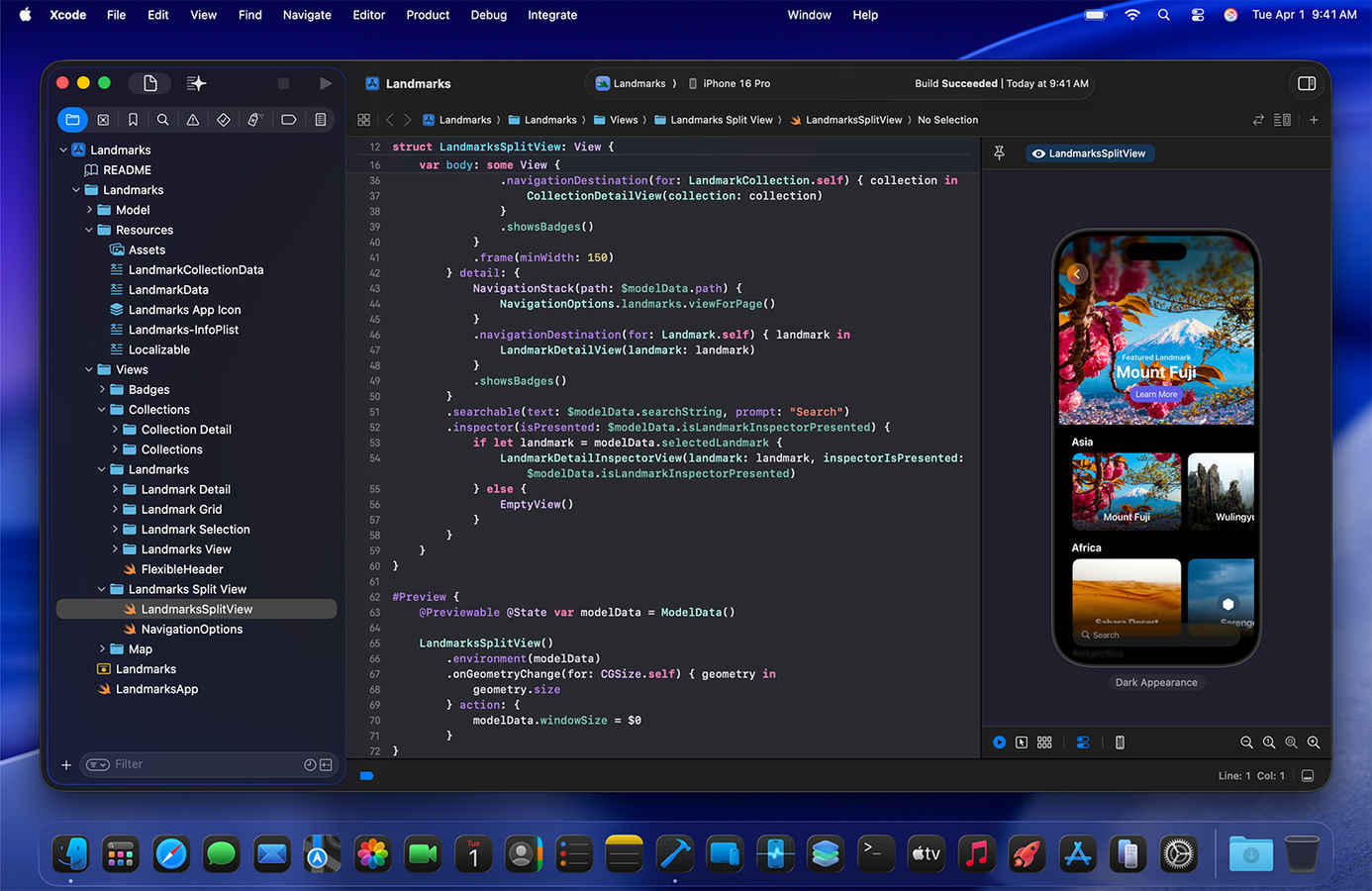
Perhaps the strongest argument for needing a MacBook has been iOS app development, as Apple’s Xcode development environment traditionally required macOS. However, this landscape has evolved significantly, offering several alternatives for aspiring iOS developers.
Virtual machines present one solution, allowing you to run macOS on Windows hardware using tools like VirtualBox or VMware. Whilst this approach requires technical setup and isn’t officially supported by Apple, many developers have used it successfully for iOS development projects.
Cloud-based solutions offer a more streamlined approach. Services like MacStadium and MacInCloud provide remote access to Mac environments, eliminating the need for physical Apple hardware. These services come pre-installed with Xcode and other development tools, allowing you to develop iOS apps from any computer with an internet connection.
Also read: OLED burn-in mitigation: The hidden technologies protecting your display
Cross-platform development frameworks have revolutionised mobile app creation. React Native, Flutter, and Xamarin allow you to build applications that work on both iOS and Android from a single codebase. These tools let you write most of your code on Windows or Linux, only requiring Mac access for final testing and App Store submission.
Modern no-code platforms like AppMySite have simplified iOS development even further, enabling you to create and deploy iOS apps without any Mac hardware requirement. These platforms handle certificate generation and App Store submission automatically, making iOS development accessible to developers regardless of their chosen operating system.
We’d be remiss if we didn’t acknowledge situations where a MacBook might be the better choice. If you’re planning to focus exclusively on iOS and macOS development, working in a team that standardises on Apple tools, or joining a company that provides MacBooks, then embracing the Apple ecosystem makes sense.
MacBooks excel in certain creative workflows that combine programming with design work. The integration between development tools and creative applications on macOS can streamline workflows for developers working on multimedia projects or applications requiring intensive graphics work.
The build quality and customer support that Apple provides can also be valuable for professionals who need reliable hardware and quick resolution of technical issues. Some developers appreciate the Unix-based foundation of macOS, though Linux users would argue they get similar benefits without the Apple premium.
We shouldn’t overlook Linux as a programming platform. Many of the world’s servers run Linux, making it an excellent environment for learning system administration, backend development, and DevOps practices. You can install Linux on virtually any laptop, often breathing new life into older hardware.
Linux distributions like Ubuntu, Fedora, and Pop!_OS offer user-friendly experiences while providing powerful development environments. The package management systems make installing development tools straightforward, and the open-source nature means you have complete control over your system.
For programmers interested in contributing to open-source projects, learning system internals, or working in fields like cybersecurity and data science, Linux provides an invaluable learning environment that you simply can’t replicate on macOS or Windows.
Choosing the right laptop for programming depends on your specific needs, budget, and career goals. Consider what type of development you’ll be doing, which tools you’ll need, and how much you’re willing to spend. Remember that the most expensive option isn’t necessarily the best option for your situation.
Think about longevity and upgradeability. Can you expand the RAM or storage later? How long will the manufacturer provide software updates? These practical considerations often matter more than brand prestige in the long run.
Don’t forget about ergonomics and comfort. You’ll be spending hours with your chosen machine, so keyboard quality, screen size, and build quality all contribute to your daily experience and productivity.
The programming community welcomes diversity in all forms, including the diversity of tools and platforms we use. Your choice of laptop doesn’t define your capabilities as a programmer; your skills, creativity, and problem-solving abilities do. Whether you code on a budget Windows laptop, a high-end gaming machine, or yes, even a MacBook, what matters most is that you’re coding, learning, and building amazing things.
So, go ahead and choose the laptop that fits your needs and budget. The world of programming is waiting for your contributions, regardless of the logo on your laptop lid.