When the budget is no longer a constraint, and you want the maximum performance that money can buy in the laptop segment, you start looking at the most recent flagships that laptop brands have to offer. And yes, the RTX 50 series is one of them. NVIDIA’s first RTX 50-series notebooks push wattage and AI grunt far past last year’s flagships, bringing 4K Mini-LED panels, 240 Hz QHD+ refresh rates, and up to a 175 W RTX 5090 Laptop GPU into machines that still run off batteries between matches. We have included machines from RTX 5090 to 5060 so you can choose the best fit for your needs.
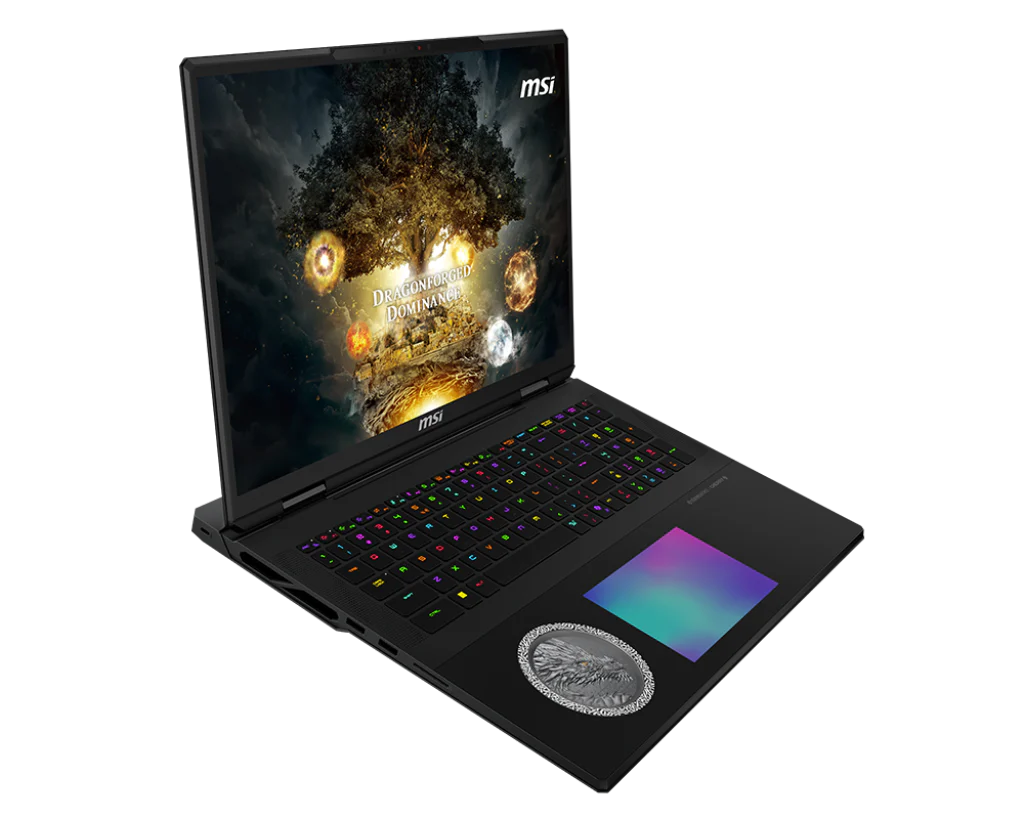
MSI’s Titan 18 HX utilizes Intel’s Core Ultra 9 285HX and features the RTX 5090 Laptop GPU, operating at 175 W. A full vapor-chamber cooler and twin power bricks enable the CPU and GPU to draw up to 270 W for short bursts. The 18-inch 3840×2400 Mini-LED screen refreshes at 120 Hz and covers 100% DCI-P3, which suits both games and colour-sensitive work. The test unit ships with 96 GB of DDR5-6400 RAM and a three-drive 6 TB PCIe SSD array, leaving one M.2 slot free. Cherry MX mechanical keys, Wi-Fi 7, and two Thunderbolt 5 ports cover inputs and networking, but the 3.6 kg frame is heavy, and the 99 Wh battery lasts only about two hours in light tasks.
Also read: What is DLSS? What is the Difference between DLSS 3 and DLSS 4?
| Specification | Details |
| CPU | Core Ultra 9 285HX |
| GPU | RTX 5090 Laptop 24 GB, 175 W |
| RAM | 96 GB DDR5-6400 |
| Storage | 6 TB PCIe (3 × SSD) |
| Display | 18-inch UHD+ 120 Hz Mini-LED |
| Battery | 99 Wh |
| Weight | 3.6 kg |
| Extras | Cherry MX keyboard, TB5 × 2 |
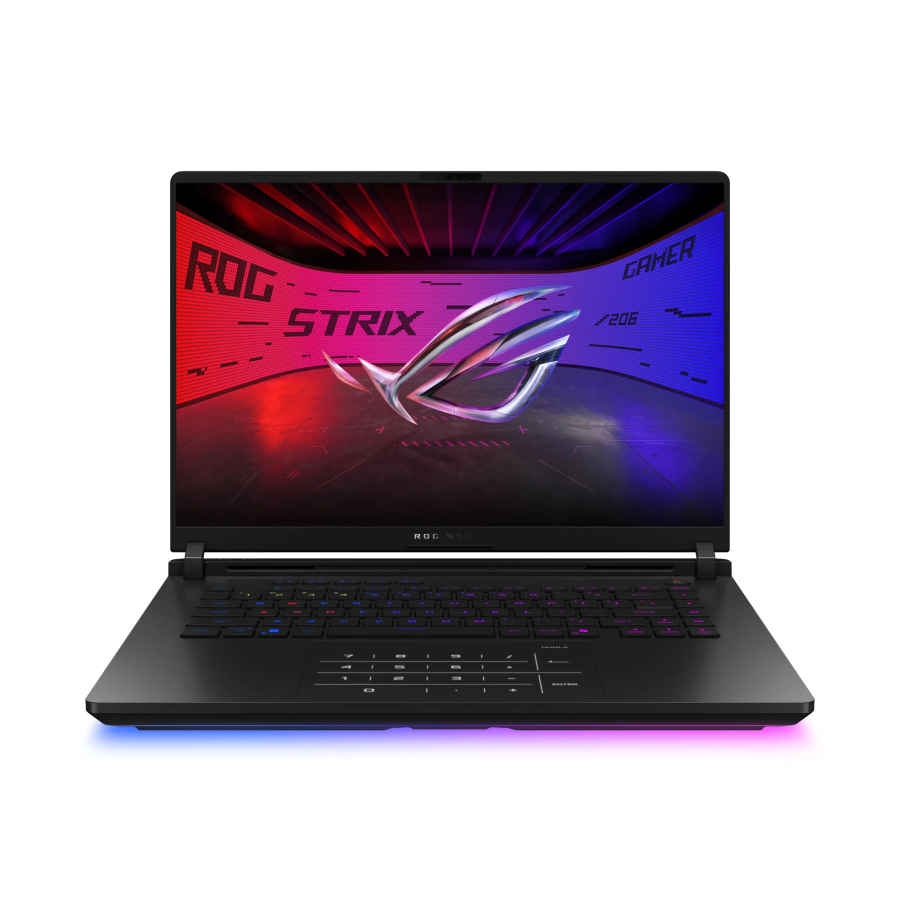
Asus pairs the Core Ultra 9 275HX with the RTX 5090 Laptop GPU running at its full 175 W cap. Cooling relies on an end-to-end vapour chamber, three fans, and liquid metal on both chips, so surface temperatures stay manageable. The 16-inch Mini-LED screen is 2560×1600, 240 Hz, and hits 100% DCI-P3 at up to 1200 nits for HDR games. Tool-less access reveals two SO-DIMMs and two PCIe 4.0 SSD bays. The 90 Wh battery supports USB-C charging but manages roughly five hours of browsing. At 2.8 kg, it is lighter than most 5090-based systems, though still far from thin.
| Specification | Details |
| CPU | Core Ultra 9 275HX |
| GPU | RTX 5090 Laptop 24 GB, 175 W |
| RAM | 32 GB DDR5-5600 (upgradable) |
| Storage | 2 TB PCIe 4.0 |
| Display | 16-inch 2.5K 240 Hz Mini-LED |
| Battery | 90 Wh |
| Weight | 2.8 kg |
| Extras | Tri-fan cooler, TB5, optical-mech keys |
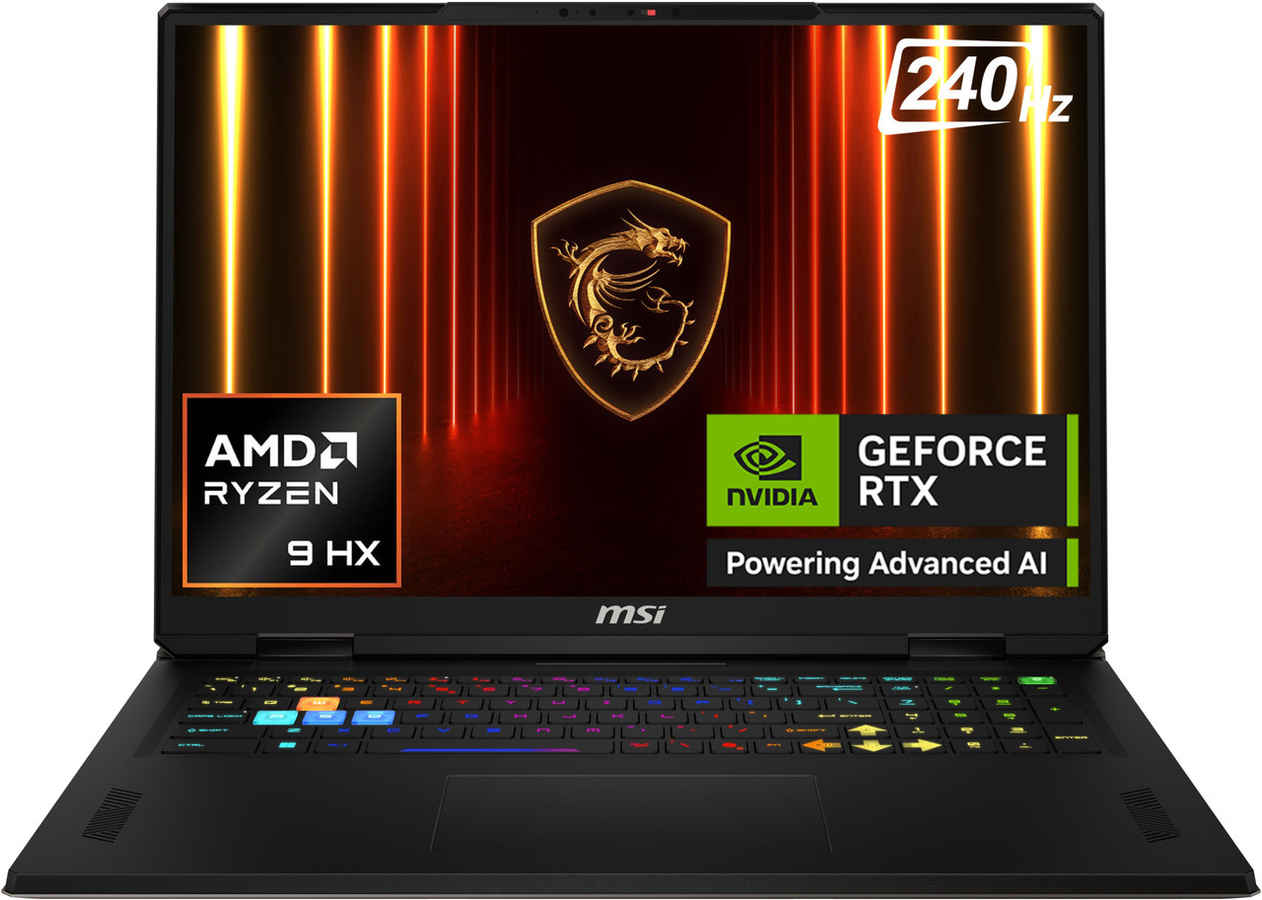
The Vector A18 HX combines AMD’s 16-core Ryzen 9 9955HX with an RTX 5080 Laptop GPU at up to 175 W. The 18-inch 2560×1600 panel refreshes at 240 Hz and reaches the full DCI-P3 colour space, useful for editing as well as gaming. Six heat pipes and twin fans keep both chips under 90°C during long benchmarks. Two DDR5 slots and two M.2 bays allow future upgrades; one slot is free from the factory. A 99 Wh battery gives around three hours of web use, and the 330 W adapter recharges it to 50% in roughly 35 minutes. At 3.6 kg, it is as heavy as the Titan and aimed at desk use.
Also read: Intel vs AMD: Which Laptop CPU Should Gamers Pick in 2025?
| Specification | Details |
| CPU | Ryzen 9 9955HX |
| GPU | RTX 5080 Laptop 16 GB, 175 W |
| RAM | 32 GB DDR5-5600 |
| Storage | 2 TB PCIe 4.0 |
| Display | 18-inch QHD+ 240 Hz |
| Battery | 99 Wh |
| Weight | 3.6 kg |
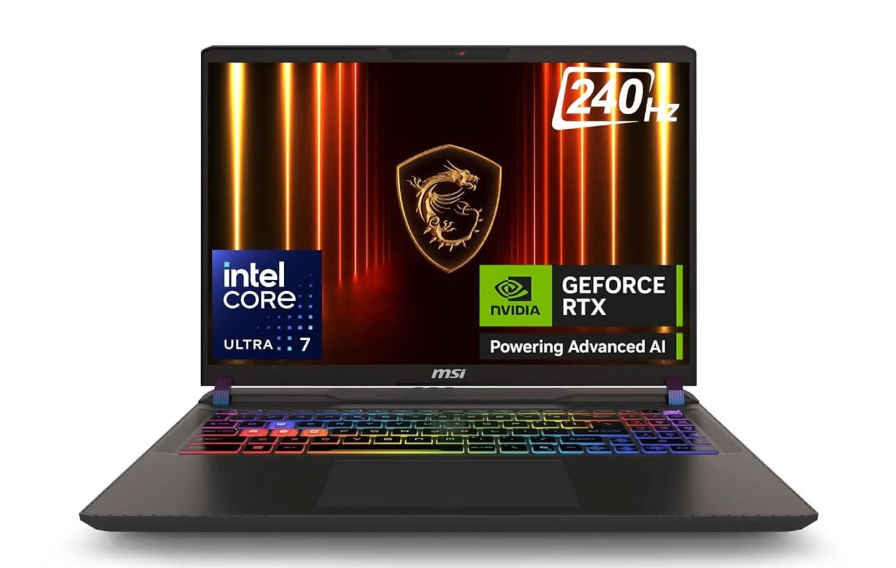
This Vector 16 HX AI model runs a Core Ultra 7 255HX with an RTX 5070 Ti Laptop GPU set at 115 W. The 16-inch 2560×1600 IPS screen refreshes at 240 Hz and covers 100% DCI-P3. A five-pipe Cooler Boost 5 layout and 90 Wh battery keep fan noise modest and battery life around four hours of mixed work. Two Thunderbolt 5 ports handle external GPUs or monitors, and one M.2 and one SO-DIMM slot are open for upgrades. The chassis weighs 2.7 kg.
| Specification | Details |
| CPU | Core Ultra 7 255HX |
| GPU | RTX 5070 Ti Laptop 12 GB, 115 W |
| RAM | 32 GB DDR5-5600 |
| Storage | 1 TB PCIe 4.0 |
| Display | 16-inch QHD+ 240 Hz |
| Battery | 90 Wh |
| Weight | 2.7 kg |
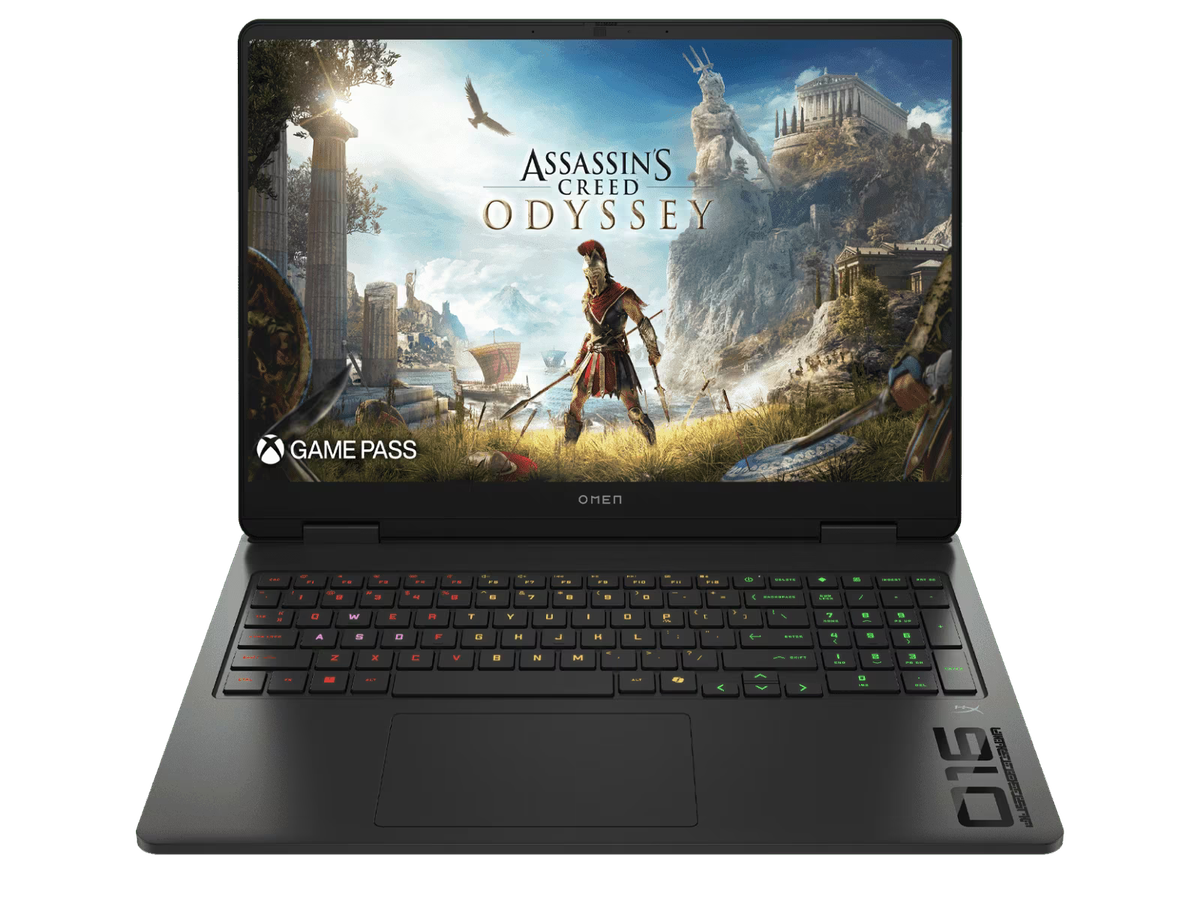
HP fits Intel’s Core Ultra 7 255H and an RTX 5070 Laptop GPU into its 16-inch Omen chassis. The 2560×1440 IPS panel runs at 165 Hz and supports Advanced Optimus for switching GPUs without a restart. The Tempest cooling system uses a vapour chamber and three fans, keeping the 115 W GPU from throttling in long sessions. A 83 Wh battery lasts about four hours of web work and reaches 50% in 30 minutes with Fast Charge. Inside are two SO-DIMM and two M.2 slots; one of each is empty. At 2.4 kg, it is easy to carry to class or work.
Also read: Cooling matters: Why your gaming laptop’s thermal design can make or break it
| Specification | Details |
| CPU | Core Ultra 7 255H |
| GPU | RTX 5070 Laptop 8 GB, 115 W |
| RAM | 16 GB DDR5-5600 |
| Storage | 1 TB PCIe 4.0 |
| Display | 16-inch 2K 165 Hz |
| Battery | 83 Wh |
| Weight | 2.4 kg |
| Extras | HyperX speakers, Fast Charge |
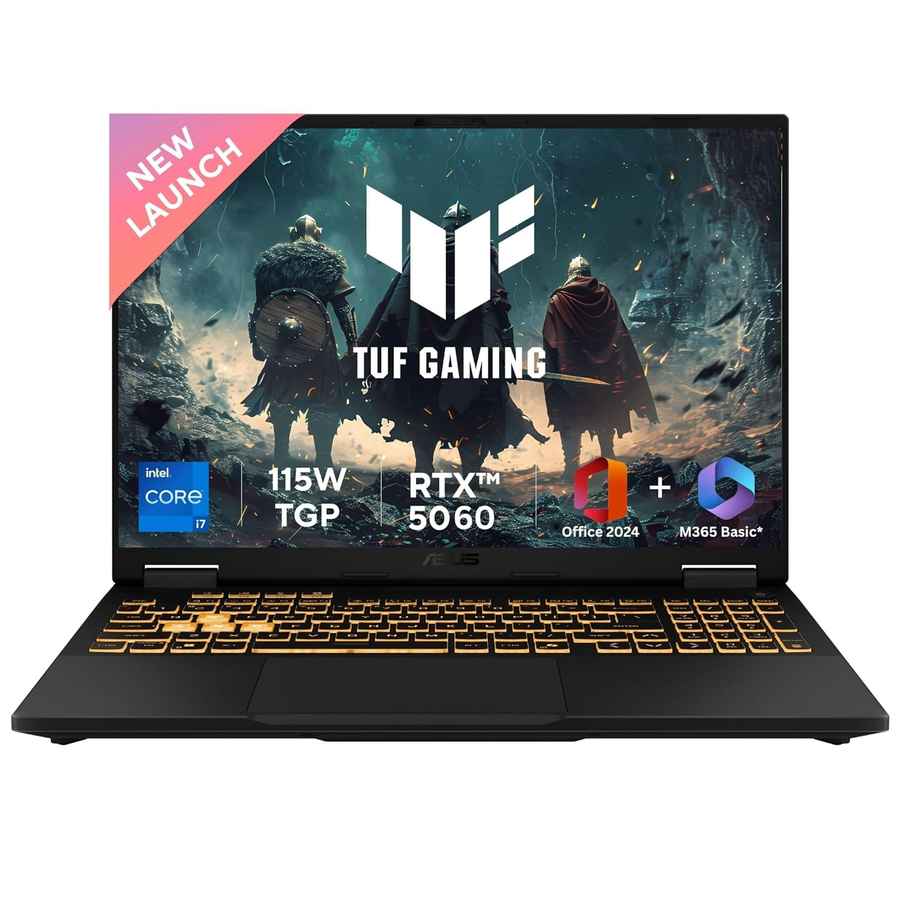
The TUF F16 pairs a 16-core Core i7-14650HX with an RTX 5060 Laptop GPU that reaches 115 W using Dynamic Boost. The 16-inch 1920×1200 screen refreshes at 165 Hz and shows the full sRGB gamut. A 90 Wh battery and USB-C 100 W charging make it practical on the go. The chassis, certified to MIL-STD-810H tests, weighs 2.2 kg. Two RAM slots and two SSD bays allow upgrades; one of each is free out of the box. Ports include HDMI 2.1 and 2.5 Gb LAN.
| Specification | Details |
| CPU | Core i7-14650HX |
| GPU | RTX 5060 Laptop 8 GB, 115 W |
| RAM | 16 GB DDR5-5600 |
| Storage | 1 TB PCIe 4.0 |
| Display | 16-inch FHD+ 165 Hz |
| Battery | 90 Wh |
| Weight | 2.2 kg |
| Extras | MIL-STD-810H, MUX switch |
If your goal is to match a high-end desktop, MSI’s Titan 18 HX is the clear pick thanks to its full-power RTX 5090, 18-inch 4K Mini-LED panel and huge cooling headroom. On the other hand, the ROG Strix Scar 16 gives you the same 175 W RTX 5090 in a lighter 2.8 kg frame and still adds a bright 240 Hz Mini-LED screen. If you prefer AMD processors and want performance close to the 5090 for less money, the MSI Vector A18 HX pairs a Ryzen 9 9955HX with an RTX 5080 and keeps upgrade slots open. Dropping to a mid-two-lakh spend, the Vector 16 HX AI offers a 240 Hz QHD+ panel, two Thunderbolt 5 ports and an RTX 5070 Ti that holds 100-plus fps at 1440p high settings. Below ₹2 lakh, HP’s Omen 16 delivers RTX 5070 graphics, a 2K 165 Hz screen and HP’s straightforward upgrade paths, making it a balanced everyday gaming choice, while budget-focused players and students can turn to the ASUS TUF F16, which combines a sturdy MIL-STD chassis, RTX 5060 power and a 90 Wh battery for the lowest price here.