remarkable 2
The reMarkable 2 is not your average tablet. At first glance, it might even seem underwhelming: no colour screen, no app store, no camera, no multimedia playback, and no web browser. But that minimalism is precisely the point. Built around a distraction-free ethos, this 10.3-inch e-ink device is designed specifically for handwriting, sketching, and reading in monochrome.
Now enhanced by years of firmware updates and a growing cloud ecosystem, the reMarkable 2 has become a favourite among professionals, students, writers, and minimalists seeking an analogue-like writing experience without digital noise. It’s elegant, purposeful, and deliberate in what it offers, and what it refuses to.
But is it worth the price, especially once you factor in the cost of the stylus, accessories, and ongoing subscription? And can it really replace a paper notebook or even compete with more powerful e-ink tablets on the market? We’re exploring every aspect of the reMarkable 2 to help you decide.
On paper, the reMarkable 2 doesn’t boast cutting-edge hardware, and it doesn’t try to. This device is built for purpose rather than power. With a monochrome E Ink display, modest processing hardware, and limited storage, it might look underwhelming at first glance. But those specifications are carefully chosen to optimise battery life, simplicity, and performance within its niche. Every component serves the core goal: delivering a paper-like writing and reading experience with minimal distractions.
| Component | Specification |
| Display | 10.3-inch monochrome CANVAS 2.0 e-ink (1872 x 1404, 226 PPI) |
| Dimensions | 246 x 187 x 4.7 mm |
| Weight | 403.5 g |
| Processor | Dual-core ARM, 1.2 GHz |
| RAM | 1 GB LPDDR3 |
| Storage | 8 GB internal (no microSD) |
| Battery | 3,000 mAh (claimed up to 2 weeks) |
| OS | Linux Codex |
| Connectivity | Dual-band Wi-Fi 4 (802.11n), USB-C |
| Stylus | Marker 2 (no battery, pressure + tilt support) |
| Extras | No Bluetooth, apps, browser, or camera |
Compared to the Amazon Kindle Scribe and Kobo Elipsa 2E, two of its closest competitors in the e-ink writing tablet category, the reMarkable 2 is the most minimalist of the lot. The Kindle Scribe offers a sharper 300 ppi display, larger storage options (up to 64 GB), and built-in backlighting, which makes it better suited for reading in dim conditions. The Kobo Elipsa 2E, meanwhile, includes Bluetooth, more RAM (2 GB), and native support for more file formats. However, both the Kindle and Kobo ecosystems come with compromises: the writing experience is generally considered less refined, and the software tends to prioritise reading and content consumption over handwriting precision. The reMarkable 2’s streamlined OS and ultra-thin design give it the edge for those who value pure writing focus above all else.
Physically, the reMarkable 2 is an exercise in minimalism done right. It’s just 4.7 mm thick, making it the thinnest digital notepad on the market, and that is not a spec to be glossed over. When you pick it up, the thinness immediately registers and it feels more like a clipboard than a conventional tablet. That ultra-slim profile, paired with its lightweight 403.5 g form factor, makes it an ideal travel companion for those who move between meetings, classes, or coffee shops.
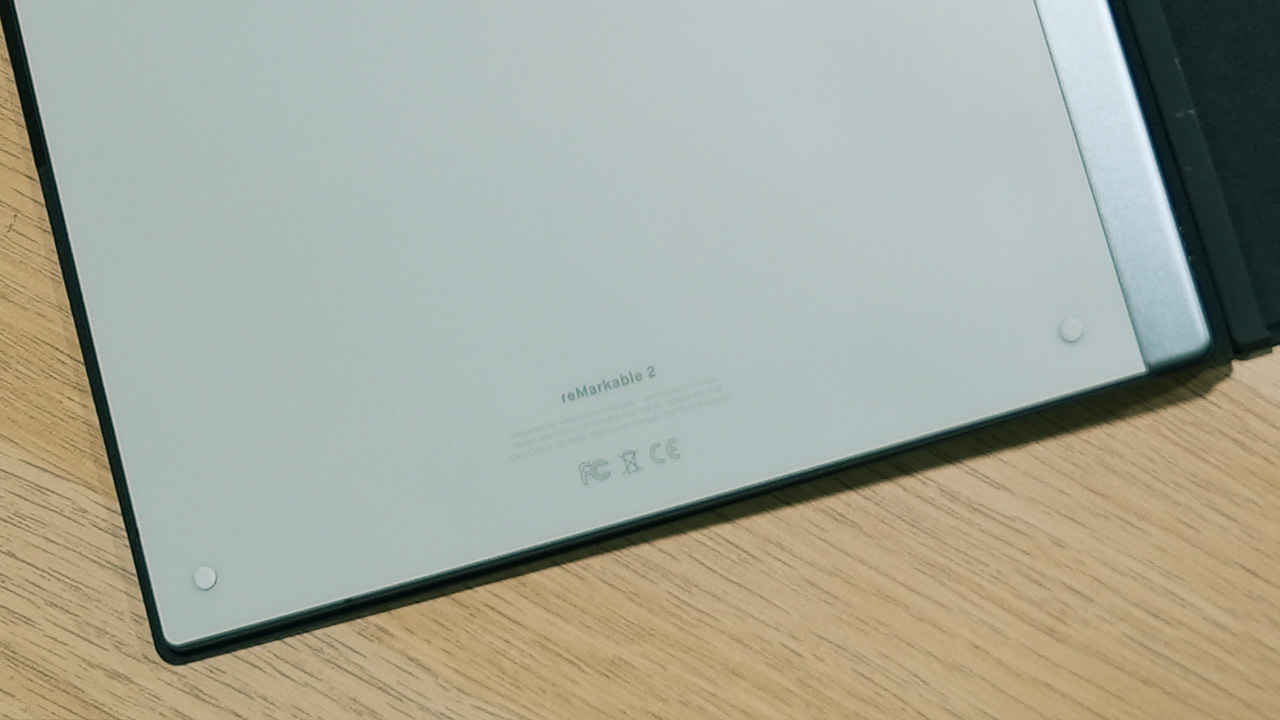
The tablet’s exterior is crafted from a brushed aluminium frame, lending it a sleek and premium finish that far surpasses the plastic feel of many traditional e-readers. It resists flexing, creaking, or warping under pressure. The back panel features frosted glass inlaid with a bunch of rubberised bumps in each corner which are small but effective additions that help grip the device more securely whether you’re placing it on a slippery desk or holding it for long periods.
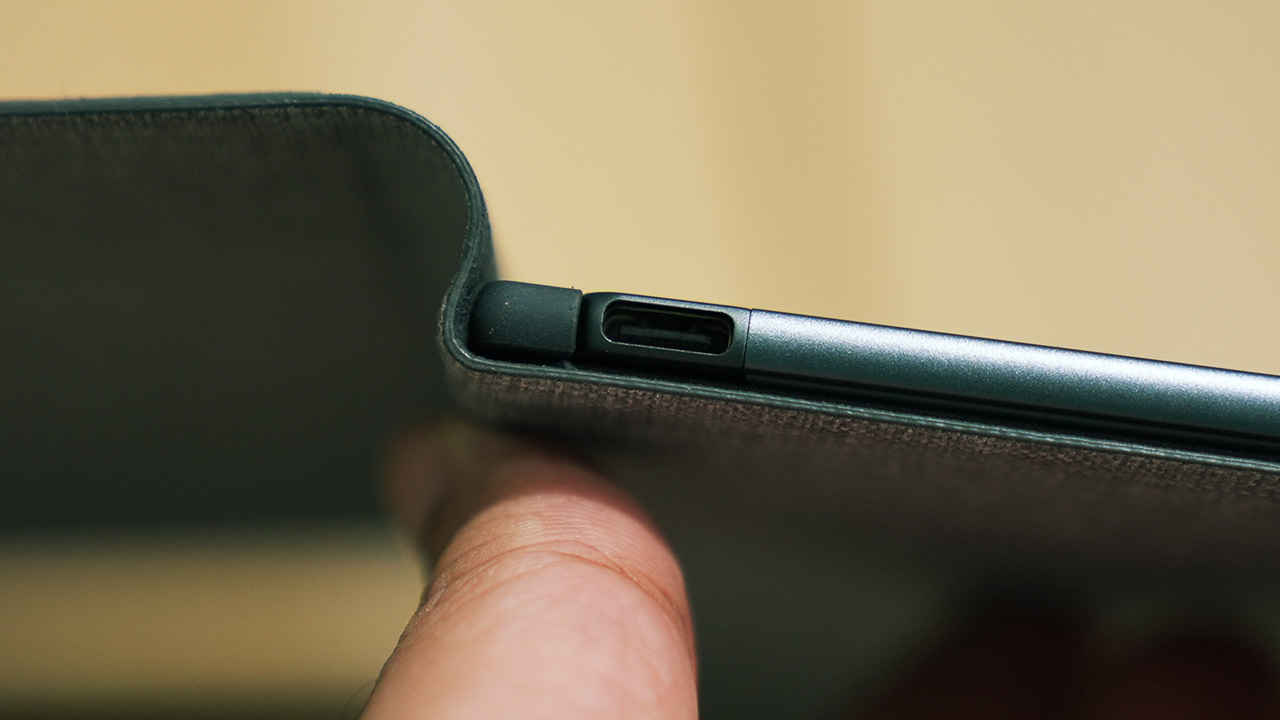
The overall design philosophy leans heavily into simplicity. There are no extraneous ports, no speakers, no cameras, and no unnecessary buttons. This absence is intentional. Instead, there’s a single USB-C port for charging and data transfer, a recessed power button that sits flush against the top edge, and subtle magnets embedded along the sides for accessory attachment. It’s a device that invites focus and there’s literally nothing else on it to distract you.
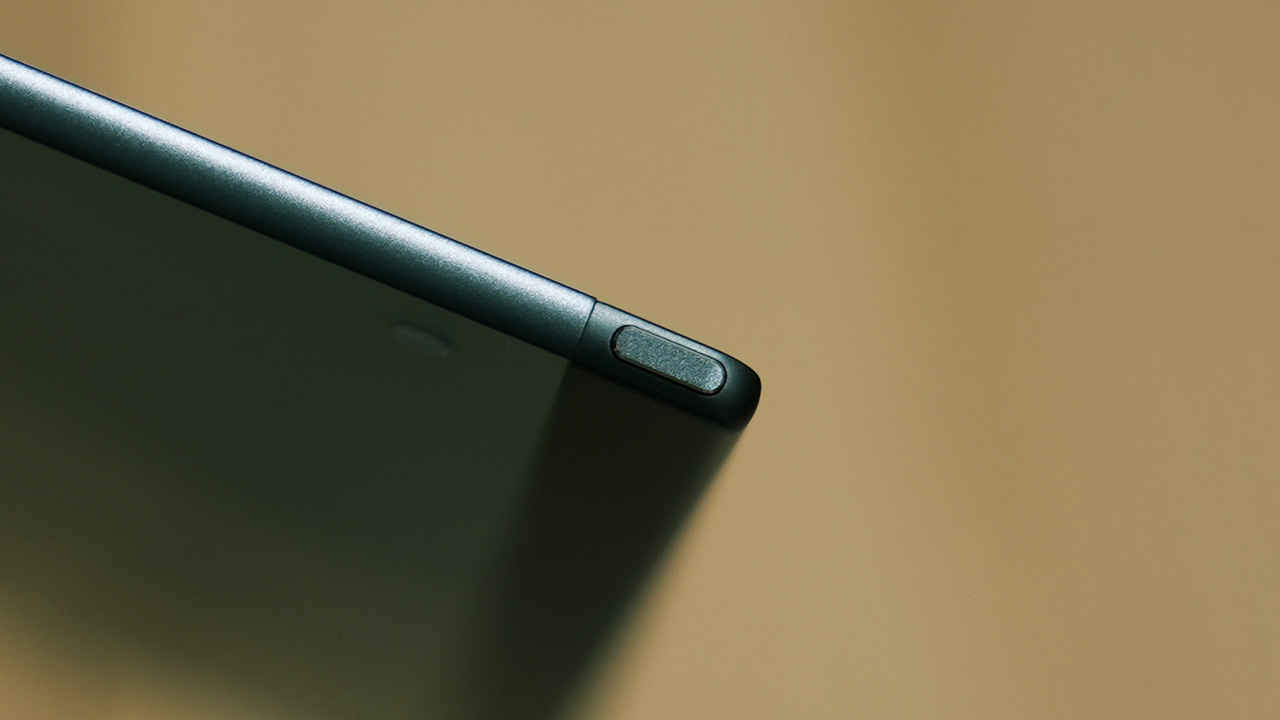
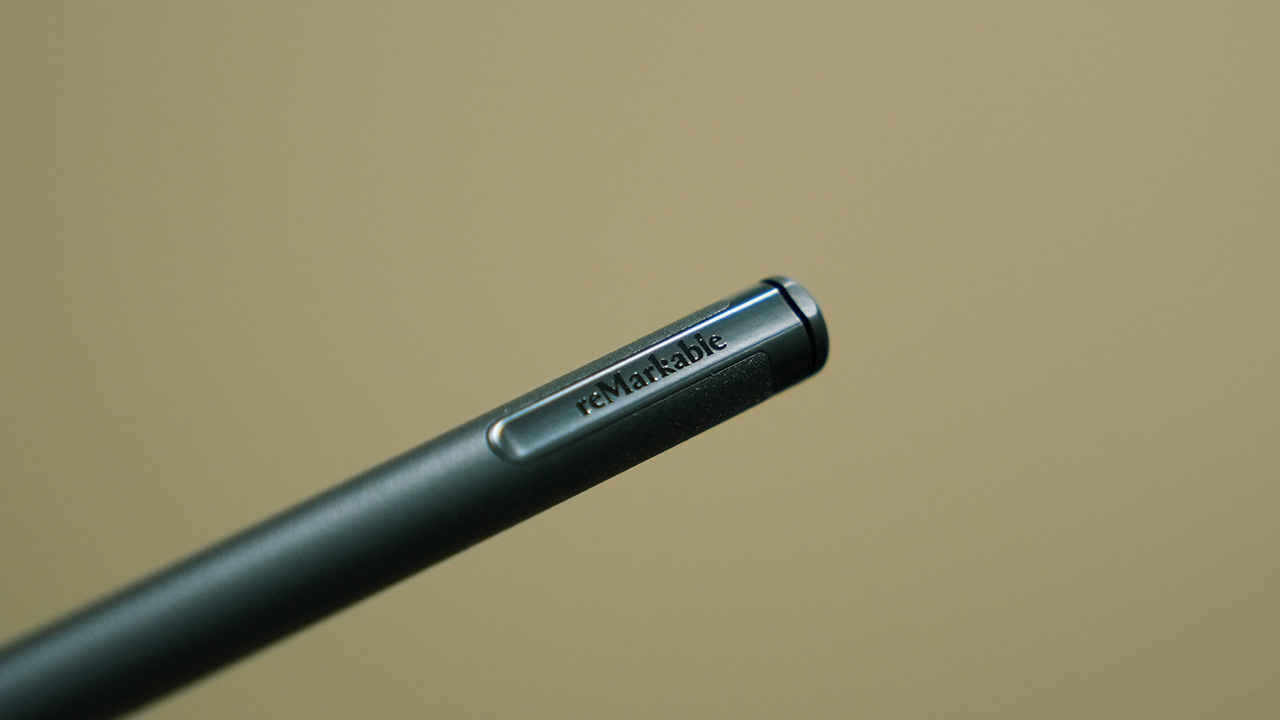
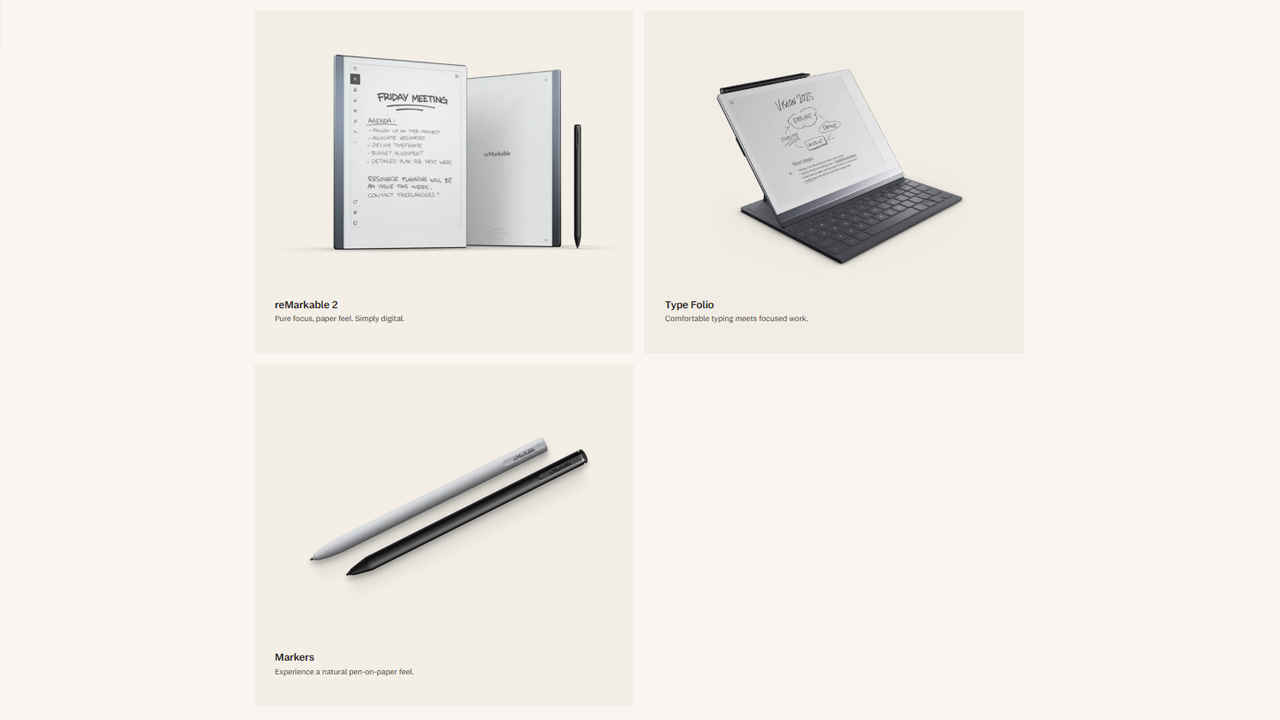
The Marker 2 stylus complements the minimalist design. It attaches magnetically to the right edge of the tablet with a satisfyingly strong snap. Unlike many competing styluses that require charging or battery swaps, the Marker 2 is entirely passive, relying on EMR (electromagnetic resonance) technology. It’s built with a matte, slightly rubberised coating that makes it feel closer to a real pen than a piece of tech. The balance and weight are comfortable for extended writing sessions, and it offers pressure and tilt sensitivity for nuanced input.
The stylus also comes in two versions: one with an eraser end (which actually works like a digital eraser) and a basic version without it. In both cases, the magnetic attachment is strong enough to hold during travel but can come loose if tossed into a crowded bag.
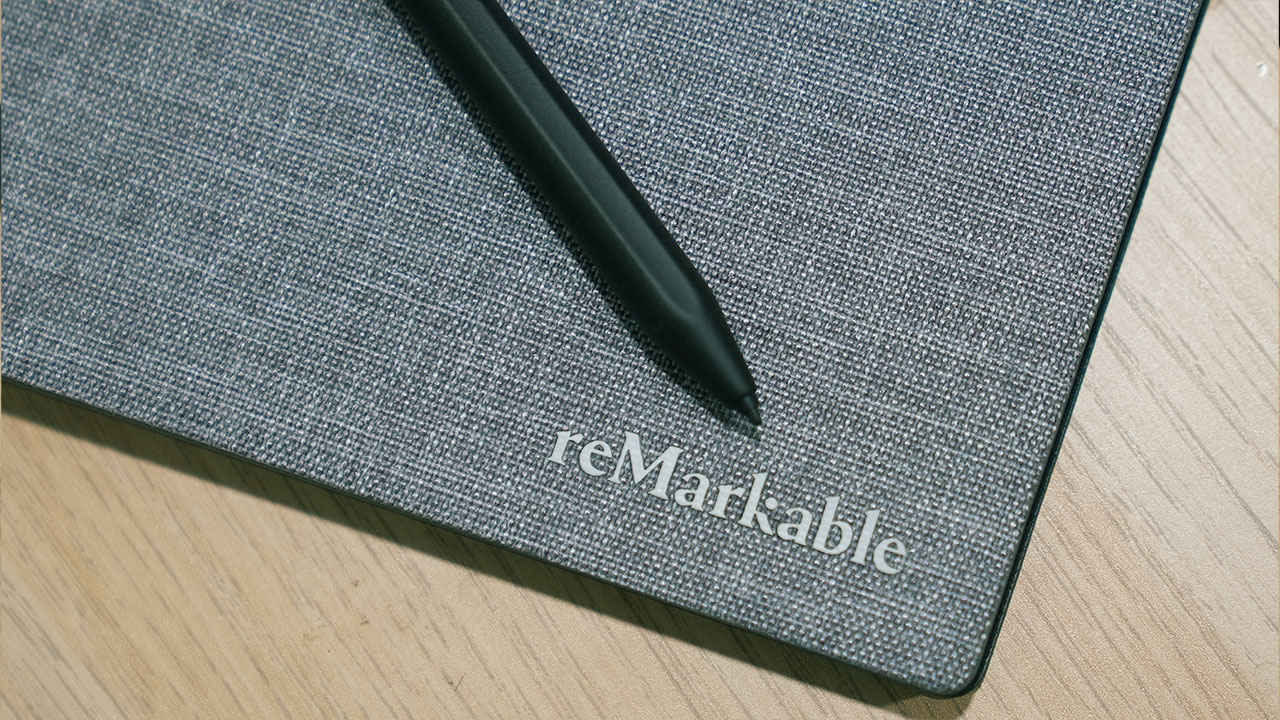
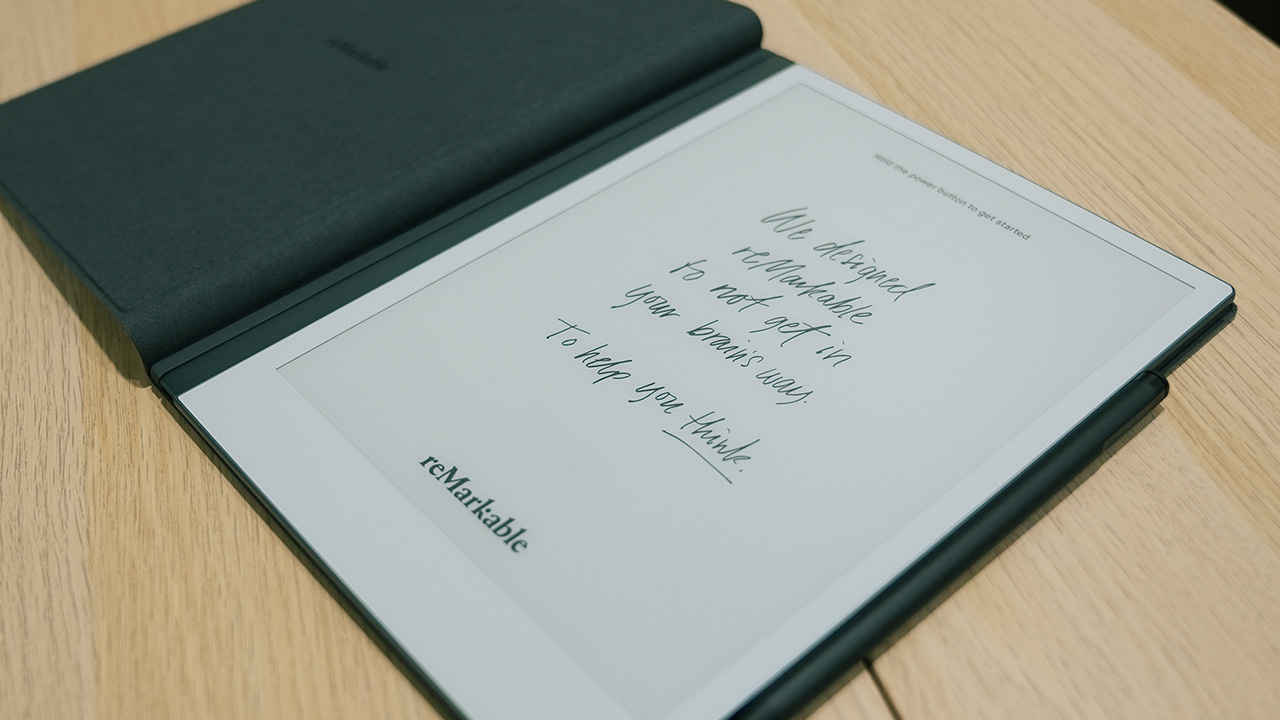
Optional accessories include the Book Folio case, which attaches magnetically without using straps or clips. It folds open like a traditional notebook, with some models made of premium leather that give the device a touch of executive polish. While expensive, the folio enhances both the practicality and aesthetic appeal of the reMarkable 2.
Within a few days of use, you’ll start feeling that the device’s hardware quality feels like it belongs to a much more expensive category. The entire package including the aluminium chassis, the slim profile, the textured screen, and the magnetically secured stylus, comes together to present a product that feels carefully thought through and exquisitely built.
The writing experience is where the reMarkable 2 truly shines. The CANVAS 2.0 display has a textured surface that mimics paper, and the Marker 2 glides across it with an uncanny similarity to a real pen. The tactile feedback is subtle but present, and this is consistently highlighted by users as one of the most authentic digital writing experiences available.
Latency is noticeable but it’s something that you can get acclimatised to quiet easily. While not instant, it’s fast enough for most handwriting tasks and sketches, and far better than many other e-ink competitors. The stylus supports both tilt and pressure sensitivity, allowing for expressive writing and light sketching. Since the stylus relies on EMR technology, you can use any compatible EMR-based stylus with the reMarkable 2. Some folks have even opted to go for a LAMY AL-Star EMR with the nib swapped out for a similar texture feel but better grip.
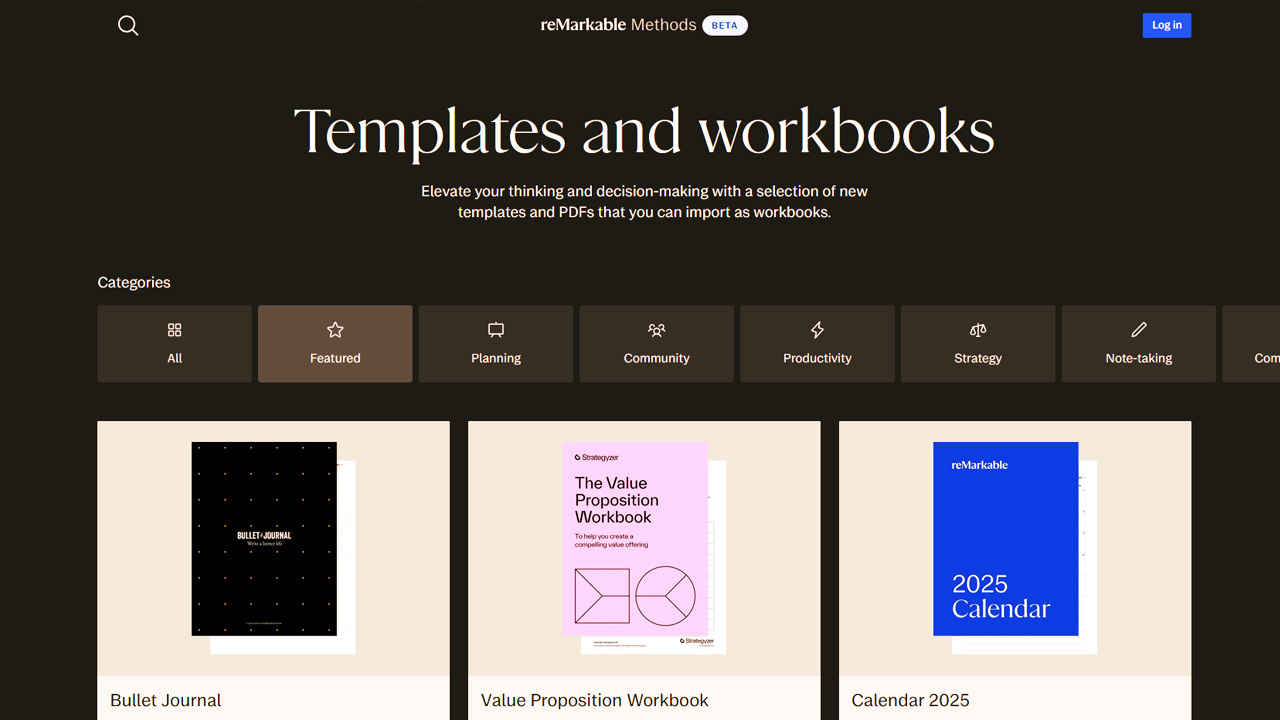
The device includes 47 built-in page templates, ranging from ruled pages and dotted grids to music staves, checklists, planners, and even storyboards. This makes it incredibly versatile for journaling, academic note-taking, project planning, and creative tasks. Notebooks can be easily named, tagged, and sorted into folders. A Quick Sheets feature lets you start jotting down notes instantly.
There’s also a handwriting-to-text conversion feature that works with surprising accuracy, provided your handwriting is reasonably neat. This converted text can be emailed directly or synced via the companion mobile or desktop apps.
The writing app offers useful options like layer toggling, undo/redo, lasso select, and duplication. For sketchers, it supports tools such as a highlighter, marker, pencil, and calligraphy pen.
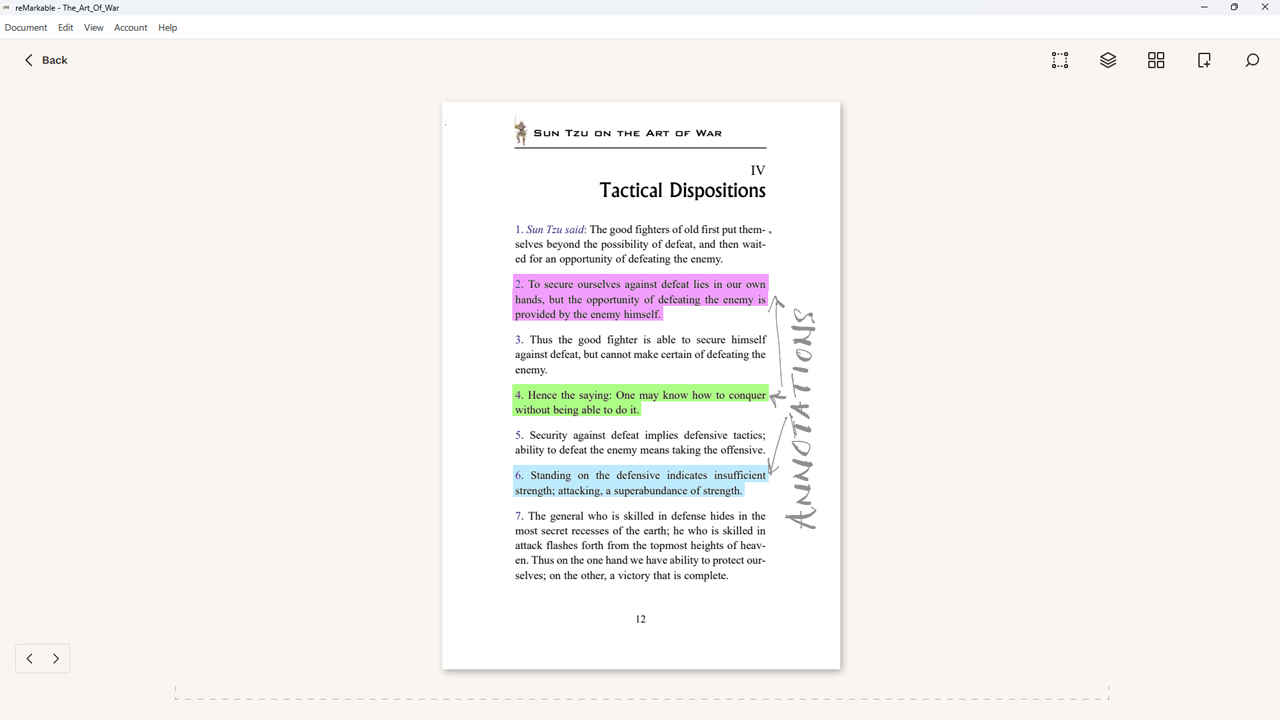
In addition to note-taking, the reMarkable 2 functions as a document reader. It supports PDF and ePub formats, and allows for inline annotations using the Marker. This makes it a useful tool for reviewing contracts, editing manuscripts, or simply reading longform text without the distractions of email or social media. While small PDFs and ePubs perform well, complex files with heavy images or multiple layers can slow the system down. Pinch-to-zoom and page flipping work well, but rendering larger documents can introduce brief delays.
A useful addition is the Chrome extension, which lets users send web articles directly to the device for offline reading. This strips away ads and clutter, turning webpages into elegant, readable documents. However, the device does not support image files, colour content, or audio. All documents are rendered in greyscale, and this limitation has to be accepted as part of the package.
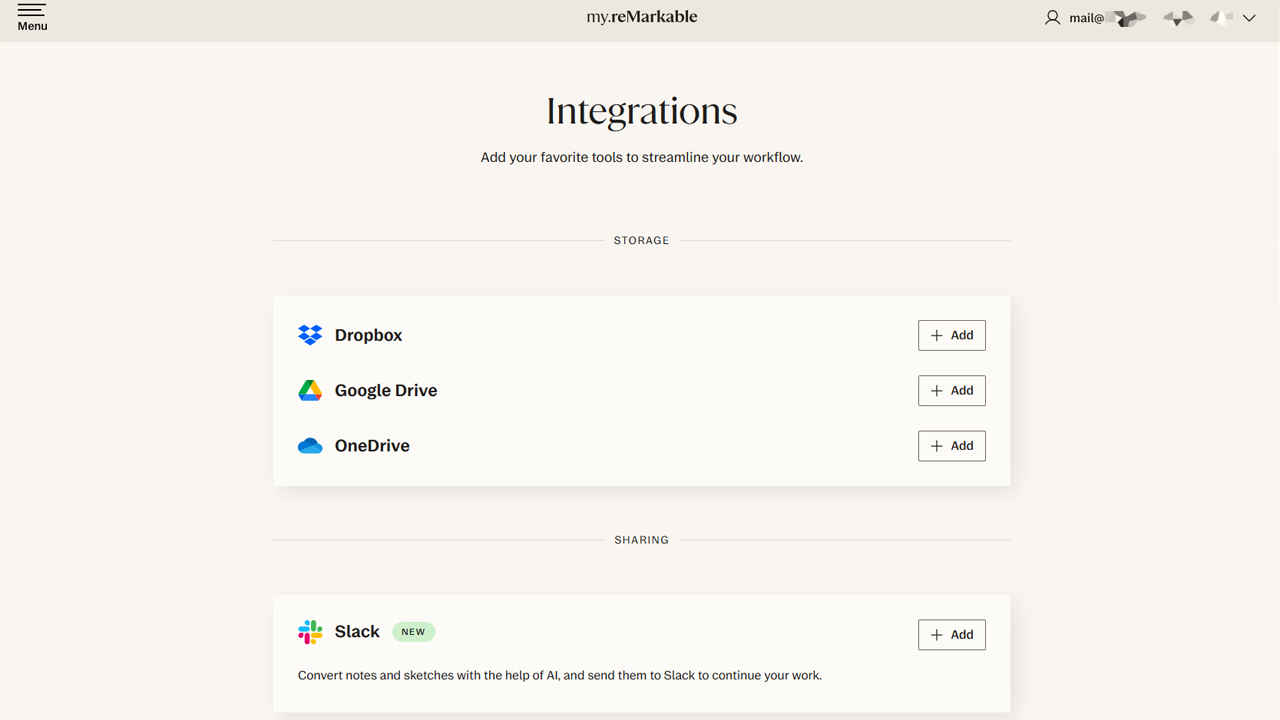
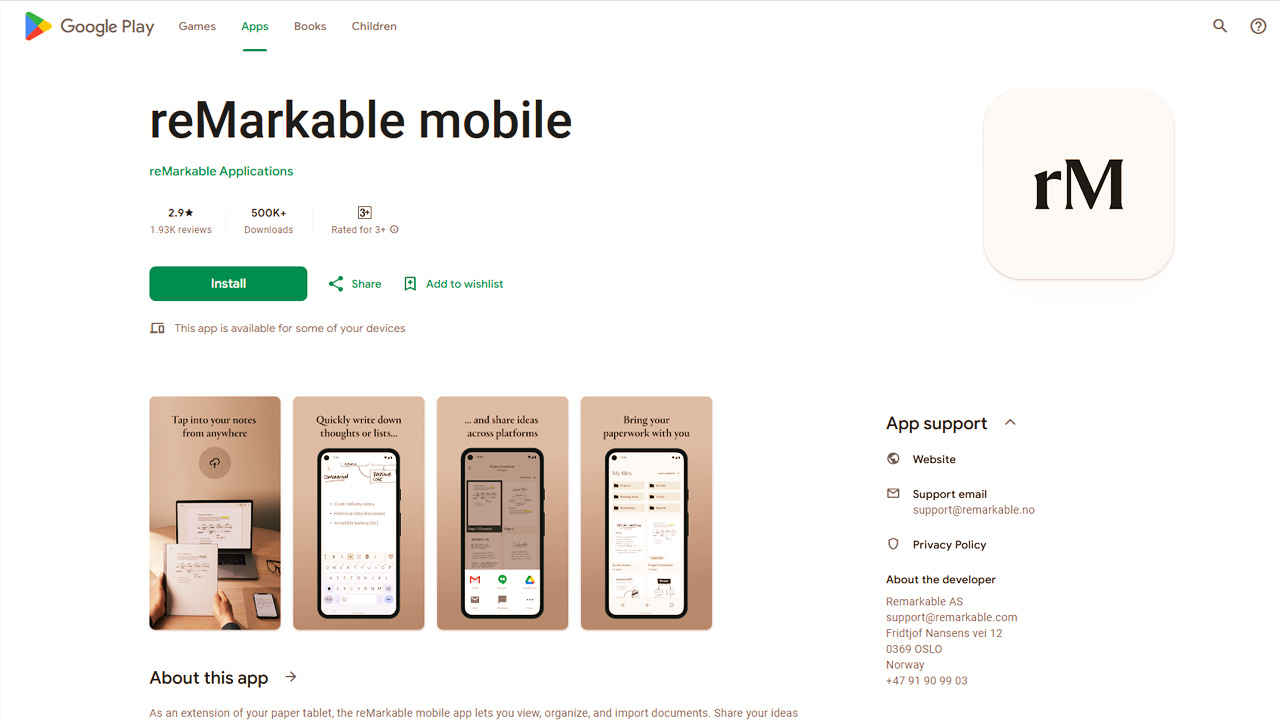
Cloud sync is available via Wi-Fi (802.11n), and it integrates with Dropbox, Google Drive, and OneDrive. This means you can sync notes and files across your phone, tablet, and computer seamlessly. Companion apps on Android, iOS, Windows, and macOS let you view, organise, and even take notes remotely, although the functionality is understandably more limited than on the tablet itself.
Notably, there’s no support for Bluetooth, which means you can’t pair wireless keyboards or headphones. There’s also no app store or browser, keeping the environment entirely focused on reading and writing.
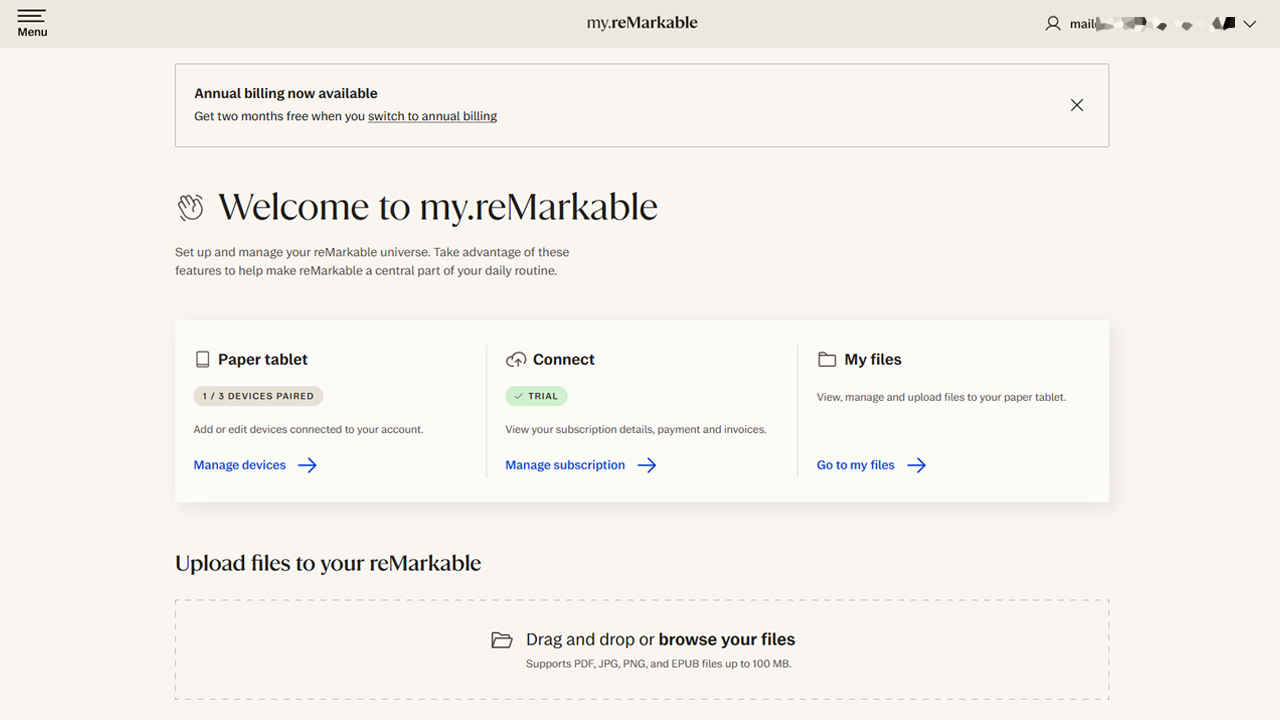
A subscription service called “Connect” is offered enabling unlimited cloud syncing, extended warranty, and continued access to desktop/mobile integration. We’ll dive a little deeper into Connect.
Like we previously mentioned, reMarkable Connect is the company’s cloud-based subscription service designed to extend the tablet’s core functionality. While the reMarkable 2 works fine out of the box, Connect unlocks several useful features that make the device far more integrated with your broader digital workflow. After a 100-day free trial that comes with the purchase of the tablet, Connect is available for INR 299/month. The subscription provides unlimited cloud storage and synchronisation across devices, which is especially useful for those who use the reMarkable ecosystem across mobile, desktop, and web. It ensures your notebooks and documents are always backed up and accessible.
One of the most important Connect features is cross-platform note access. The reMarkable app, available on Windows, macOS, iOS, and Android, allows users to view and edit their notes in real-time. This is ideal for professionals or students who want to review their handwritten notes on a laptop or phone, or quickly export content for use in other formats.
Another useful tool is the email-to-reMarkable feature, which allows users to send documents, PDFs, or even simple text notes to their tablet by emailing a file to a custom @my.remarkable.com address. This makes it easy to queue up reading material or working drafts while on the move. The Chrome extension integration is also tied into Connect. It allows users to send simplified web articles from their browser to the tablet with a single click which is stripped of ads and clutter, thus, turning websites into clean, distraction-free reading material.
Additionally, Connect includes an extended protection plan, which covers hardware-related issues beyond the standard warranty period. While not as comprehensive as some accidental damage plans, it offers peace of mind for long-term users.
While some users argue that a subscription shouldn’t be necessary for core features like syncing and cloud storage, Connect does deliver meaningful value for anyone heavily using the reMarkable 2 as part of a daily workflow.
Battery life is advertised at up to two weeks, with even longer times in standby mode. Real-world usage paints a more variable picture. Heavy daily use (several hours of writing and syncing) will typically drain the battery in 5 to 7 days. Casual use with Wi-Fi disabled can easily stretch beyond 10 days.
Charging is done via USB-C, and a full charge takes about 90 minutes. Unfortunately, the device only shows a basic battery icon, not a percentage or detailed usage stats.
The reMarkable 2 retails for INR 43,999 in India and between $279 and $450 depending on region and offers. However, that’s just the beginning. The Marker 2 stylus is priced at INR 15K on Amazon.in and can go up to INR 24K depending on whether it includes an eraser. The Book Folio cover can add up to INR 39K more. And after the first year, the Connect subscription is INR 299/month.
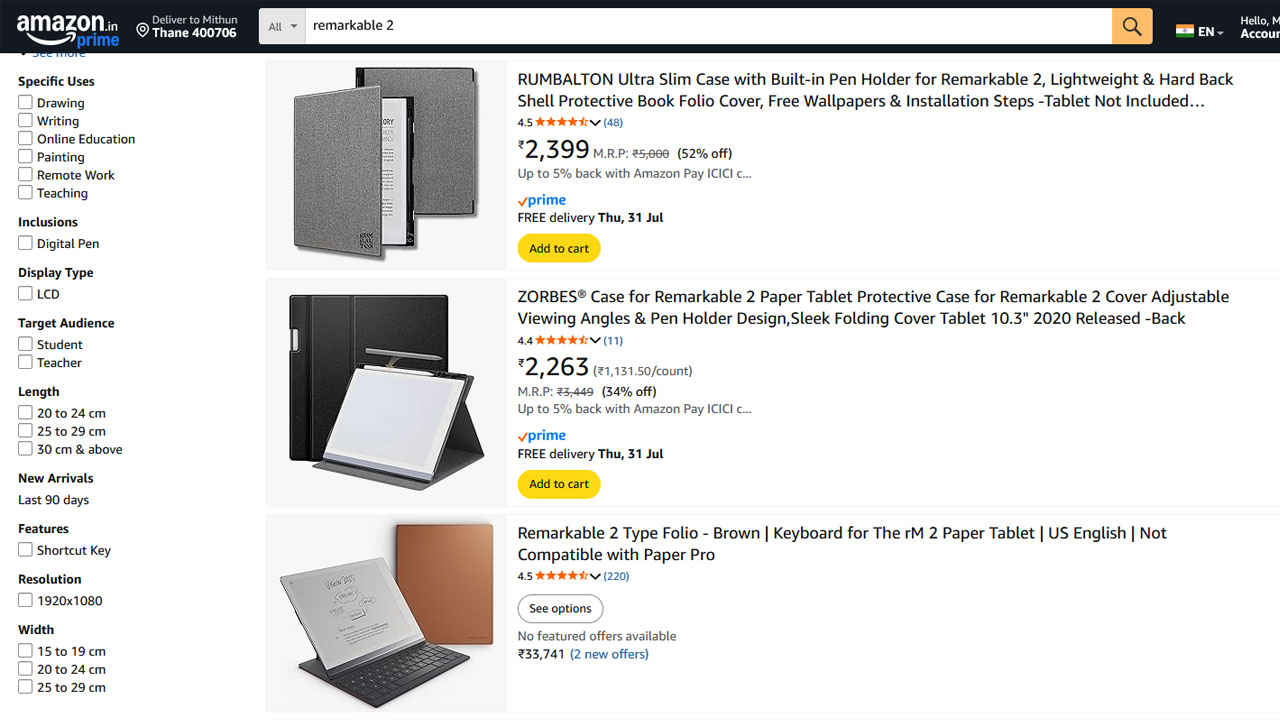
The base package on Amazon ships with the tablet and the stylus with the in-built eraser. The folio is something you have to get separately. That means a fully-equipped setup can exceed INR 82K. Thankfully, there are third-party folios which retailf for as low as INR 2,399 and they’re not bad at all. All things considered, the reMarkable 2 has a steep price for a device that essentially writes and reads in grayscale. From a general-purpose tablet perspective, this offers poor value. A basic iPad or a Boox Note Air offers more functionality, app support, colour display, and better multimedia support at similar or lower price points.
But value is relative. For users who want an uncluttered, focused, and immersive digital notepad that genuinely replaces paper, the reMarkable 2 is unmatched. It’s a premium tool for a niche audience, and it embraces that identity without compromise.
The reMarkable 2 is a device with a singular vision. It wants to be the ultimate digital notebook, and in many ways, it achieves that goal brilliantly. It offers the one of the most authentic pen-on-paper experience in the e-ink space, wrapped in one of the slimmest and best-designed chassis available today.
However, this laser focus comes at a cost, literally and figuratively. You’ll pay a premium for the device, the accessories, and the cloud sync subscription. And you’ll need to be comfortable with the limitations: no colour, no browser, no images, no distractions.
For writers, thinkers, note-takers, and minimalists, the reMarkable 2 can be transformative. It’s not trying to be your all-in-one device. It’s trying to be the best at one thing – writing – and it succeeds. Just be sure that’s exactly what you need before making the investment.
For anyone who thrives on distraction-free work or prefers the tactile satisfaction of analogue writing with the convenience of digital organisation, the reMarkable 2 offers something genuinely unique. It’s not for everyone but for those it is for, it’s close to perfect.