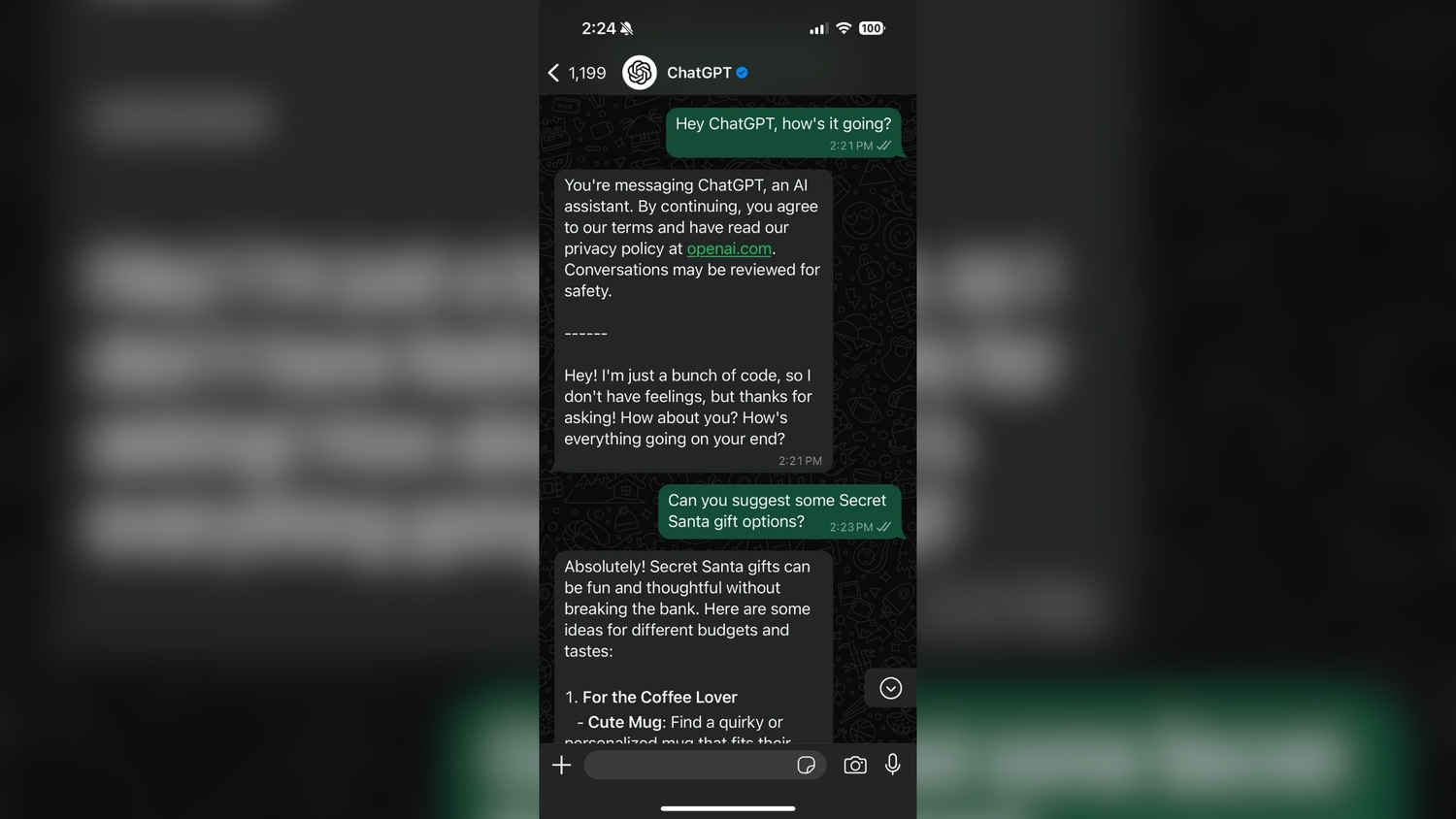
ChatGPT on Phone
If you haven’t heard already, OpenAI has launched ChatGPT on WhatsApp for anyone to use and chat with – for free. That’s right, you don’t need to launch any other apps or websites to access ChatGPT anymore, you can use it through WhatsApp itself. This crucial step of linking the AI chatbot with WhatsApp will no doubt make accessing ChatGPT a whole lot easier for millions of users around the world, including here in India.
Also read: OpenAI brings ChatGPT to Landlines: Here’s how to use it
As you can imagine, interacting with ChatGPT via WhatsApp is now a simple, straightforward process. Follow these three simple steps to get started:
Begin by scanning the QR code provided on OpenAI’s official website. This QR code will direct you to initiate a chat with ChatGPT on WhatsApp. You can find the QR code here:
After scanning the QR code, a new chat window will open in WhatsApp. Ensure that the account has a blue verification badge and the phone number 1-800-242-8478. This confirms that you’re interacting with the official ChatGPT account.
With the verified ChatGPT contact, you can now type your messages and engage in conversations. ChatGPT can assist with various tasks, from answering questions to providing information on a wide range of topics.
Also read: ChatGPT Canvas explained: What is it and how to use new OpenAI tool?
With access to ChatGPT through WhatsApp taken care of, just what exactly do you get right now through the AI chatbot? You can’t link your paid ChatGPT Plus account through WhatsApp right now, if that’s what you were thinking. Here are answers to some FAQs below:
Yes, you can message ChatGPT on WhatsApp for free. However, there are daily message limits in place. For extended usage or additional features, consider using the ChatGPT app or visiting chatgpt.com.
The WhatsApp integration utilises the GPT-4o mini model, offering efficient and accurate text-based interactions.
Yes, there are daily limits on the number of messages you can send to ChatGPT via WhatsApp. As you approach these limits, you’ll receive notifications. For unlimited access, you can use the ChatGPT app or visit chatgpt.com.
For more detailed information, refer to OpenAI’s official guide. Will you be using ChatGPT on WhatsApp for random conversations with AI? Let us know in the comments below…
Also read: ChatGPT Projects explained: OpenAI’s new customisation feature