Google Chrome Auto Browse
When you think about web browsers, they have mostly been about giving you access to a wealth of information and services, and the browsers do this by getting out of the way. You open a tab, you search, you click around, you do the work. Google is now trying to flip that mental model, at least for subscribers in the US, by giving Chrome a built-in agent that can take on the fiddly parts of getting something done online.
The headline feature is “auto browse”, an agentic mode powered by Gemini 3 that can move across sites, interpret what it finds, and complete multi-step tasks on a user’s behalf. You might think about Perplexity’s Comet as an AI browser but it mostly performs all actions within its own window. Auto-browse takes it one step ahead and opens up for performing task automations. In Google’s framing, it’s the jump from Chrome helping with tiny inputs (autofill) to helping with whole workflows (planning, booking, submitting, renewing). It is rolling out to Google AI Pro and Ultra subscribers in the US, with Chrome on macOS, Windows, and Chromebook Plus mentioned as the target platforms for the broader Gemini-in-Chrome updates.
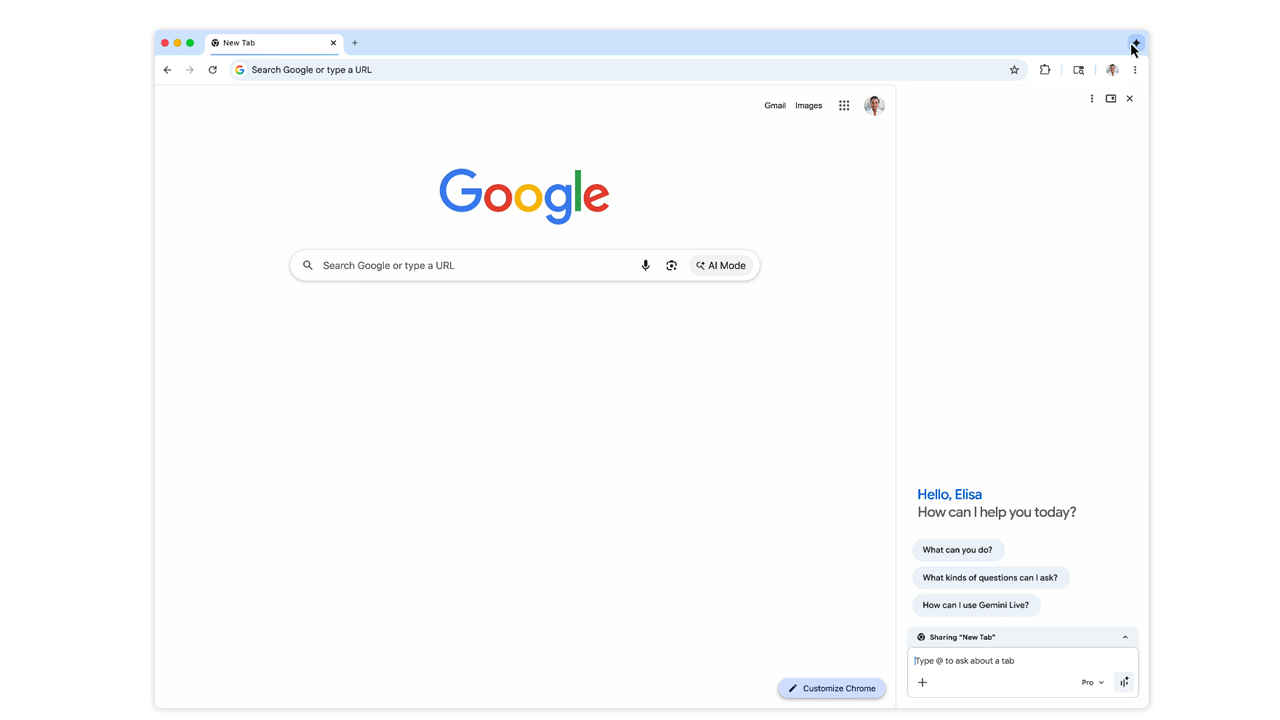
Auto browse lands alongside a redesign of how Gemini appears in Chrome: instead of feeling like a pop-up assistant that interrupts whatever is on screen, it lives in a persistent side panel. The intent is pretty straightforward, keep the “main” tab visible while Gemini reads, compares, and acts across other tabs or sites. Google’s own examples lean into exactly the sort of browser chaos most people recognise: too many product-review tabs, travel pages that never quite line up, and calendar admin that spirals.
This matters because agentic browsing is only useful if it does not become yet another source of context-switching. A side panel that remains available on any tab is a quiet but important UI choice: it suggests Google wants Gemini to behave more like a co-pilot for the session, not a separate destination.
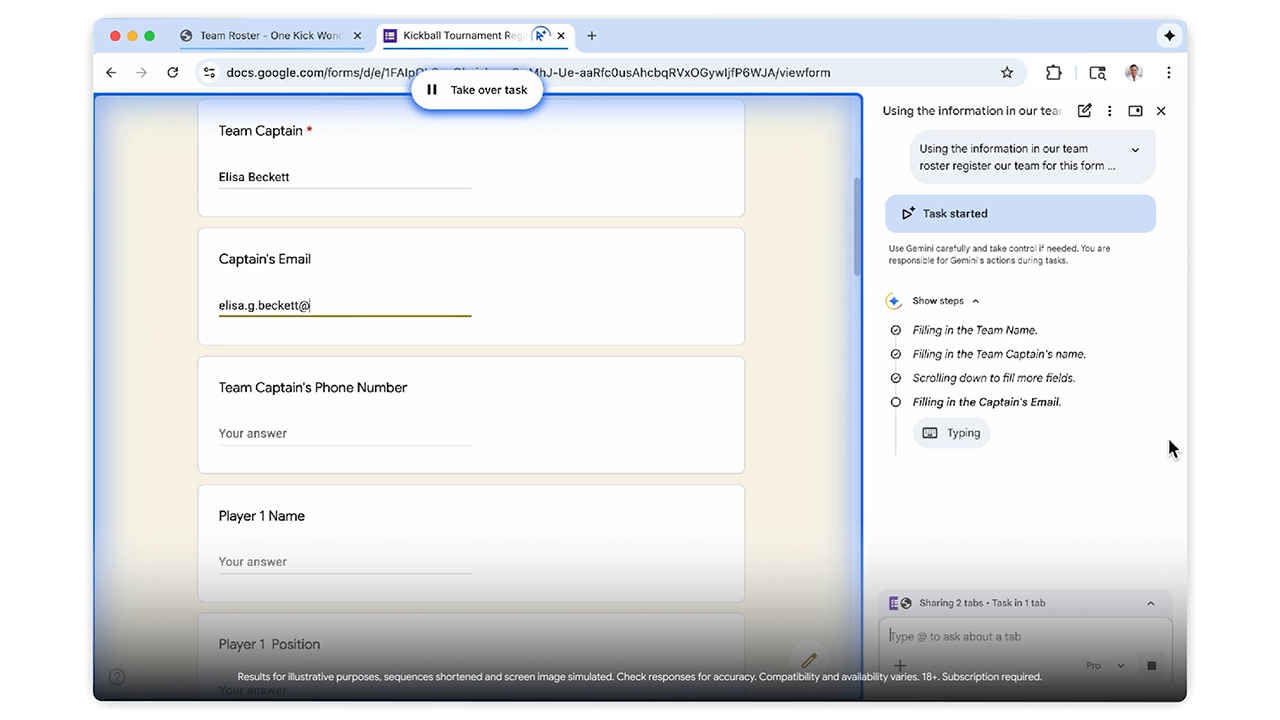
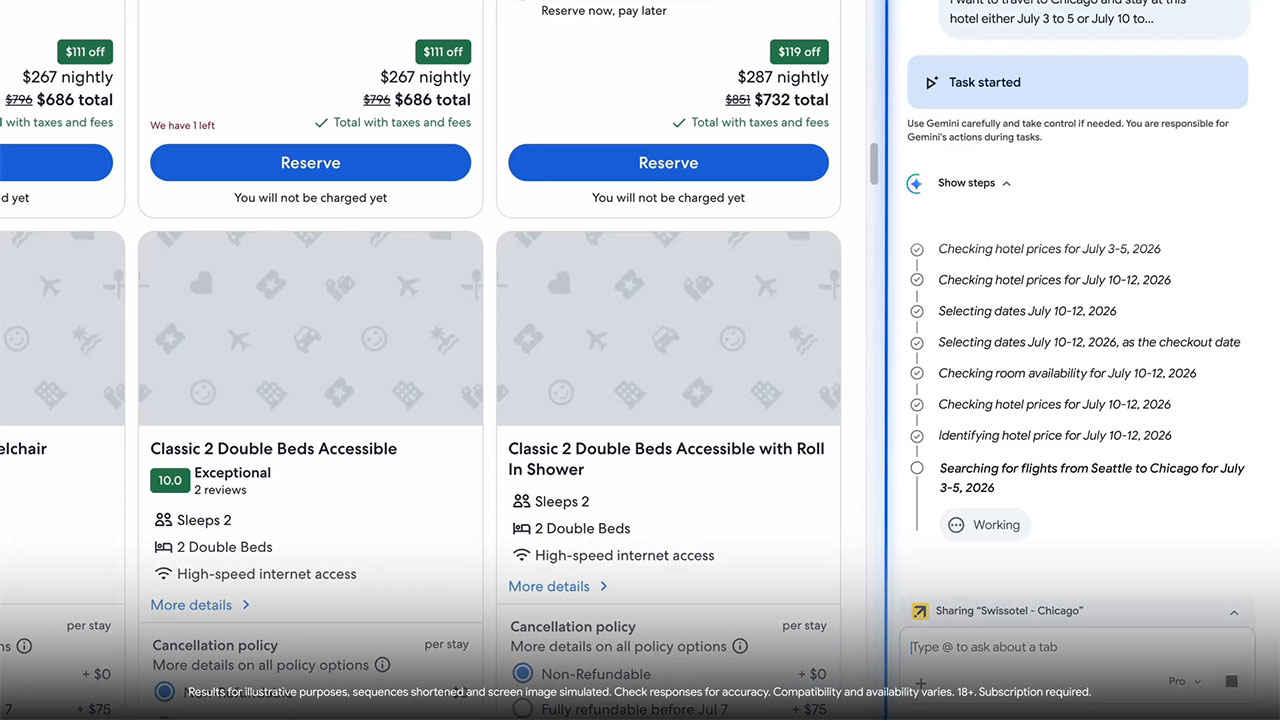
At its core, auto browse is an automation layer with judgement, at least in theory. Google says it can research hotel and flight pricing across multiple date options, schedule appointments, fill out online forms, collect tax documents, check bills, file expense reports, manage subscriptions, and help with renewals like driving licences. It also leans on Gemini 3’s multimodal side: show it an image for inspiration, and it can identify items, find similar products, and add them to a basket while staying within a budget and applying discount codes.
There’s also an explicit nod to the messy reality of the modern web: logins. If a user grants permission, auto browse can use Google Password Manager, so the agent can continue even when a sign-in is required. That’s a meaningful capability, and also exactly where a lot of the trust questions start to pile up.
In early hands-on coverage, the promise looks real, and so do the rough edges. Wired describes auto browse as more capable at multi-step tasks than earlier bots, but also highlights misfires that come from a lack of human judgement, like choices that follow instructions literally while missing intent. That’s the agent paradox in a nutshell: the more autonomy a tool has, the more irritating its mistakes become, because the user wasn’t “in” the steps where the mistake was made.
Google appears aware of that tension. Auto browse is designed to pause and ask for confirmation on sensitive actions, such as completing a purchase or posting to social media, and Google says it has added new defences and rigorous security standards for this agentic direction.
Auto browse is not just a feature, it’s also a bet on infrastructure. Chrome will support Google’s Universal Commerce Protocol (UCP), an open standard intended to let AI agents take actions on a user’s behalf in a consistent way across commerce surfaces. Google positions UCP as vendor-agnostic, with a reference implementation to help adoption, and partners cited include Shopify, Etsy, Wayfair and Target.
If that ecosystem play works, it reduces the brittle, site-by-site duct-taping that has historically limited browser automation. If it does not, agentic browsing risks becoming another demo-friendly feature that struggles in the wild.
Seems like browsers are being rebuilt around the idea that a user should be able to describe an outcome, and the software should do the clicking. Chrome’s new auto browse is one of the most direct attempts yet to make that future feel normal.