Dia - the new AI browser
Imagine a browser that doesn’t just display the web, it understands it with you. Enter Dia, a new AI-powered browser that blends the best of web browsing and artificial intelligence into a single, seamless experience. Where Chrome is fast and reliable, and ChatGPT is clever and conversational, Dia is both, and more.
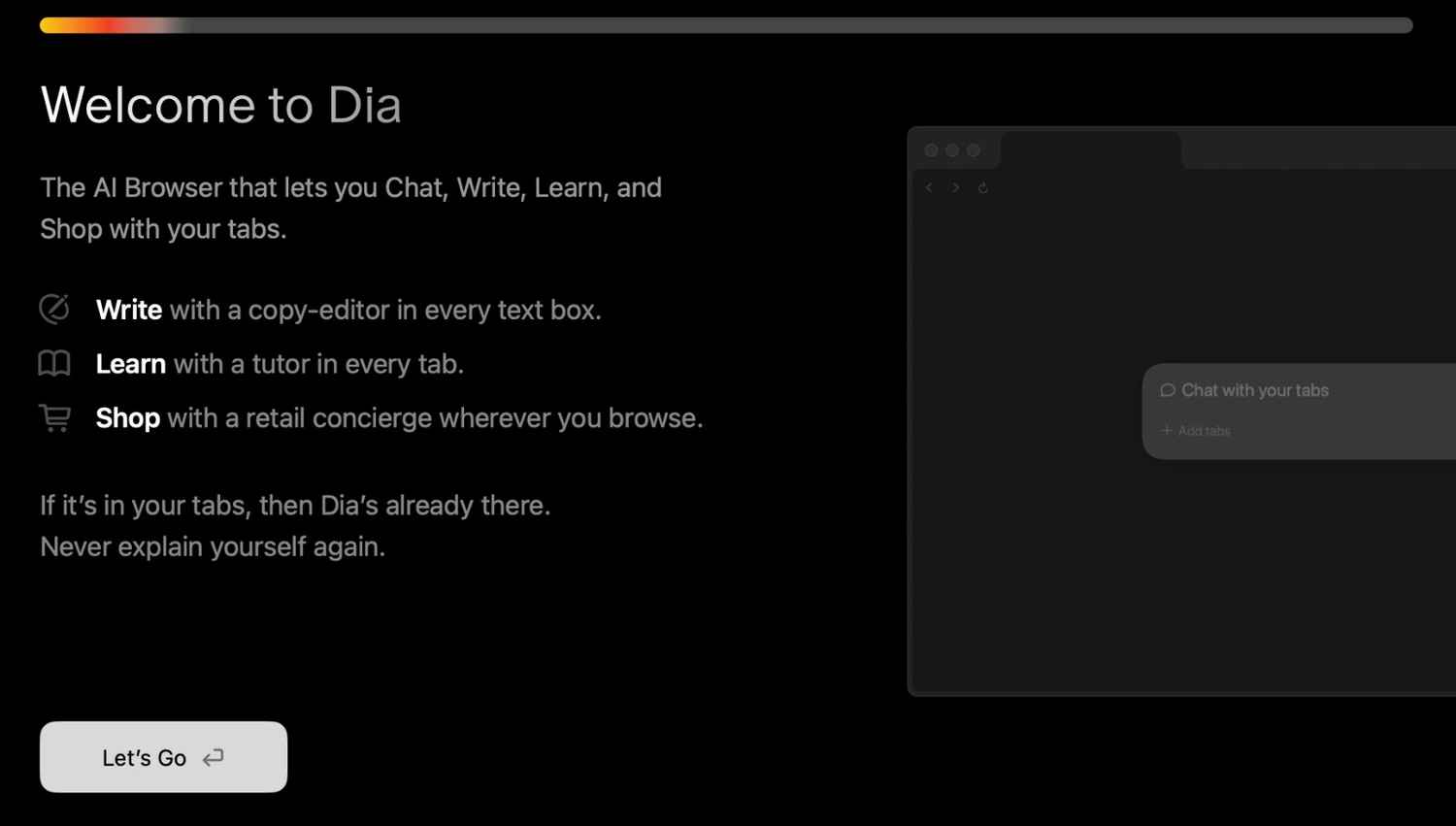
Unlike Chrome, where AI is something you add on through extensions (if at all), Dia comes with AI woven into its core. Let’s say you’re reading a dense research article, writing an email draft, or comparing reviews on a shopping site. With a single click or keyboard shortcut, Dia opens an AI chat sidebar right next to the page. The magic? The AI understands the context of the site you’re on. It can summarize that tricky article, help you rephrase that email, or even generate a comparison chart of the products you’re considering, without you ever leaving the page.
Gone are the days of copy-pasting URLs or snippets into ChatGPT or another app. Dia brings the assistant to you, where you need it, when you need it.
Also read: Edge, Neon, Comet, Arc: Top AI-powered browsers you must try
Here’s where Dia really sets itself apart. Say you have multiple tabs open, maybe a news piece in one, your calendar in another, and a bookmarked report you skimmed yesterday. With Dia, you can refer to all of them in your chat queries. “Summarize the news article and compare it to the report I bookmarked yesterday.” Dia knows what you mean while Chrome wouldn’t have a clue and ChatGPT wouldn’t know what tabs you have open.
This cross-tab awareness means Dia can help you synthesize information faster, whether you’re researching for work, planning a trip, or juggling multiple online projects.
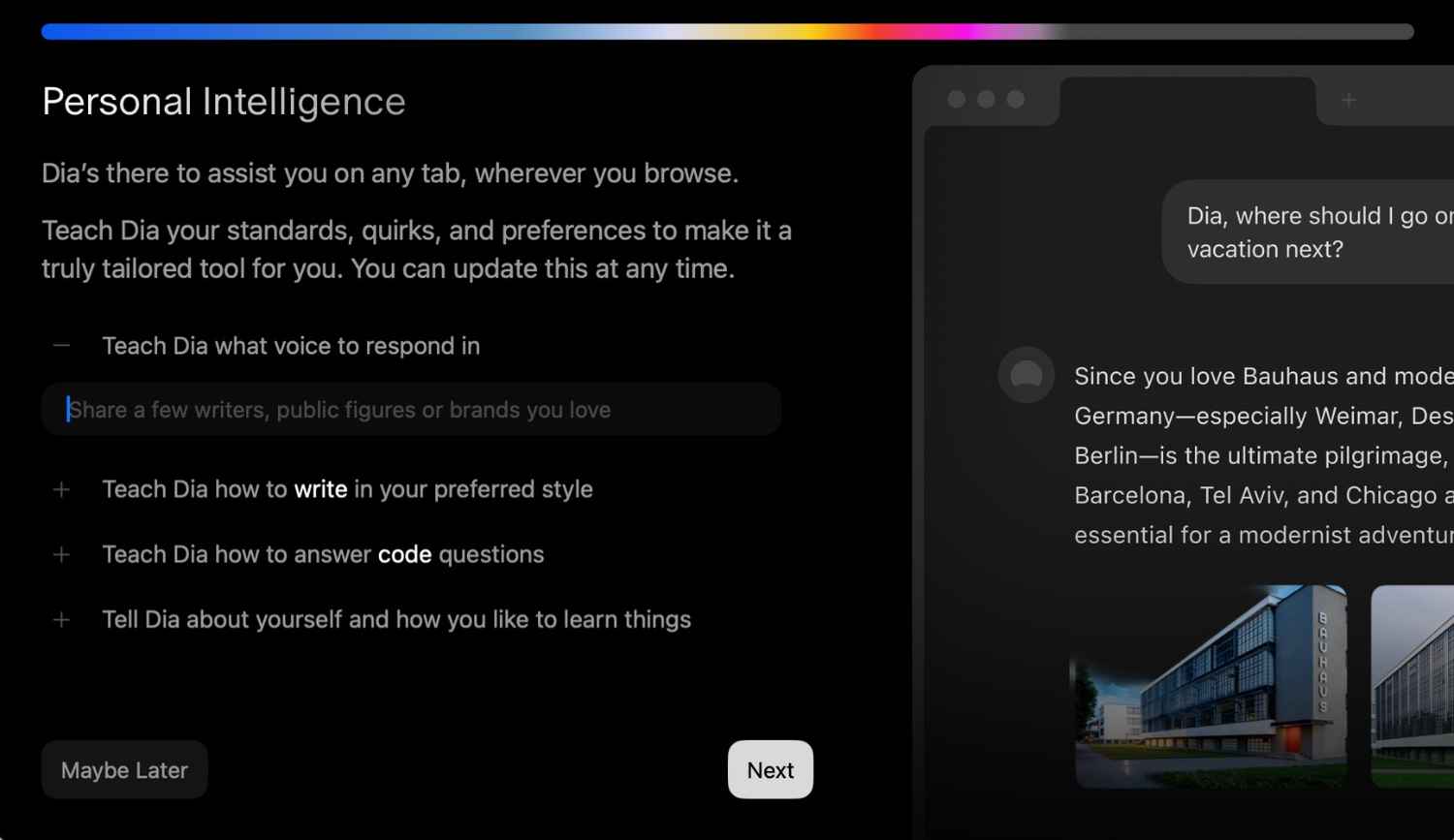
Dia doesn’t stop at chatting. It comes loaded with skills, AI-powered tools for writing, coding, summarizing, brainstorming, and more. Better yet, you can tweak these skills to match your style. Want emails that sound casual? Reports that stick to bullet points? Social media captions that are short and snappy? Dia can do that. And if you’re feeling ambitious, you can even create your own custom skills tailored to your workflow.
Also read: Gemma 3n: Google’s open-weight AI model that brings on-device intelligence
In Chrome, you’d be hunting down third-party extensions. In ChatGPT, you’d be switching between apps or relying on separate plugins. With Dia, it’s all in one place, ready to go.
The beauty of Dia is how it eliminates the friction of juggling between tools. No more bouncing between tabs to copy and paste. No more switching apps just to ask a quick AI question. Dia keeps everything inside your browser, making your workflow faster, smoother, and smarter.
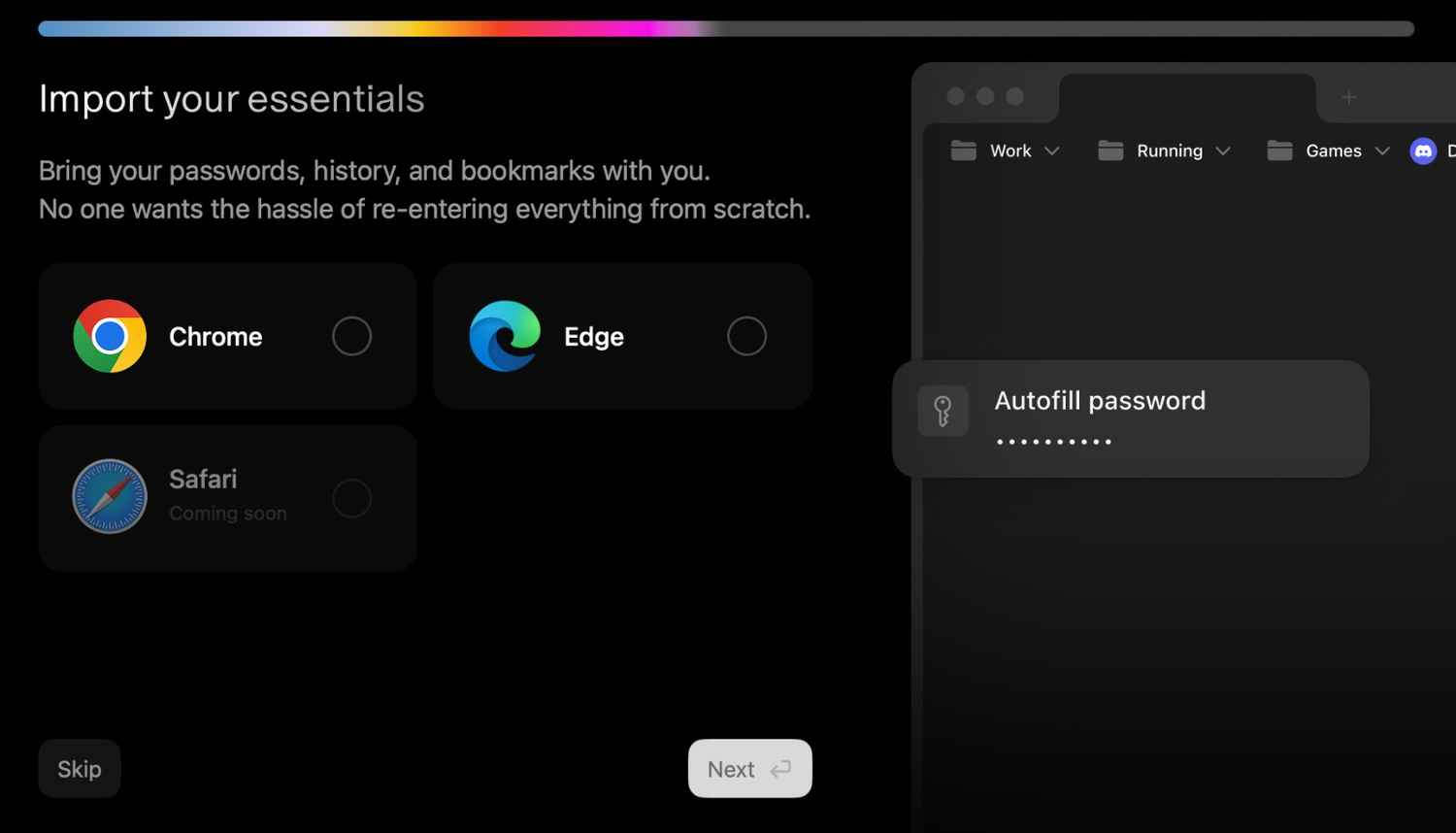
And if you’re worried about starting fresh, don’t be. Dia lets you import your bookmarks, history, and passwords from Chrome or any other browser. You can also manage profiles and extensions like you would in Chrome, but with the added bonus of built-in AI.
Dia isn’t trying to just be a browser. It’s your personal online assistant, built into your everyday internet experience. Whether you’re writing, researching, coding, or planning, it adapts to you, learning your preferences, helping you automate repetitive tasks, and making your time online more productive and personal.
Where Chrome gives you speed and reliability, and ChatGPT gives you answers, Dia combines both, creating a browser that’s as smart as it is fast, and as helpful as it is easy to use. It’s browsing, reimagined for the AI era.
Also read: Gemini CLI: Google’s latest open source AI agent explained