Ultra-budget PC builds are no longer just about basic computing. In 2026, AMD’s integrated graphics have matured enough to deliver a genuinely usable entry-level gaming experience without a dedicated GPU. This configuration focuses on affordability, efficiency, and simplicity, targeting first-time PC users, students, and casual gamers who want a capable system under ₹30,000.
Built around the Ryzen 5 5600GT, this setup prioritises low power consumption, decent gaming capability in eSports titles, and easy upgradability. It is not meant to replace a full gaming rig, but it offers a surprisingly smooth experience for everyday tasks, light creative work, and casual gaming at a very accessible price point.
Also read: CES 2026: Top 5 amazing gaming gear you will want to buy
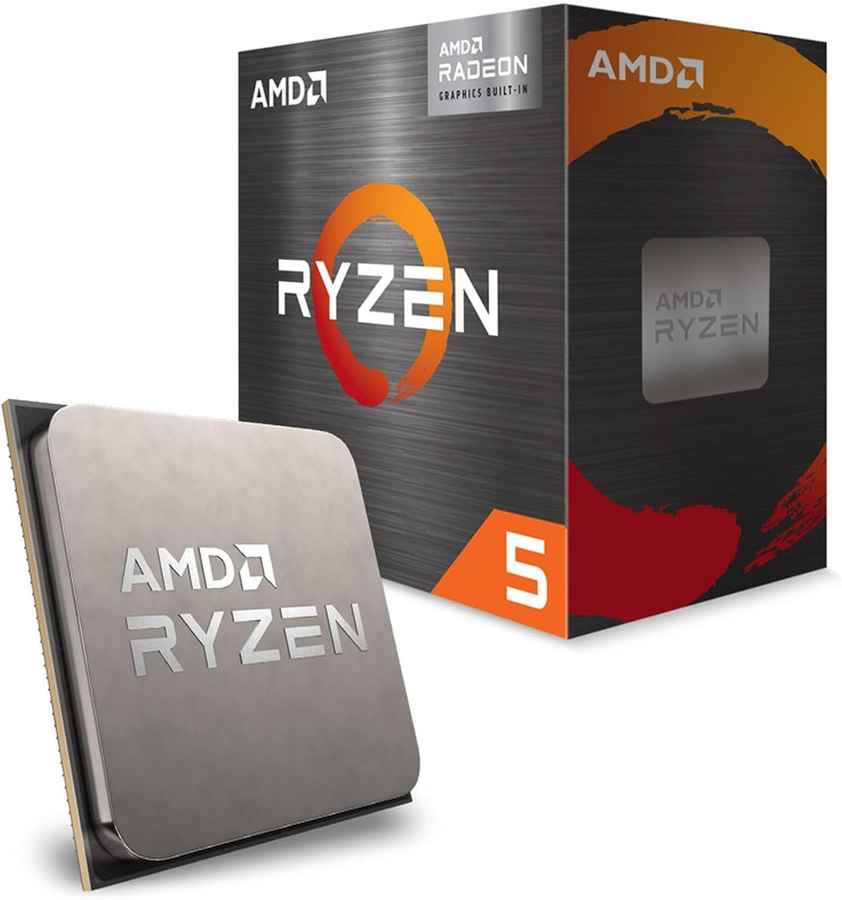
The Ryzen 5 5600GT is the heart of this build and its biggest strength. It features six cores and twelve threads based on the Zen 3 architecture, paired with Radeon integrated graphics. This combination allows the system to handle multitasking, browsing, productivity software, and light gaming without the need for a dedicated GPU. Its strong CPU performance ensures the system feels responsive in daily use and provides a solid foundation for adding a graphics card later.
The ASUS Prime A520 motherboard offers a simple and reliable platform for Ryzen 5000-series processors. While it does not support CPU overclocking or PCIe Gen 4, it covers all essential needs for a budget system. It includes NVMe support, stable power delivery, and a straightforward BIOS, making it suitable for first-time builders who want a no-frills, dependable setup.
Dual-channel memory is crucial for integrated graphics performance, and this 16GB Adata kit delivers exactly that. Running at 3200MHz, it provides sufficient bandwidth for both CPU tasks and Radeon graphics. With 16GB installed, the system can comfortably handle multitasking, web-heavy workflows, and modern applications without slowdowns.
Also read: The Witcher 3 may get another expansion soon
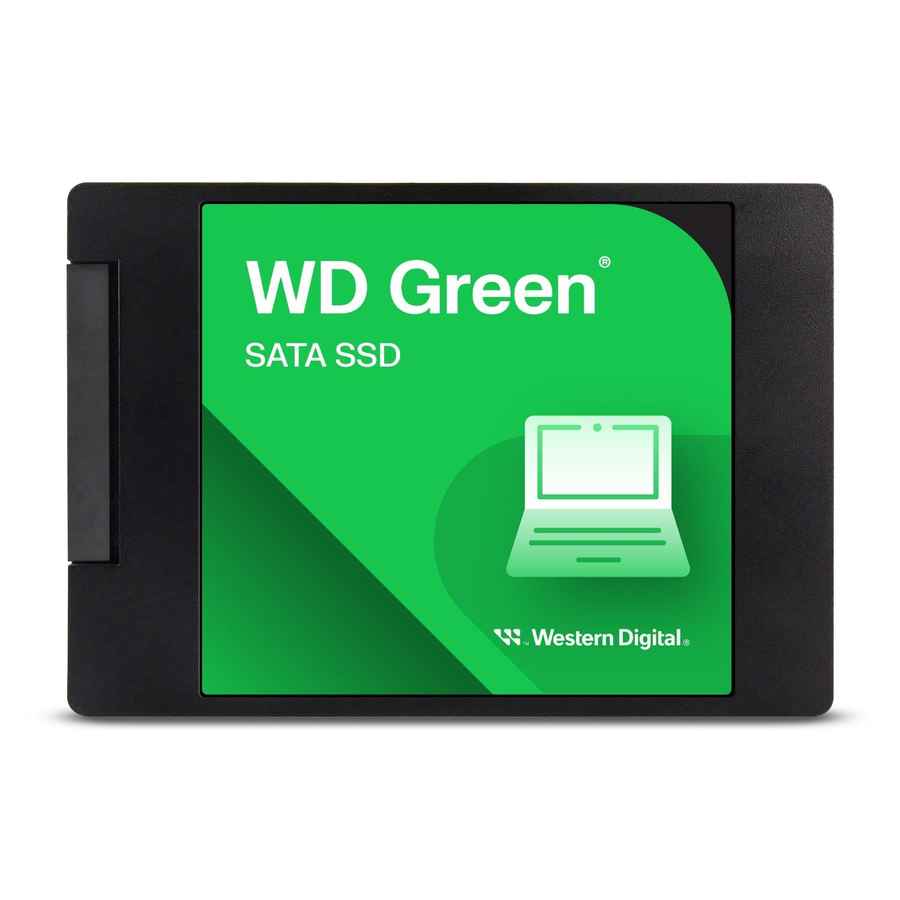
The WD Green SATA SSD improves overall system responsiveness with faster boot times and quicker application launches compared to traditional hard drives. While 250GB is limited by modern standards, it is enough for the operating system, essential software, and a few games. Storage can be expanded easily later with an additional SSD or hard drive.
The Cooler Master MWE 450 Bronze V2 provides reliable and efficient power delivery for this low-power system. With 80 Plus Bronze certification and built-in safety protections, it ensures stable operation and long-term reliability. It also offers enough headroom to support an entry-level dedicated GPU upgrade in the future.
The Zebronics Zium is a basic but functional mid-tower cabinet that keeps costs low while offering decent airflow. It supports standard components, allows easy assembly, and provides enough internal space for future upgrades. Its simple design makes it a practical choice for a budget-focused build.
| Component | Name | Price |
| CPU | AMD Ryzen 5 5600GT | 14,700 |
| Motherboard | Asus Prime A520M-K/CSM | 5,000 |
| RAM | Adata Premier 16GB (8GBx2) DDR4 3200MHz | 2,600 |
| SSD | WD Green 250GB SATA III | 3,000 |
| Power Supply | Cooler Master MWE 450 Bronze V2 | 3,200 |
| Case | ZEBRONICS ZIUM Mid-Tower Gaming Cabinet | 1,700 |
| Total | 30,200 |
This build is designed for everyday computing and light gaming, not high-end graphics workloads. The integrated Radeon graphics in the Ryzen 5 5600GT deliver playable performance in popular eSports and older titles when settings are adjusted appropriately.
Also read: Top 5 classic arcade games you can play in Chrome browser