Coming from an engineering background, I completely understand the frustration of when you’re on a project submission deadline and your code just breaks for no reason. When a single missing semicolon or even an extra spacebar throws hundreds of lines of errors. Finding such errors is like finding a needle in the haystack. However, it’s not the case anymore, as unlike the previous times where you needed to go across numerous platforms to just look for the solution or to understand the root cause of the error, you can now turn towards the AI coding agents.
These AI agents are plugins that sit inside Integrated Development Environments (IDEs) and help you find errors. Not only this, but these tools can also help you do more, like understand the logic behind existing code, help you make the boilerplates and more. Whether you’re a student, fresher, or hobbyist learning to code, here are some free AI coding agents I recommend based on my limited use and experience in software development.
GitHub Copilot Agent has to be the first mention in our list of the best AI code agents, as the tool has become almost synonymous with AI-assisted coding. Developed by GitHub with support from OpenAI, the tool is designed to quietly sit inside your code editor and help you move faster. What’s more impressive is that as you start typing a function or logic block, Copilot suggests how the rest might look.
I personally enjoyed the tool, as it reduces the frustration of syntax errors, which cost me countless hours of my learning in my college days. However, for more experienced users the tools can be a time saver as they cut down repetitive work by providing them with boilerplates. While it gives you the satisfaction of writing the code, you do not feel like you are starting from a blank page every time.
Also read: Blue Prince to Battlefield 6: Best Games of 2025
What works in Copilot’s favour is how well it blends into tools like Visual Studio Code, Atom and others. With the plugin on your side, you need not switch tabs or break focus while learning. Even comments written in plain English are understood well enough to generate useful suggestions. That makes it approachable for learners who think clearly about what they want but struggle to express it in code.
From a learning perspective, Copilot also acts like a silent teacher, as it makes you notice patterns in how functions are structured and how logic flows, building confidence over time. However, it’s still important to pause and read what it suggests, but as a learning companion, it feels practical rather than overwhelming.
Cursor approaches AI-assisted coding from a slightly different angle. Instead of acting only as a plugin, it is a full code editor built around AI interaction. The free plan of the tool gives you enough room to explore its core strengths, especially for personal projects and learning.
The most noticeable difference with Cursor is how naturally it lets you have a conversation with your code. You can ask questions in simple English and get an explanation referring to your own files. If something is not working, you can ask why. If a piece of logic feels messy, you can ask for a cleaner approach. It really feels more like having a conversation than issuing a command.
For learners in India who rely heavily on online tutorials, this can be reassuring. Instead of jumping between videos, blogs, and forums, Cursor keeps the discussion close to your actual code. It reduces that familiar feeling of knowing what you want to build but not knowing where things went wrong.
Also read: Resident Evil: Why this legendary game has defined horror for 30 years
The tool is also useful when making changes to existing code. Rather than rewriting everything, you can describe the change you want and let the editor guide the update. This saves time and lowers the chance of introducing new errors. The free version does have limits, but for learning and freelancing, it rarely feels restrictive.
Windsurf Agent takes a quieter, more reflective approach to AI coding assistance. Instead of focusing mainly on generating code, it focuses on helping you understand what you have written and how it could be better. The free version offers enough of this experience to make it valuable for learners.
One of Windsurf’s strengths is clarity. It explains logic in a way that feels patient rather than rushed. For students who often paste code from tutorials without fully understanding it, this can be a turning point. You begin to see not just what works, but why it works.
Debugging is another area where Windsurf proves useful. When something breaks, it does not just point to the error. It helps trace the reasoning behind it. This saves time and also reduces the habit of random trial and error, which many beginners fall into under pressure.
Over time, Windsurf gently pushes users toward better habits. It suggests cleaner structures and more readable approaches, without being strict. For those preparing portfolios or interviews, this kind of feedback helps build confidence in the quality of their work.
Replit Agent qualifies for a spot on our list of the top free AI coding agents because of how beginner-friendly it is. The software runs entirely from a web browser, which means that there is no need for installation or initial setup. You merely open a project and begin programming. This is especially useful in the real-world setting within India, because not all students own high-performance devices.
Apart from code assistance, what really stood out to me was how the plugin explains errors in simple language and suggests solutions without causing any lag or interrupting the learning process.
Also read: MahaCrimeOS AI: Maharashtra and Microsoft partner to solve crime faster
Replit Agent also supports a wide range of programming languages, such as Python, JavaScript, Java, and many more. This gives students the freedom to explore and learn multiple languages without any fear or hesitation.
One of the strongest points of Replit is that it lets multiple people work on the same piece of code from anywhere, hence making group work a success. Despite the varying skills, people can work together on a project with the aid of the AI assistant, which helps in ensuring that teamwork is a success.
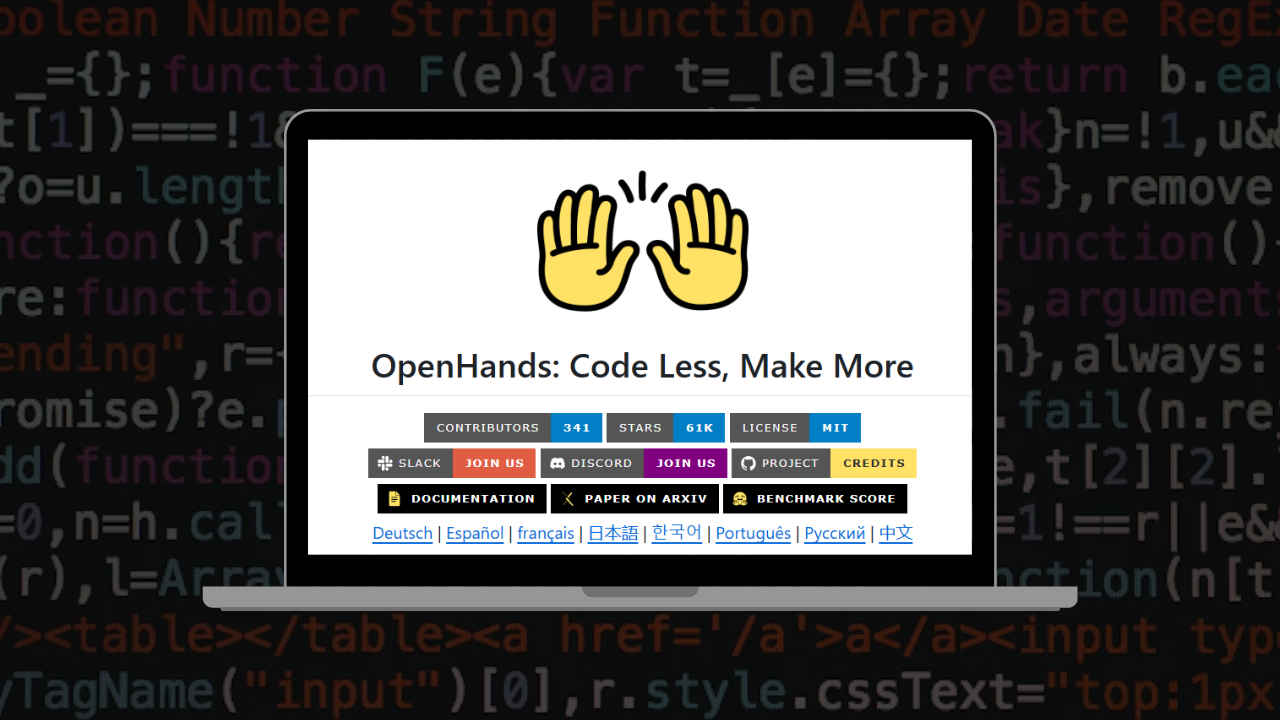
OpenHands stands out because it is open source, which makes it one of the strong contenders for the best free AI code agent available to students. Learners are not treated as passive users of a closed product. Instead, the plugin allows them to look inside, explore how it works, and understand what is happening behind the scenes. For students who care about transparency and want to learn beyond surface-level usage, this makes OpenHands especially appealing.
In terms of practical use, the plugin supports writing code, fixing bugs, and understanding large projects more clearly. It encourages students to experiment rather than follow fixed paths.
Also read: Star Wars: Fate of the Old Republic revealed: 3 key details from the trailer
While beginners can still use OpenHands, students with some prior coding experience usually feel more comfortable and confident using its features. Over time, this experimentation helps build problem-solving skills and a deeper understanding of code structure.
Furthermore, OpenHands also benefits from a strong community of developers with different skill levels who actively contribute to its growth. This ensures that development happens by developers for developers or the students who’ll soon be developers, rather than being driven mainly by commercial goals.