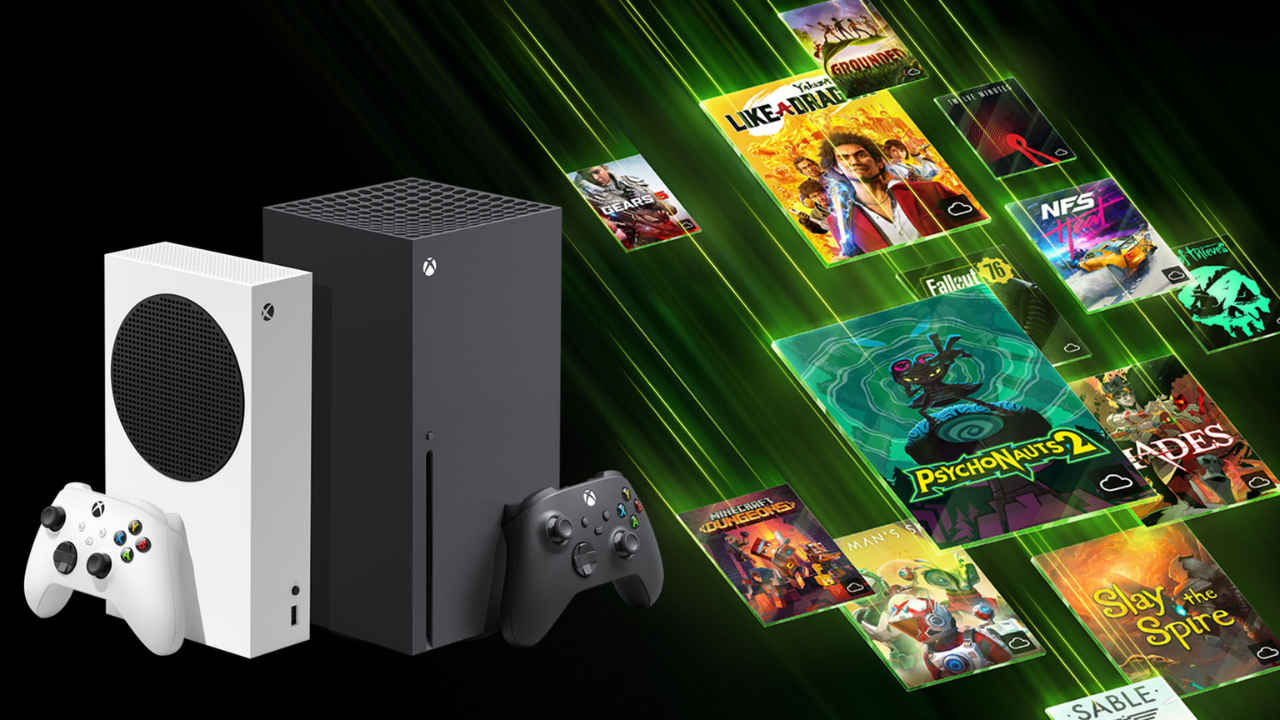
Xbox controllers could soon get a new feature
The controllers might soon open the task menu
Microsoft is testing the feature with Insider builds before a wider rollout
Many gamers across the world rely on their Xbox controllers for playing games on PC. And now, their experience might just receive a small but meaningful upgrade. Microsoft is reportedly testing a new feature that makes controllers more useful outside of games. Instead of juggling keyboard shortcuts or reaching for a mouse, you might soon be able to pull up the Windows task menu with a simple button combo on your Xbox controller.
This may sound like a minor change, but for anyone who uses a controller for cloud gaming, navigating apps, or even casual streaming sessions on their PC, this update could smooth out the experience significantly. Microsoft is testing the feature with Windows Insider builds, and while not everyone has access yet, the wider rollout could follow soon. Here’s what the new feature is, how it works, and why it matters.
Also read: GTA 6 may get this Red Dead Redemption 2 like feature, details here
New feature for Xbox controllers is here
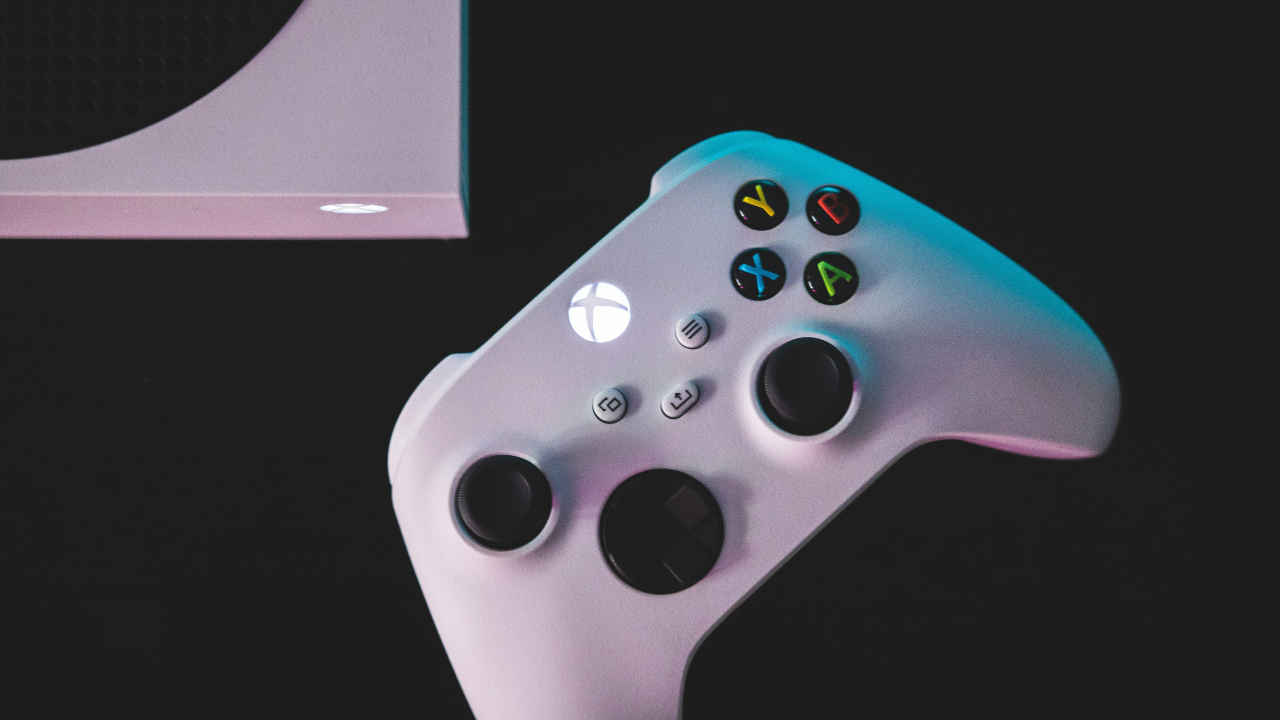
Up until now, holding the Xbox button on your controller while connected to a Windows 11 PC would launch the Xbox Game Bar. That was useful for recording clips, checking performance stats, or chatting with friends, but it wasn’t always the most intuitive way to manage multitasking. Microsoft is now changing this behaviour. With the update, pressing and holding the Xbox button could instead open the system’s task menu, the same one you’d normally bring up with a keyboard shortcut like Alt+Tab or Windows+Tab.
This means that instead of interrupting gameplay to reach for your keyboard or mouse, you can switch between apps, jump back to your browser, or check Discord directly from your controller. It’s a small tweak, but one that instantly makes controllers feel more native to the PC ecosystem.
The change is about more than convenience. Microsoft has been gradually blurring the line between Xbox and PC experiences, whether through Game Pass integration, the Xbox app, or cloud gaming. By making the controller double as a navigation tool, the company is reinforcing the idea that Windows is a gaming-first platform where your controller should be just as useful as your keyboard.
It also aligns with the increasing number of players who use their PCs as hybrid entertainment hubs to swap between games, streaming services, and productivity apps. For these users, fewer interruptions in switching apps mean a more seamless flow.
How to try the new Xbox controller feature
For now, this feature is only available to Windows Insiders running the latest Canary and Dev channel builds of Windows 11. If you’re part of the program, you should see the new task menu behaviour kick in automatically once your system updates.
Microsoft hasn’t confirmed an exact release timeline for all users, but features tested through Insider builds typically take a few months to make their way to the stable channel. If feedback is positive and the rollout stays on track, general availability could land in a future cumulative update later this year.
As with any Insider feature, there could be bugs or inconsistencies in how the task menu opens, especially across different controller models or third-party gamepads. Some players may also prefer the old behaviour of opening the Xbox Game Bar, though Microsoft is expected to keep alternate shortcuts for that.
That said, this feels like one of those subtle but impactful improvements that makes PC gaming friendlier for controller-first players. By reducing the need to break immersion and switch input devices, Microsoft is nudging the Xbox controller into becoming a more natural companion for everyday Windows navigation.
Also read: Windows 10 support ending soon: How to upgrade to Windows 11 for free