
Paytm चे नवीन UPI Statement Download फीचर रोलआऊट! जाणून घ्या कसे करेल काम?
 Follow Us
Paytm ने वापरकर्त्यांसाठी नवीन UPI Statement Download फिचर सादर केले.
या फिचरद्वारे तुम्ही तुमच्या UPI पेमेंट खर्चाचा हिशोब सहज ठेऊ शकता.
नव्या फीचर अंतर्गत तुम्हाला कोणत्याही तारखेचे आणि आर्थिक वर्षाचे विवरण सहज मिळण्यास मदत होईल.
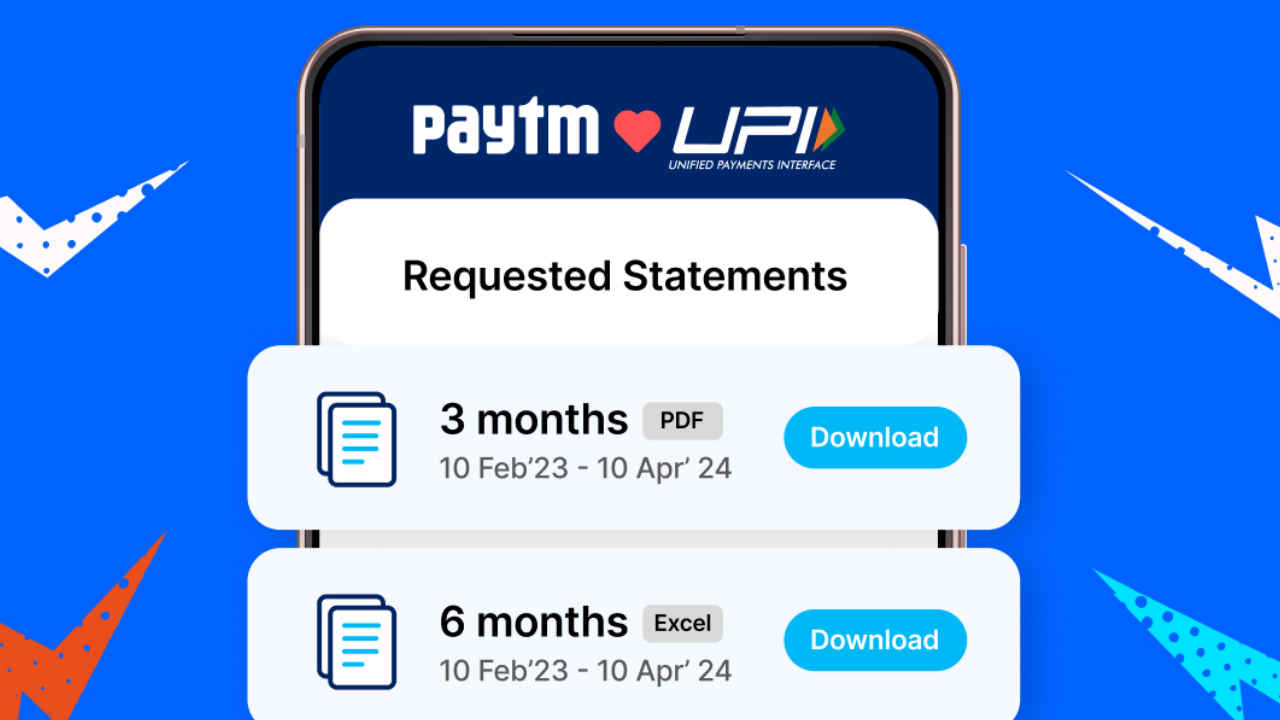

लोकप्रिय ऑनलाईन पेमेंट ऍप Paytm ने आपल्या वापरकर्त्यांसाठी नवीन UPI Statement Download फिचर सादर केले आहे. हे फिचर विशेषतः अशा वापरकर्त्यांसाठी उपयुक्त आहे, जे दिवसातून अनेकदा UPI पेमेंट करतात आणि पेमेंट्सचे हिशोब ठेऊ शकत नाही. असे अनेकदा होते की, आपण दिवसभरात अनेक लहान-मोठे UPI पेमेंट करतो, ज्यामुळे प्रत्येक पेमेंटचा हिशोब ठेवणे कठीण होते. आता Paytm ने आपल्या युजर्सच्या या समस्येवर निराकरण म्हणून नवे फिचर रोलआऊट केले आहे.
 Survey
Also Read: JioTV+ चे नवे AI Sensor फीचर लाँच! कुटुंबासोबत पाहताना ऍडल्ट सीन होणार ब्लर
UPI Statement Download
Introducing the UPI Statement Download on Paytm! Now, track expenses and streamline tax filing with ease. Download statements by date range or financial year in a clear PDF format – designed for better expense management and simplified tax preparation.
— Paytm (@Paytm) November 6, 2024
Read more:… pic.twitter.com/EI0Yt2fqfb
Paytm ने आपल्या अधिकृत X म्हणजेच पूर्वीच्या ट्विटर हँडलद्वारे नवीन UPI स्टेटमेंट डाउनलोड फिचरबद्दल माहिती दिली आहे. या फिचरद्वारे तुम्ही तुमच्या UPI पेमेंट खर्चाचा हिशोब सहज ठेऊ शकता. त्याबरोबरच, हे नवीन फीचर तुमच्यासाठी टॅक्स फाइलिंग दरम्यान खूप उपयुक्त ठरणार आहे, असे देखील कंपनीने सांगितले आहे. तुमच्या माहितीसाठी सांगतो की, हे फिचर सध्या PDF फॉरमॅटमध्ये उपलब्ध आहे.
Paytm UPI Statement कसे डाउनलोड करावे?
- सर्वप्रथम, तुमच्या स्मार्टफोनमध्ये Paytm UPI ऍप ओपन करा.
- यानंतर मुख्यपृष्ठावर दिसणाऱ्या ‘Balance and History’ सेक्शनमध्ये क्लिक करा.
- आता तुम्हाला ‘पेमेंट हिस्ट्री’च्या सर्च बारच्या पुढे डाउनलोड पर्याय दिसेल.

- डाउनलोड आयकॉनवर क्लिक केल्यानंतर, तुम्हाला डेट रेंज आणि Financial Year चे दोन सेक्शन्स दिसतील.
- डेट रेंजमध्ये तुम्ही 1 महिना, 3 महिने, 6 महिने, 1 वर्ष आणि कस्टमाइज डेटद्वारे UPI स्टेटमेंट डाउनलोड करू शकता.
- Financial Year सेक्शनअंतर्गत तुम्ही संपूर्ण वर्षाचे विवरण देखील सहज काढू शकता.
वर सांगितल्याप्रमाणे, UPI Statement Download फिचर सध्या PDF फॉरमॅटमध्ये उपलब्ध आहे. लवकरच हे नवे फिचर एक्सेल फॉरमॅटमध्येही सादर केले जाईल. या फीचर अंतर्गत तुम्हाला कोणत्याही तारखेचे आणि आर्थिक वर्षाचे विवरण सहज मिळण्यास मदत होईल.


