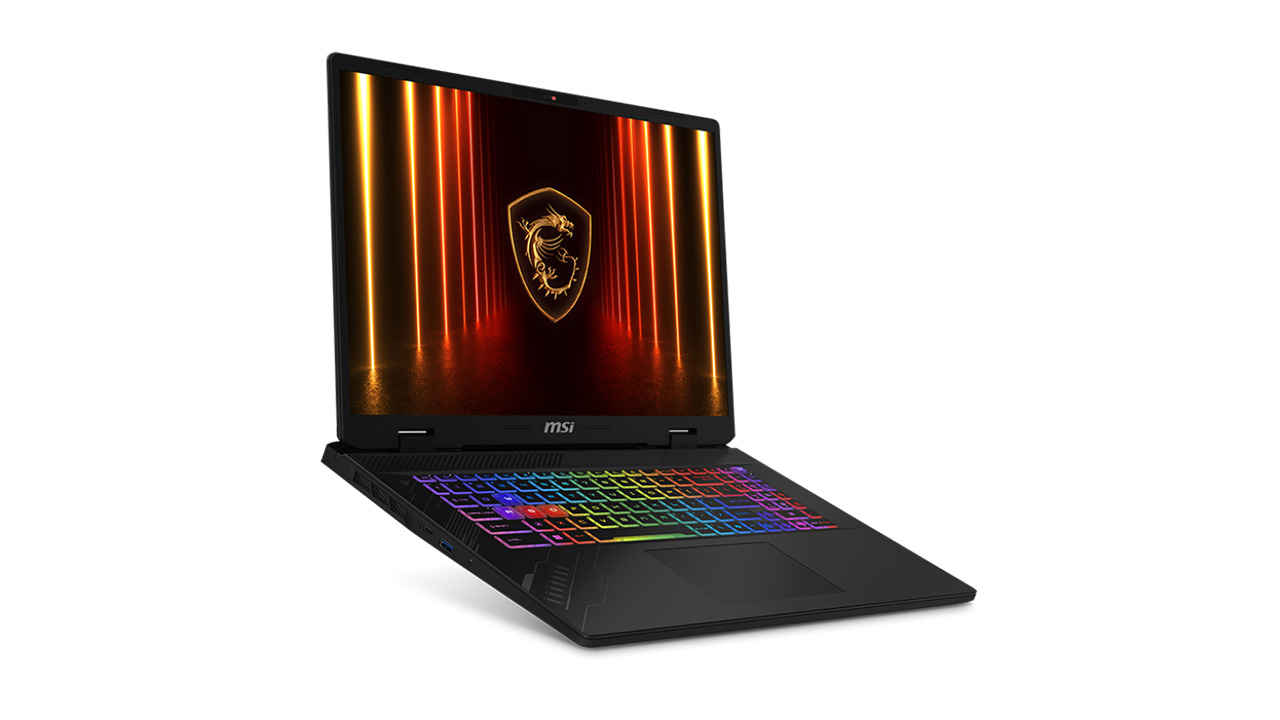
MSI-Stealth-18-HX-AI
If you are weighing up a new laptop that hits the right price-to-performance ratio then MSI’s latest range brings together next-gen NVIDIA Blackwell graphics with DLSS 4, efficient AI-class processors, and MSI’s own AI Engine that quietly tunes everything in the background. Whether you lean towards competitive gaming, 3D creation, CAD, or long stints of writing and editing on the road, there is a chassis, screen size, and internal mix that fits neatly. The Crosshair 16 HX AI, Crosshair 17 HX AI, Vector 16 HX AI, Vector 17 HX AI, Stealth 18 HX AI, Stealth A16 AI+, Katana 17 HX, Katana 15 HX and the ultra-portable VenturePro A15 AI+ cover the spread from lean travellers to desk-bound power users. The laptops start from Rs 95,990 and go all the way up to extreme performance.
MSI’s Blackwell RTX 50 class GPU-equipped models, including the Crosshair 16 HX AI variants, the larger Crosshair 17 HX AI, and the Vector 16 HX AI, Vector 17 HX AI, Katana 17 HX, and Katana 15 HX are built around the idea of balance. The GPU matters, of course, but so do the choices around the GPU. With DLSS 4 in your pocket, you are leaning on smarter upscaling, frame generation, and ray reconstruction so your favourite titles and 3D apps feel fluid on high-refresh QHD displays without compromising detail. The benefit is immediate in fast shooters, open-world RPGs, and production apps that lean on GPU AI blocks for denoising or upscales.
Cooling is the other half of the equation. MSI’s HX-class chassis use generous intake and exhaust paths, multi-heatpipe or vapour-chamber designs depending on model, and tuned fan curves so clocks stay put instead of spiking and dipping. That steadiness is what keeps a Crosshair 16 HX AI consistent over an evening of ranked matches or a multi-hour 3D render. It is also the difference between a Vector 17 HX AI that finishes a Simulate and Render batch at the expected time and one that slips because of thermal throttling. Even the Katana 15 HX which has the most flexible price range feature excellent cooling. You will hear the fans when you push a project, though day-to-day browsing, video calls, and office work sit in quieter profiles, which keeps the laptops civil in shared spaces.
Small language models, or SLMs, round out this performance story. Where you once needed a desktop or a datacentre call, on-device SLMs now handle the quick stuff: instant document summaries, transcript clean-ups, local search over notes, and simple creative prompts for mood boards. This is a neat fit for the Stealth 18 HX AI and the HX Crosshair and Vector machines, where the GPU accelerates tokens per second for SLM inference and the cooling headroom prevents the system from ramping noisily the moment you queue a larger prompt. If your workflow blends gaming with creator or engineering tasks, that balance of Blackwell + DLSS 4 + steady thermals is precisely the point.
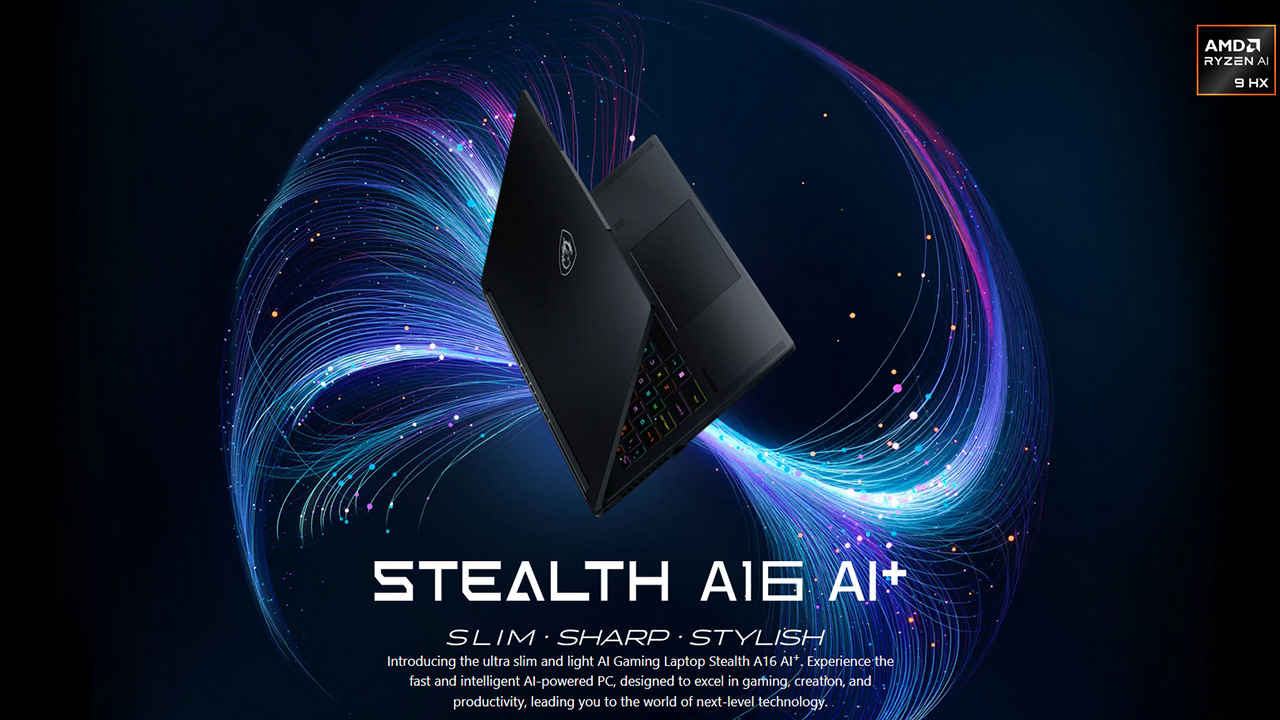
Not every MSI buyer wants a hulking rig. The Stealth A16 AI+ gives you a slimmer AMD-powered path that still benefits from modern GPU and cooling thinking, while the VenturePro A15 AI+ is tailored for ultraportable battery life and quiet competence first, with the option to burst into heavier workloads when needed. The result across the family is predictable speed, fewer thermal surprises, and enough thermal mass to keep fans from constantly hunting.
If you are a power user, creator, or competitive gamer who needs sustained performance, look first at the Vector, Raider, and Stealth families. Vector 16 HX AI and Vector 17 HX AI are straightforward choices when you want workstation like balance without the bulk of a desktop. Pairing RTX 50 class graphics with efficient AI ready processors gives you the headroom to run render queues, simulations, and multi track timelines while keeping background tasks on the NPU or tensor blocks. This lets the CPU idle more often, which lowers heat and smooths battery drain. In practice, fans do not flare when you open a dozen tabs or switch between Blender and Lightroom, and palm rests stay comfortable over long sessions.
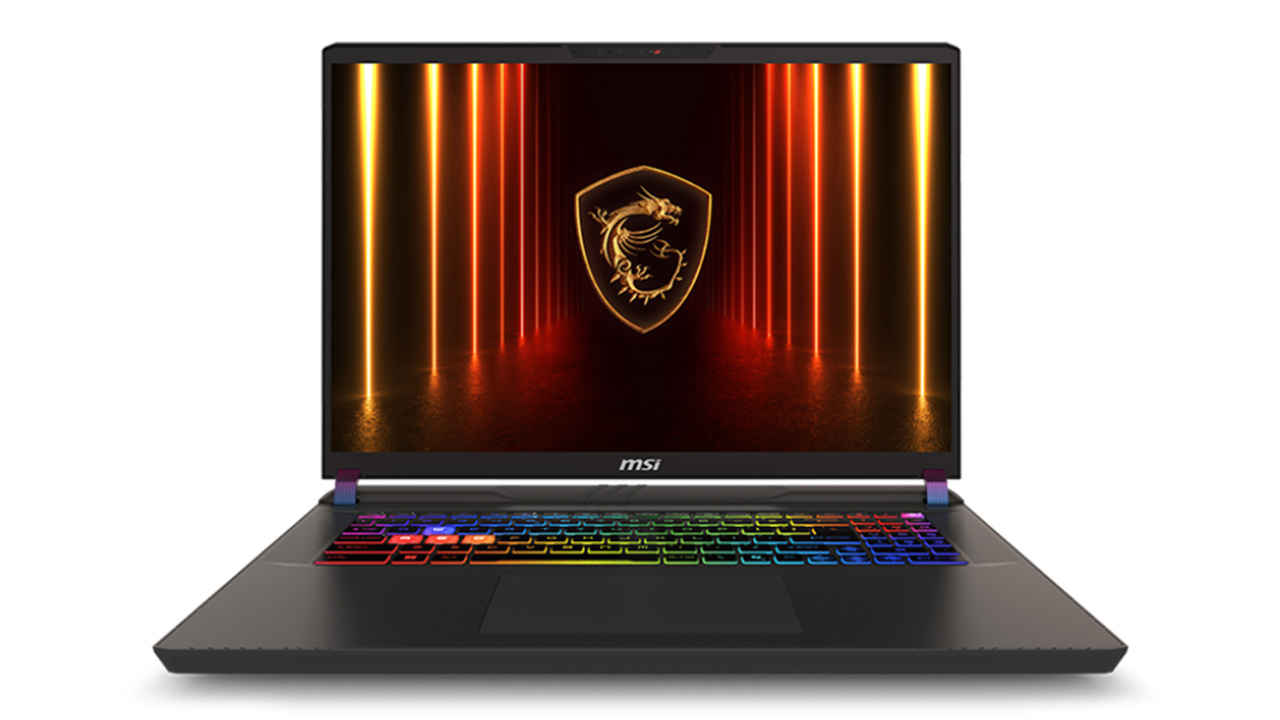
Stealth 18 HX AI is for those who want maximum speed wrapped in a sleeker design. It handles long colour work and complex edits, then pivots to 240 Hz class gaming without missing a beat. The platform prioritises low idle draw, fast sleep resume, and on device features like AI captions or noise removal that do not require a constant network. When you dock, USB C fast charging and modern hub support keep desk transitions simple.
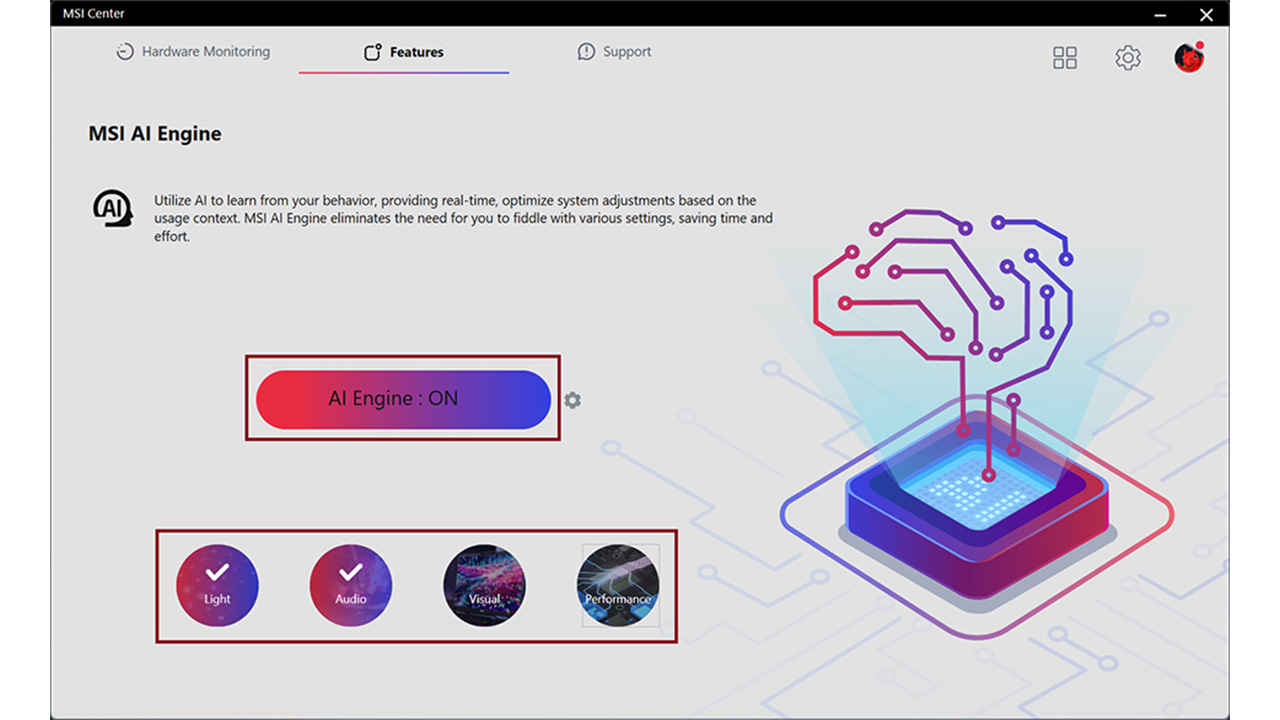
Raider slots in for users who prefer a larger cooling footprint and the visual flair of a performance rig. It is the easy pick when you want a big canvas, sturdy thermals, and room for sustained clocks during heavy GPU workflows. Across Vector, Raider, and Stealth, MSI’s AI Engine acts as the quiet organiser. Launch a game and it can pull up a performance leaning profile with a smarter fan curve, GPU switch engaged where supported, and network traffic shaped to keep latency steady. Open your NLE or CAD package and it prioritises sustained clocks, tones down background services, and preserves the colour profile you prefer. The advantage is not a pile of manual toggles, rather an adaptive layer that learns your habits and nudges the system to match.
If you travel often, Stealth A16 AI+ adds AMD efficiency to the pro mix. It is tuned for all day flexibility, with panel self refresh, on device translation, and battery friendly routing between dGPU and iGPU. You can draft scripts, annotate storyboards, or run local SLM summarisation without poking the fans. When you push a longer export, the cooling headroom steps in so clocks stay consistent instead of spiking and dipping.
If you want RTX 50 class goodness without stretching the budget, MSI’s Crosshair and Katana lines hit a compelling balance. Crosshair 16 HX AI and Crosshair 17 HX AI bring high refresh gaming and creator friendly acceleration to a price point that works for students, early career creators, and anyone building a first serious gaming setup. They lean on the same principles as the flagships: efficient AI ready processors, local NPU features for captions and background blur, and sensible thermals that keep clocks stable over time. You can run on device SLM tasks such as tidy ups of lecture transcripts, instant document summaries, or lightweight creative prompts for pitch decks, and most of this work stays quiet because the NPU and GPU tensor blocks handle it without dragging the CPU into high gear.
Katana 15 HX and Katana 17 HX extend that value story. The chassis is tuned for predictable behaviour, with intake and exhaust paths sized to avoid constant fan hunting. Even under longer gaming sessions, clocks hold steady so frame pacing feels consistent. Day to day, the AI Engine remains useful here as well. Fire up a shooter and a performance profile kicks in. Switch to a study session or a remote class and the system slides into a quieter mode, dims gently indoors, and lets the NPU handle live captions or dictation. You do not need to dive into menus each time. Over a week of use, the laptop feels like it knows what you are doing and adapts, which is exactly what beginners and budget focused buyers appreciate.
Battery life is another practical win in this segment. With low idle draw, panel self refresh, and modern power routing for dGPU and iGPU switching, you can get through a full day of notes, browsing, and video calls, then plug in for an evening of games. USB C charging on supported models helps if you want to travel light. The upshot is simple. With Crosshair and Katana, you get RTX 50 performance, on device AI features, and calm thermals at prices that make sense.
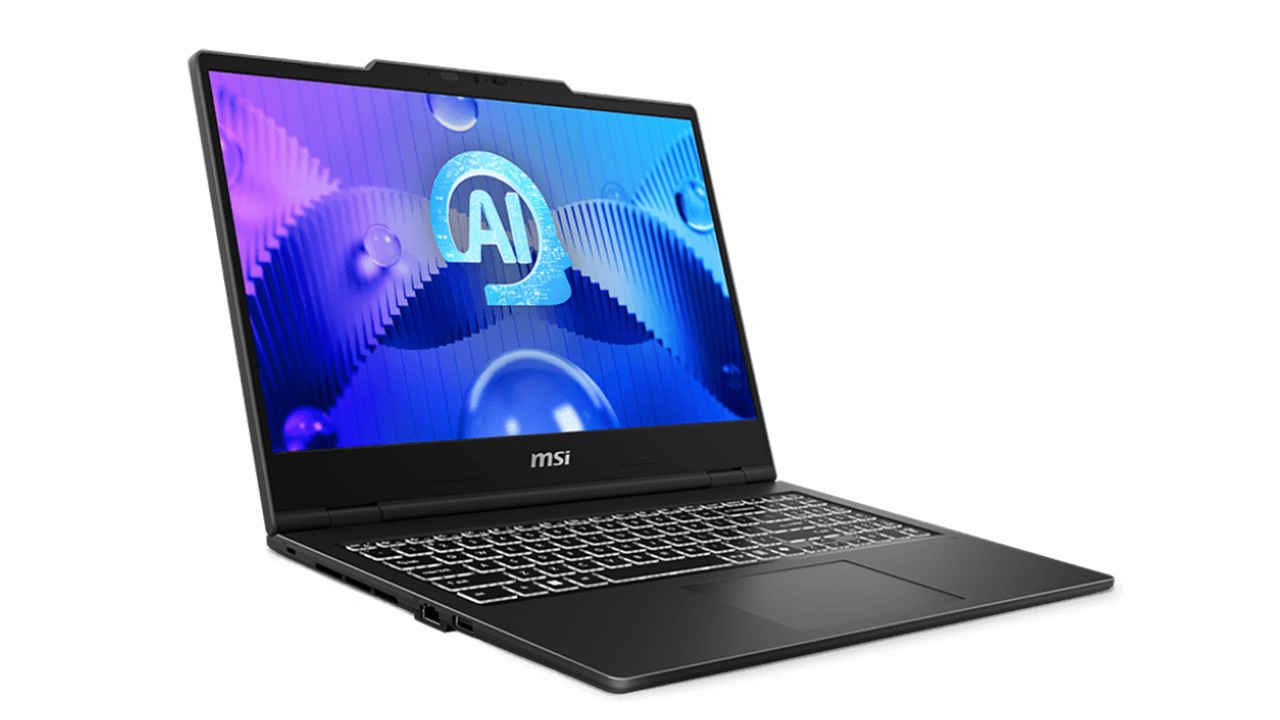
If you want a compact gaming and creator rig with modern Blackwell graphics, start with the Katana 15 or 17 HX or even the Crosshair 16 HX AI. Prefer a larger canvas and bigger cooling footprint, then the Crosshair 17 HX AI is the obvious step-up. For a more understated, workstation-leaning approach, look at the Vector 16 HX AI or Vector 17 HX AI. If you want maximum performance in a sleeker design, the Stealth 18 HX AI fits the bill. Travellers who value battery life and low noise should try the Stealth A16 AI+, while those chasing a thin, all-day Copilot-class experience can shortlist the VenturePro A15 AI+.
The common thread is straightforward. MSI has blended next-gen graphics, efficient AI-class processors, and adaptive software into laptops that are quick when you need them and quiet when you do not. Moreover, you can pick from options across the range starting from the RTX 5050 offering you a wide assortment of budget-friendly to high-performance options. That is the balance most buyers are after, and it is the point where these machines feel ready for the next few years of AI-infused work and play.