Picture this: you’ve spent hours perfecting a sunset in Photoshop, only to discover the oranges look washed out on your colleague’s machine. That inconsistency begins with factory calibration, the process of adjusting a display’s look‑up table, gamma response and white point before it ever leaves the factory. A well‑calibrated laptop screen means the reds you choose are the reds your audience sees. Whether you’re grading footage, editing photographs or designing brand‑critical graphics, understanding how calibration standards differ helps you pick the right tool and avoid nasty surprises.
In this article, we will explore what different calibration standards major companies use so next time when you read specifications, they won’t hit you as jargon.
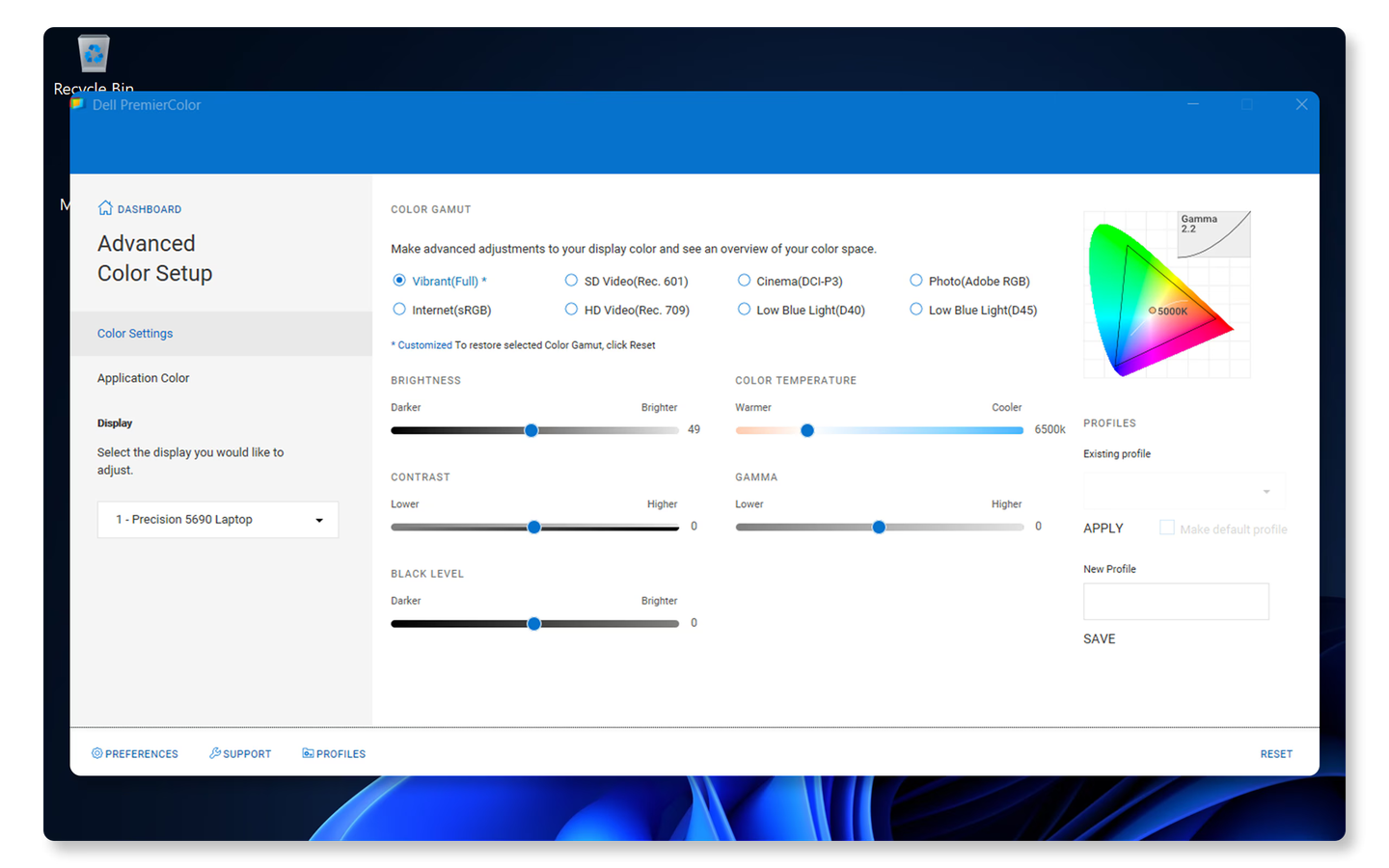
Dell’s approach to factory calibration, particularly with their UltraSharp monitors that feature PremierColor technology. Each display is factory calibrated for AdobeRGB and sRGB colour spaces to a Delta-E value of less than. For context, Delta-E represents the difference between how a colour should appear and how it actually appears on screen, with values below 1 being imperceptible to the human eye.
What truly sets Dell apart is that each PremierColor monitor comes with a complete factory calibration report. This documentation gives users confidence that their display meets professional standards right from the start. The PremierColor system also offers user-accessible hardware look-up tables (LUTs) for post-purchase calibration, allowing professionals to fine-tune their displays as they age. The calibration process takes approximately 3 to 5 minutes to complete using Dell’s calibration software.
Dell’s Ultrasharp series has evolved with newer models like the U2725QE featuring IPS Black panel technology, which triples the standard contrast ratio from 1000:1 to 3000:1, providing improved depth and realism while maintaining colour accuracy.
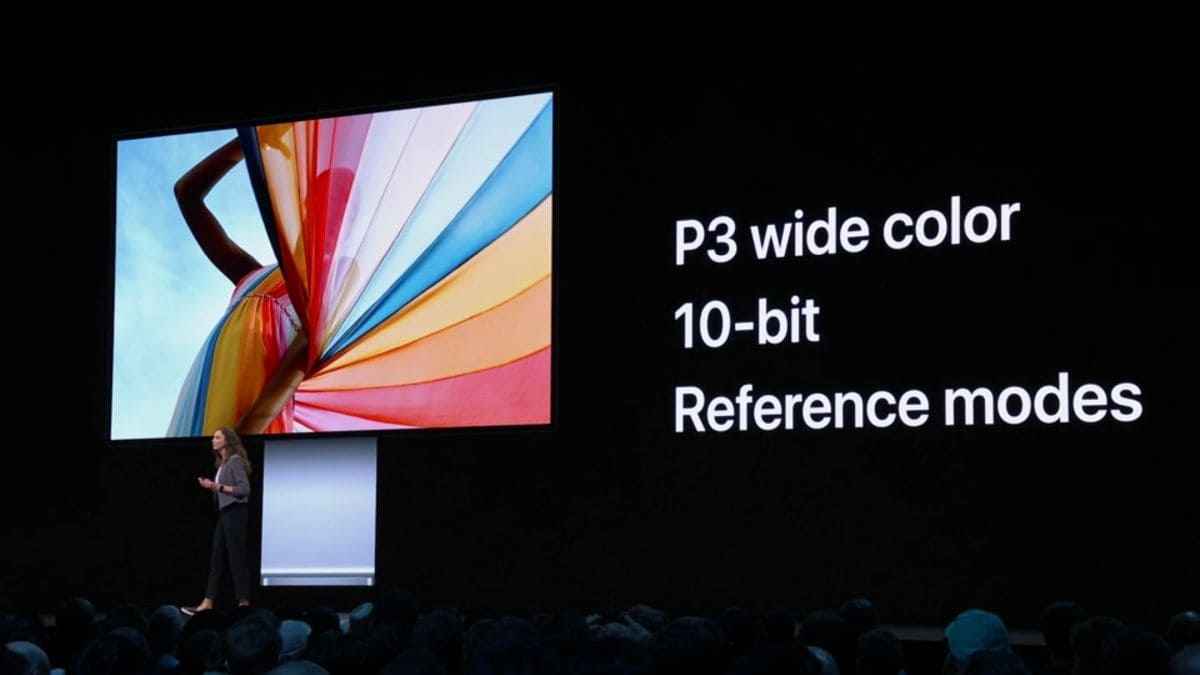
Apple takes a somewhat different approach with their displays, focusing on integration with their ecosystem and out-of-the-box accuracy. Their laptops, particularly the MacBook Pro line, feature displays calibrated to the P3 colour gamut, a wide colour space that offers approximately 25% more colours than standard sRGB.
Apple’s displays are generally regarded as reliable straight from the factory, which is why many professionals trust them without additional calibration. Their True Tone technology, though not strictly a calibration feature, adjusts white balance based on ambient lighting conditions to deliver a more natural viewing experience.
In macOS, Apple provides several calibration options with varying levels of depth. There’s full calibration, which adjusts the display’s lookup tables but is limited to the P3 colour gamut; fine-tuning for quicker adjustments; and visual fine-tuning that helps match white points across multiple displays. One limitation of Apple’s approach is that when using full calibration, users are confined to the P3 colour gamut rather than having flexibility across multiple colour spaces.
Apple’s high-end MacBook Pro models now feature Mini-LED backlighting, providing improved contrast and more precise local dimming, which affects how colours are perceived and further enhances their professional display offering.
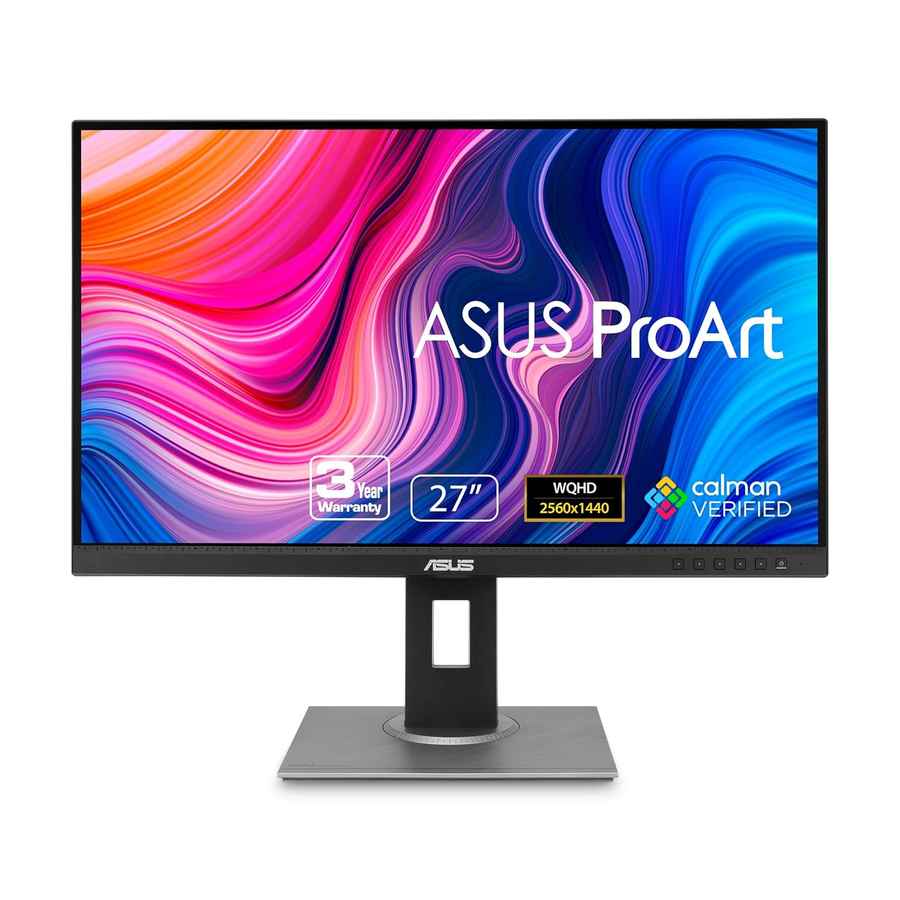
ASUS takes a different tack with their ProArt displays, which feature Pantone Validation, a partnership with the colour authority known for its standardised colour matching system. The ASUS ProArt Calibration system is quite thorough, allowing users to calibrate both colour accuracy and panel uniformity.
The ProArt Calibration software walks users through multiple steps, including parameter selection, colorimeter connection, and placement guidance. After calibration, the software generates a detailed report showing the results, which can be exported for record-keeping or client verification. ASUS provides specific ICC profiles for different colour spaces, including AdobeRGB, DCI-P3, DisplayP3, Rec709, Rec2020, and sRGB, making it easier for users to work across different colour standards.
One distinctive feature of some high-end ASUS displays is embedded calibration. Models like the PA32DC, PA24US, and PA32DCE feature built-in calibrators that can be recalibrated to maintain accuracy. This approach simplifies the calibration workflow for professionals who need consistent colour reproduction without investing in external hardware.
ASUS ProArt Calibration saves all colour parameter profiles on the IC chips within the monitor rather than on the PC, which means you can connect the monitor to different devices without experiencing colour shifts. This approach reduces signal distortion between the IC and the display, making it easier to maintain consistency across different workflows.
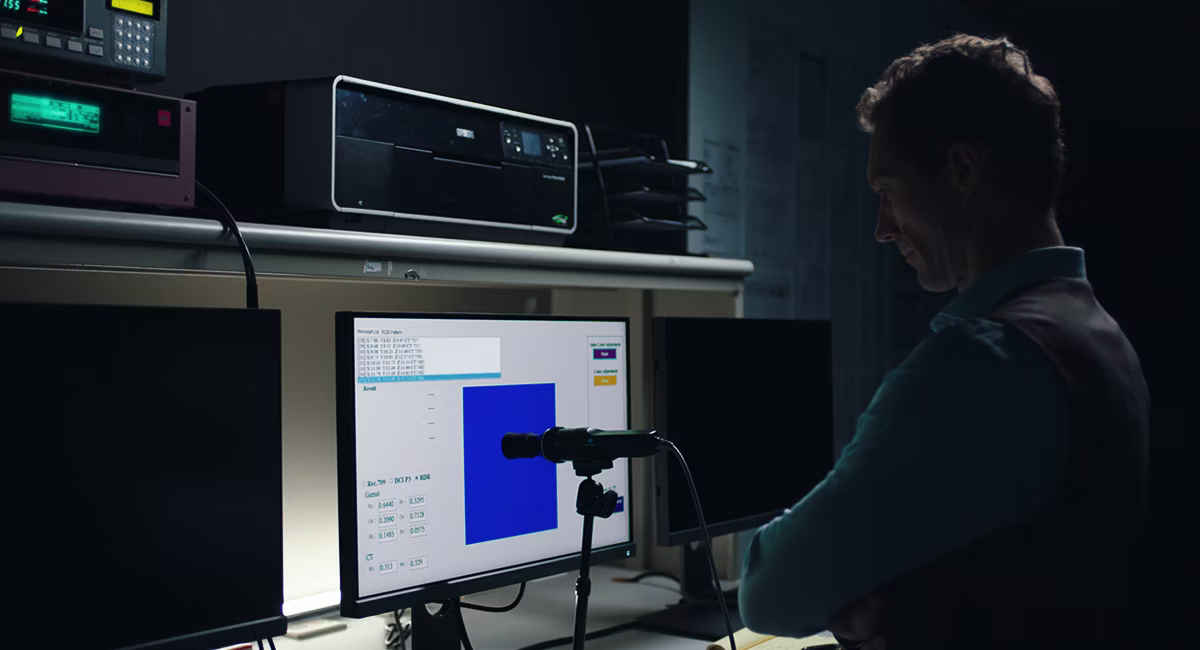
BenQ takes factory calibration particularly seriously, performing calibration unit by unit rather than applying generic profiles across production batches. Their process includes adjusting brightness, gamma, colour temperature, panel uniformity, and preset colour modes. BenQ emphasises that only “lab-grade color calibration in the factory ensures accurate color performance on displays”.
Every BenQ Photographer/Designer monitor undergoes a rigorous factory calibration process and comes with a factory calibration report as proof. This report shows the performance of each individual monitor after calibration, including information about the monitor’s colour gamut, colour accuracy, and uniformity.
BenQ’s DesignVue monitors, like the PD2725U, come individually pre-calibrated with a certification report guaranteeing trustworthy colour performance. A unique feature of some BenQ monitors is the hotkey puck G2 controller that acts like a remote, allowing users to make adjustments without awkwardly leaning in to use buttons on the display, a thoughtful addition for professionals who frequently switch between colour presets.
The importance of factory calibration varies dramatically depending on your use case. For professional photographers, graphic designers, video editors, and digital artists, accurate colour reproduction is essential. When your livelihood depends on colour accuracy, when what you see on screen must precisely match what appears in print or on other displays, factory calibration is just the starting point. These users should consider regular recalibration at least once a month for critical equipment, though a schedule of every three months is acceptable for high-quality professional displays that maintain their colour accuracy well.
For general users who primarily browse the web, watch videos, play games, or work with documents, factory calibration is a nice-to-have rather than a necessity. While better colour accuracy enhances the viewing experience, subtle differences in colour reproduction won’t significantly impact everyday tasks.
Business users who work with presentations and marketing materials fall somewhere in the middle. While pixel-perfect colour matching isn’t usually required, consistent and pleasant colour reproduction can make a difference in how your materials are perceived.
The overarching reality is that most users never calibrate their displays beyond factory settings. Even among creative professionals, many rely on the factory calibration of premium displays from manufacturers like Apple, Dell, and ASUS. This reliance makes the quality of factory calibration increasingly important as displays become central to both work and entertainment.
If you work with colour-critical materials, the differences in factory calibration approaches should influence your purchasing decisions, with transparent documentation of Delta-E values and support for hardware calibration being valuable features. For everyone else, these differences are worth understanding but shouldn’t be the primary driver of your next laptop purchase.