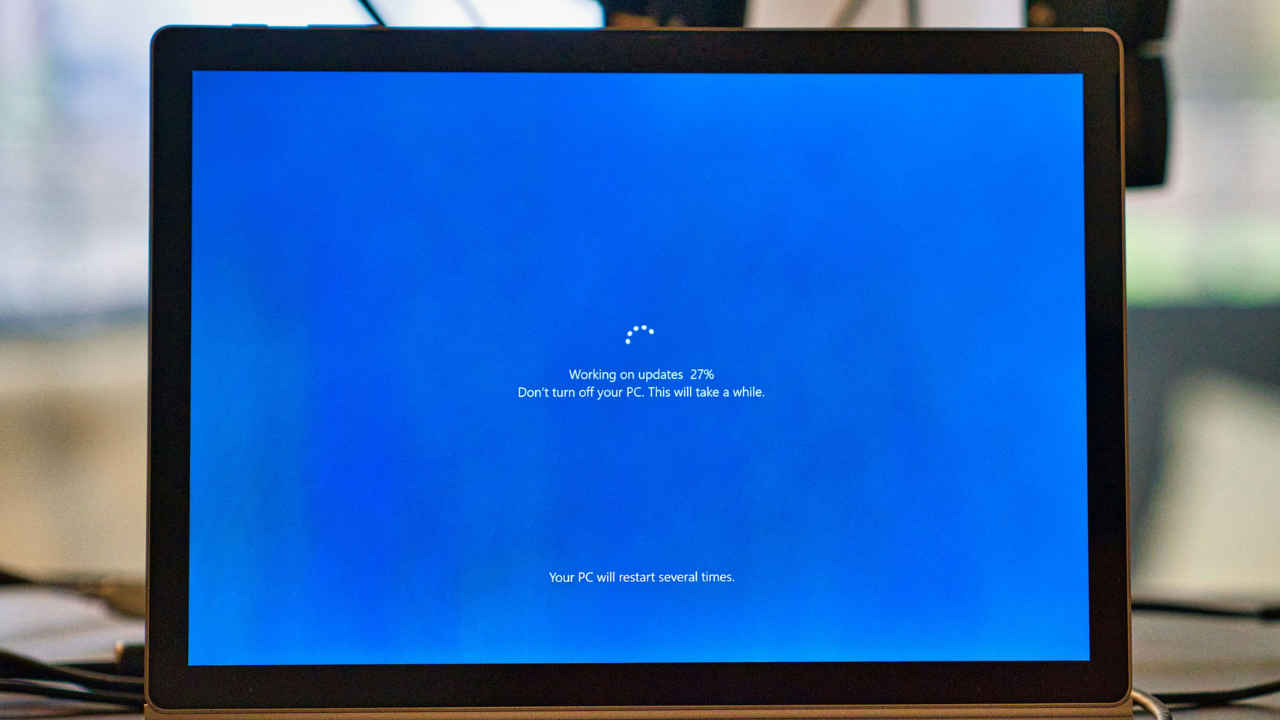
It has been a while since Microsoft announced that support for its widely used Windows 10 operating system will officially end on October 14, 2025, closing the chapter on a platform that has powered millions of personal and business devices worldwide for nearly a decade. Even though Windows 10 machines will continue to run beyond this date, they will no longer receive new security patches, feature improvements, or direct technical assistance. This transition marks a significant shift for consumers and organisations still relying on the OS, many of whom will now need to decide whether to upgrade to Windows 11, invest in Extended Security Updates (ESU), or consider cloud-based alternatives.
 Survey
In a recent blog post, Yusuf Mehdi, Microsoft’s Executive Vice President and Consumer CMO, said that the company’s goal is to make the transition process smooth and secure, offering multiple paths that balance affordability, performance, and long-term protection.


What changes after October 14, 2025?
After October 14, 2025, Windows 10 devices will still function but will no longer receive security or feature updates, nor technical support. The only exception will be Security Intelligence Updates for Microsoft Defender Antivirus, which Microsoft will continue to provide through October 2028.
To help users through the transition, Microsoft has introduced the Windows 10 Extended Security Updates (ESU) programme. The scheme provides monthly critical security patches, though no new features will be added. For personal PCs, users can enrol directly from Settings, with three options available: free enrolment via Windows Backup or Microsoft Rewards, or a paid option costing $30. For commercial devices, the cost is $61 per device each year, renewable for up to three years. In the case of cloud and virtual environments, ESU will be included automatically at no additional cost. Coverage begins on October 15, 2025, and runs until October 13, 2026, with the option to renew annually.
Microsoft is also urging users to consider upgrading to Windows 11, which the company positions as the natural successor to Windows 10. According to Microsoft, Windows 11 delivers 62% fewer security incidents and three times fewer firmware attacks, along with up to 2.3 times faster performance compared to its predecessor. Organisations are said to benefit from 50% faster workflows and a reported 250% return on investment. The operating system also introduces smaller and quicker updates, enhanced multitasking tools like Snap Layouts and multiple desktops, and a refreshed, modern interface. Accessibility has been given a boost too, with new features such as live captions, Voice Access, and Focus Sessions aimed at making the platform more inclusive.
For users and businesses looking for cloud-based solutions, Windows 365 offers another route to Windows 11. This service allows people to securely access Windows 11 through the cloud on virtually any device. To ease adoption, Microsoft is currently offering new customers a 20% discount on Windows 365 subscriptions.
Why move to Windows 11?
Microsoft is positioning Windows 11 as the natural upgrade path, highlighting significant improvements over Windows 10 in the post. Some of these are-
- 62% fewer security incidents and three times fewer firmware attacks
- Up to 2.3x faster performance
- 50% faster workflows and a reported 250% ROI for organisations
- Smaller and quicker updates, improved multitasking with Snap Layouts, multiple desktops, and a more modern UI
- New accessibility features such as live captions, Voice Access, and Focus Sessions
For those seeking cloud solutions, Windows 365 provides a cloud-based path to Windows 11 with a 20% discount for new customers.
What does Microsoft say?
“Windows is part of your everyday life, and we want to help keep that experience smooth, secure and up to date,” Mehdi said in the blog post. “No matter where you are in your journey—whether it’s staying on your current PC with ESU, upgrading to Windows 11 or moving to Windows 365—we’re here to support you every step of the way,” he added.
Microsoft is also promoting its new line of Copilot+ PCs, designed with AI at the core. Exclusive features include Recall, Click to Do, Cocreator in Paint, Restyle in Photos, and Copilot Vision. These devices, offered by partners such as Acer, ASUS, Dell, HP, Lenovo, Samsung and Microsoft Surface, promise a blend of mobility, performance, and security tailored for next-generation workflows.
Microsoft is further supporting the transition with trade-in and recycling programmes, ensuring older devices are responsibly repurposed. Thus, with Windows 10 reaching its final phase, Microsoft is steering its vast user base toward Windows 11, Copilot+ PCs and cloud solutions, ushering in what it calls the AI-powered future of personal computing.
 Follow Us
Divyanshi Sharma
Divyanshi Sharma is a media and communications professional with over 8 years of experience in the industry. With a strong background in tech journalism, she has covered everything from the latest gadgets to gaming trends and brings a sharp editorial lens to every story. She holds a master’s diploma in mass communication and a bachelor’s degree in English literature. Her love for writing and gaming began early—often skipping classes to try out the latest titles—which naturally evolved into a career at the intersection of technology and storytelling. When she’s not working, you’ll likely find her exploring virtual worlds on her console or PC, or testing out a new laptop she managed to get her hands on. View Full Profile


