The feature builds on Call Screening, offering context before the call reaches the user.
iPhone users can customize settings to silence, ask reason, or disable call screening entirely.
Compatible with all devices supporting iOS 26, it works automatically in the background for unknown callers.
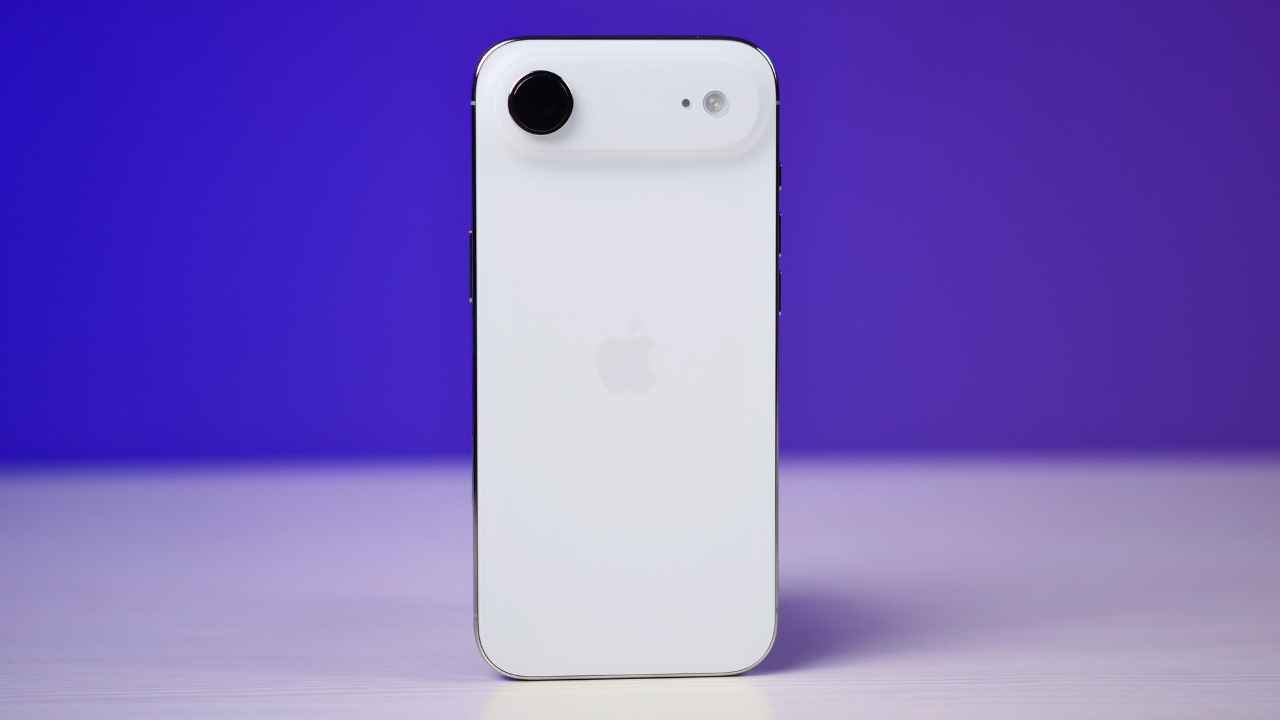
Apple has recently introduced its new software update, the iOS 26 for all eligible devices. While the new update brings a lot of new features, a new “Ask Reason for Calling” feature is in the headlines for its cool functionality. The new feature is built on its existing Call Screening functionality, which automatically sends unknown calls to voicemail. This update allows iPhones to automatically ask unknown callers to state their name and the reason for calling before notifying the user.
 Survey
Once you enable it, the feature works in the background. When someone not in your contacts calls, the iPhone will answer on your behalf and request the caller’s details. Only after the caller provides their name and purpose will the phone ring and display the information, giving users the choice to pick up or ignore the call.


Apple says that this feature aims to help iPhone users avoid spam calls without missing important calls, such as those from delivery executives or service providers. Unlike the older “Silence Unknown Callers” feature, which could block even meaningful calls, “Ask Reason for Calling” provides context before the call reaches the user.
Also read: Vivo X300, X300 Pro launch timeline, display, camera, processor and all other leaks
It must be noted that the feature is optional and the users can customise their call handling preferences. iPhone owners can choose between silencing unknown calls, using the new Ask Reason option or disabling call screening entirely.
In order to activate the feature, iPhone users can navigate to Settings > Phone > Screen Unknown Callers and select Ask Reason for Calling. This feature is compatible with all iPhones that support the iOS 26 update. However, there may be situations when the users may face problems with accuracy and it remains to be seen how it will turn out.
 Follow Us
Ashish Singh
Ashish Singh is the Chief Copy Editor at Digit. He's been wrangling tech jargon since 2020 (Times Internet, Jagran English '22). When not policing commas, he's likely fueling his gadget habit with coffee, strategising his next virtual race, or plotting a road trip to test the latest in-car tech. He speaks fluent Geek. View Full Profile


