Google has announced a major update to its search features in India.
With the new Search Live in AI Mode, users can now have real-time, interactive conversations with Google using voice and camera.
India is the first country outside the US to get this experience.
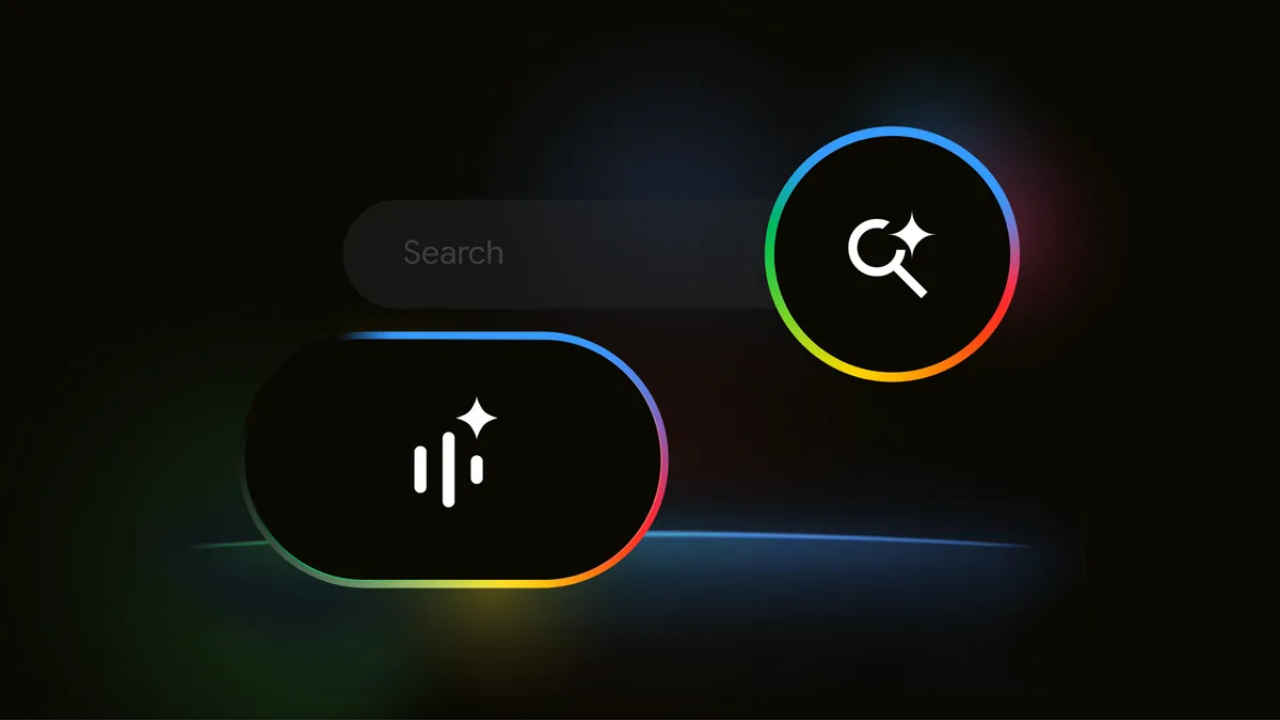
Google has announced a major update to its search features in India. With the new Search Live in AI Mode, users can now have real-time, interactive conversations with Google using voice and camera. This update is part of Google’s effort to make searching more intuitive, conversational, and accessible for everyone. India is the first country outside the US to get this experience, available in both English and Hindi.
 Survey
Here’s everything you need to know about the Search Live feature.


What is Search Live?
Search Live is a way to interact with Google. Instead of typing out your queries, you can talk to Search and show it what you see using your phone’s camera. Google will respond with helpful AI-generated audio answers, and you can continue the conversation with follow-up questions.
Whether you’re trying to cook a new recipe, fix something at home, complete schoolwork, or explore a new place, Search Live makes it easier to get instant guidance. The conversation stays active in the background, so you can continue using other apps while interacting with Google. You can also revisit past responses anytime through your AI Mode history.
Also read: OnePlus 13s available with over Rs 7,000 discount during Amazon Great Indian Festival 2025
How to use Search Live
Using Search Live on your phone is simple:
- Open the Google app.
- Tap the Live icon below the Search bar.
- Follow the on-screen instructions if it’s your first time.
- Start your conversation using voice: Tap Mute to turn off your microphone. Tap Unmute to resume. Say “stop” to interrupt Google’s response. To use your camera, tap the Video icon to show Google what you see.
- To end the conversation, tap Exit.
You can switch from AI Mode to a Live conversation at any time by tapping the Live icon. You can also start a Search Live chat with your camera directly from Google Lens by tapping Live.
How to disable Search Live
You can disable Search Live by disabling the AI Mode, and in order to do so, you can visit labs.google.com/search.
 Follow Us
Ayushi Jain
Tech news writer by day, BGMI player by night. Combining my passion for tech and gaming to bring you the latest in both worlds. View Full Profile


